What to look for when buying a conference camera
Start by testing the audio against typical office noise, then check the seating layout, computer connection and business requirements.
Front-facing USB video bar
A good fit if: The group mainly speaks towards the screen and a laptop or room PC is used to start the conference. Logitech positions the MeetUp 2 for small rooms and lists it for both BYOD and room PC use.
Things to consider: The camera sits in front of the group, rather than in the middle of it. Check the framing and how clearly people can be heard from the seats at the sides and furthest away.
Centrally placed 360° camera
A good fit if: Participants sit around the table and you want people who speak at different times to be visible. Owl Labs describes the Meeting Owl 3 as offering a 360° view and automatic speaker focus.
Things to consider: Owl Labs lists a 3 m video radius and a 5.5 m audio radius for this model; according to the datasheet, an app is required for initial set-up. This does not mean it is better at suppressing background conversations.
Wide-angle front-facing video bar
A good fit if: The group sits side by side or near a wall and needs a wide field of view. Jabra lists a 180° field of view and eight beamforming microphones for the PanaCast 50.
Things to consider: The PanaCast 50 does not provide a 360° view of the table. Jabra describes features for reducing residual echo and static noise; test how clearly people can be heard when conversations are happening at the same time in the room where it will be used.
| Priority |
What to check before buying |
Who will find this especially important |
| Clear voices |
Test the audio with typical background noise and people sitting furthest away; refer to manufacturers’ claims about filtering and range only for the exact model. |
If remote participants need to understand what is being said despite office noise, a test in the actual room is the priority for consumers with this main concern; around 36% put clear audio first. |
| Visibility of the seats |
Check the seating plan against the camera position; don’t confuse a front-facing field of view with a 360° view. |
If several people speak from around the table, consumers with this main concern want to capture all the relevant seats; around 29% prioritise visibility from different directions. |
| Connection and conferencing service |
Check the USB connection, laptop or room PC set-up and required platform features with your IT team. |
If different laptops are used for the planning meeting, consumers with this main concern want to connect the computers they already have with ease; around 21% focus primarily on connection and integration. |
| Set-up and data protection |
Check which apps are required, how devices will be managed, and clarify the service, recordings and responsibilities. The Data Protection Conference checklist dated 11 November 2020 covers roles, legal bases and safeguards, among other things. |
If you need to clarify set-up, management and the handling of video and audio data before use, consumers with this main concern want to agree business procedures in advance; around 14% put these questions first. |
Joybuy video conferencing products
The Joybuy products below cover a range of video meeting set-ups. Before buying, consider how well the room size, seating layout, computers in use and required audio pick-up match your day-to-day meetings.
 No image available
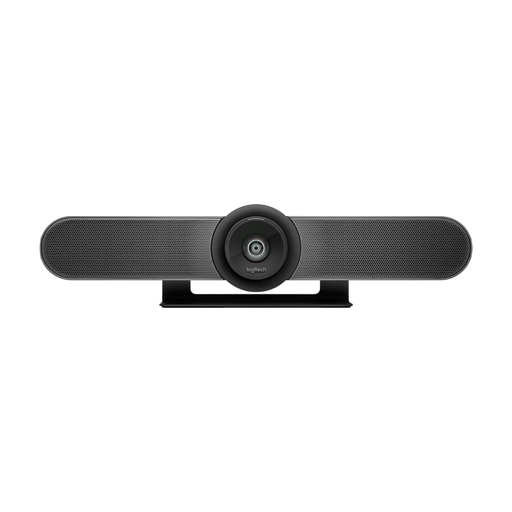
Logitech MeetUp all-in-one conference camera
For small meeting rooms where you need a front-facing camera with a 120° field of view and motorised pan and tilt.
The product name lists 4K, USB plug-and-play, a built-in microphone and a speaker. Check how clearly people can be heard from the actual seats.
View at Joybuy
 No image available
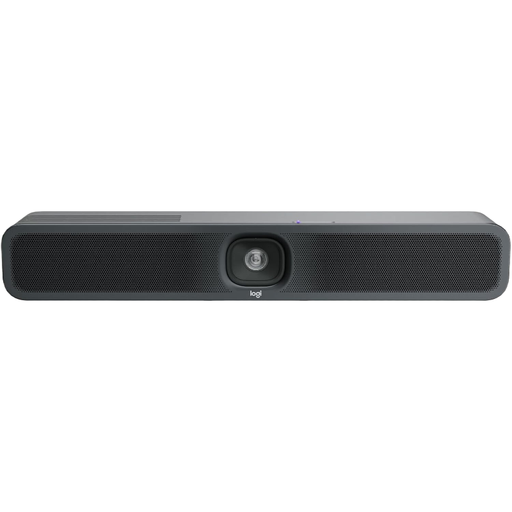
Logitech MeetUp 2 4K all-in-one conference camera
For small meeting rooms where a front-facing video bar could work with your own computer or a room PC.
The product name lists 4K, USB, a built-in microphone and a speaker. Test the audio in the room with typical office noise; the model specifications are no substitute for a trial.
View at Joybuy
 No image available
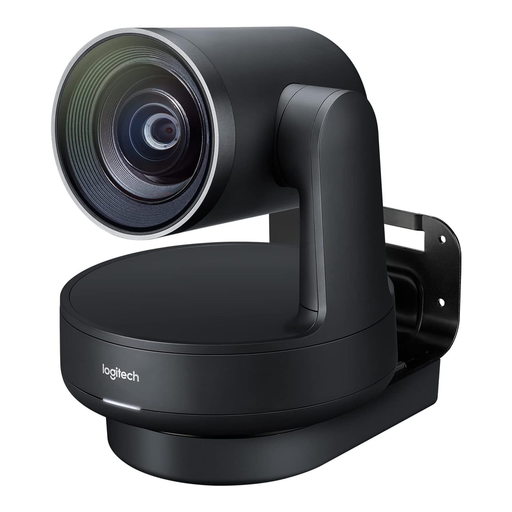
Logitech Rally Plus, 960-001224
For teams that need a modular system for medium to large rooms. If you’re equipping a small meeting area, pay particular attention to the space required and the installation involved.
The product name lists a 4K PTZ camera, speakers, microphone pods and a hub. The components are separate, so make sure the set-up you need is right for the room.
View at Joybuy
 No image available
AOC 4K PC Webcam, Black
For video calls on a PC if you need a computer webcam rather than a dedicated conference room system.
The product name lists 4K, a 99° field of view, a built-in microphone, noise suppression and plug-and-play. Check that the field of view is wide enough to include everyone around the meeting table.
View at Joybuy
 No image available
Philips 4K UHD Webcam 4000 Series, EU version, SPL6408BT/00
For computer video calls when you need a webcam with autofocus and a privacy cover to suit your screen or laptop.
The product name lists 4K UHD and two microphones. Check the framing and audio pick-up with the number of people who will actually be in the meeting.
View at Joybuy
Frequently asked questions about conference cameras in noisy offices
Is a 4K camera enough to make our planning meeting clear in a noisy office?
No. Picture resolution does not describe audio pick-up. Check the microphones, noise and echo suppression, then test how clearly people can be heard from the intended seats in a trial call.
Where should a 360° camera go for a meeting around a table?
For the Meeting Owl 3, Owl Labs recommends placing it in the centre of the table, 1 m from the screen and no more than 5.5 m from participants. These specifications apply to the model named; also check the cable route and the view from the furthest seat.
Will we need any extra equipment or software as well as the camera?
It depends on the model and operating mode. Logitech describes the MeetUp 2 as suitable for use with a laptop or room PC; Owl Labs lists a USB-C host computer and an app for initial set-up for the Meeting Owl 3. Before buying, check your existing computers, IT approvals and the services you need for your meetings.
Can you use a conference camera in a German office without a data protection review?
The camera alone does not determine this. The Federal Commissioner for Data Protection and Freedom of Information notes that both the provider’s obligations and users’ responsibility for the communication content they determine are relevant. The Data Protection Conference checklist dated 11 November 2020 covers legal bases, responsibilities, safeguards and transparency, among other things. Discuss the intended use, particularly the conferencing service and any recordings, with your organisation’s data protection officers.


