Joybuy products for small meeting rooms
This selection includes USB conference cameras for small meeting rooms, including front-facing video bars that connect to a computer.
 No image available
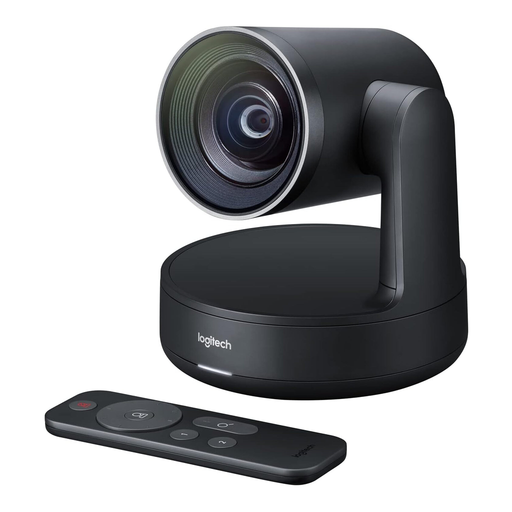
Logitech ConferenceCam, 10,4 × 15 × 15,4 cm
For small groups where people take turns speaking; check whether the stated microphone range of 2,40 m suits your seating arrangement.
Product details list USB-A, 1920 × 1080 pixels, pan, tilt and zoom functions, and a full-duplex speakerphone.
View at Joybuy
 No image available
Logitech Conference Camera Rally 960-001227
An option if you want to connect a conference camera to a computer or other device via USB.
Product details list USB and 4K video.
View at Joybuy
 No image available
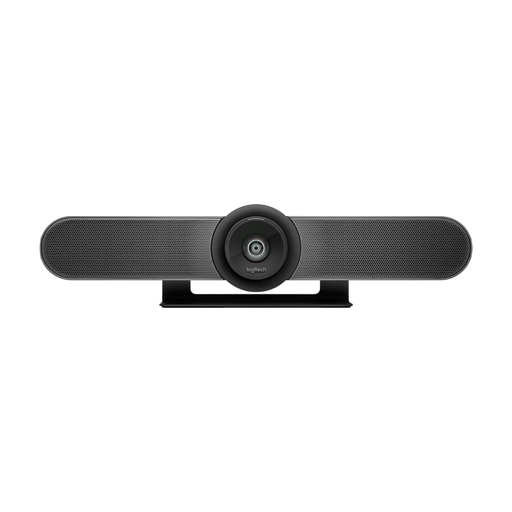
Logitech MeetUp All-in-One 4K Conference Camera
For small meeting rooms; check that a front-facing camera suits the way your group is arranged.
Product details list a 120° diagonal field of view, motorised pan and tilt, and integrated microphones and speakers.
View at Joybuy
 No image available
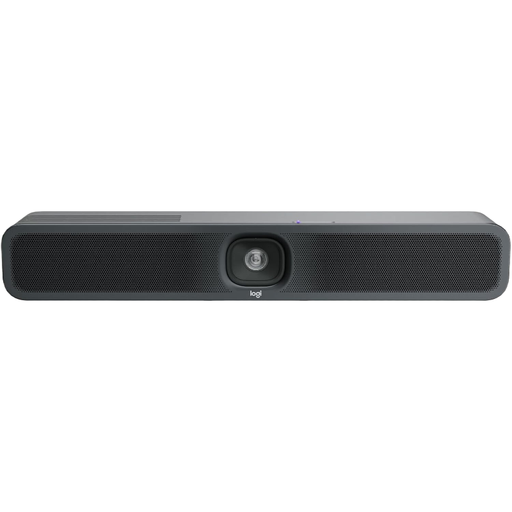
Logitech MeetUp 2, 4K All-in-One Conference Camera
For small meeting rooms with a room PC or a laptop brought in by a participant; check the connection type for your planned setup.
Product details list USB, 4K video, and integrated microphones and speakers. The single-cable BYOD connection described by Logitech requires an optional active USB cable.
View at Joybuy
Frequently asked questions
Does a writing workshop need a 360° camera?
Only if the seating arrangement and people speaking from different directions make one a good fit. If the group is mostly facing the screen, a front-facing video bar may work well; check the view against your actual seating plan.
Can a conference camera capture handwriting or a digital manuscript clearly?
A group view doesn’t guarantee that text will be legible. Jabra lists a whiteboard camera for the PanaCast 50; test handwriting and lighting at the planned camera position. For digital manuscripts, you can share your screen through the meeting software if needed.
What should I set up before the first workshop?
Connect the camera and power supply to the computer you plan to use, then check the camera, microphone and speakers in your meeting app. Owl Labs also lists the Meeting Owl App as necessary for initial setup of the Meeting Owl 3. For MeetUp 2, Logitech distinguishes between a connection using two standard cables and the optional single-cable BYOD setup.
What accessories and included items should I check?
Check whether your chosen connection type requires extra cables or a suitable mount, and compare the included items for the specific product version. The active USB cable for the MeetUp 2’s single-cable BYOD connection is optional; HP lists different included items for the standalone Poly Studio R30 and the R30-Plus bundle.
Can you freely transmit or record video and audio at an organised workshop in Germany?
There’s no blanket answer. Guidance published by the Conference of the Independent Data Protection Supervisory Authorities of the Federal Government and the Federal States on 13 November 2020 states that the organisation responsible for processing video and audio needs a legal basis and must observe the principle of data minimisation. Whether a particular transmission or recording is permitted, and on what legal basis, depends on how the workshop is organised and run; camera settings alone won’t resolve this.


