Club with members joining remotely
If members are joining from different parts of a small room, the main thing is whether everyone online can hear what they’re saying clearly. Check audio coverage at the furthest seat, too.


Choose a camera based first on the seating arrangement and the distance between members. A USB video bar may suit a group that mostly sits facing forwards, while a 360° tabletop camera is an option for people seated all around the table. Then check the audio at the furthest seat, along with the connections, power supply and video-conferencing platform. A wide field of view or a 4K specification alone won’t determine whether it’s the right choice. Manufacturer-stated ranges are no substitute for testing the camera in your club room.
If members are joining from different parts of a small room, the main thing is whether everyone online can hear what they’re saying clearly. Check audio coverage at the furthest seat, too.
If members are seated at the sides or opposite one another, the camera’s perspective should suit the table layout. A front-facing camera and a 360° tabletop camera capture the room in different ways.
If different people bring their own laptop, you’ll need a suitable connection and a cable and power route that’s easy to plan. Logitech describes MeetUp 2 as connecting to a laptop or room PC via USB.
Start by comparing the seating plan and audio requirements, then check the connection and how much equipment you’ll need. Manufacturer figures for field of view and microphone range can help you narrow down the options, but they don’t prove how clearly people will be heard in your particular room.
| Priority | What to check before buying | Who should consider this? |
|---|---|---|
| Clear audio | Distance to the furthest seat and microphone position; check the sound on a test call. | If members joining remotely need to hear people speaking at the other end of the room, audio coverage is a priority. Around 31% of consumers prioritise clear voices throughout the room. |
| Everyone in frame | Compare the seating plan with the camera position; distinguish between horizontal and diagonal fields of view. | If members sit at the sides or around the table, the key question is whether the chosen perspective captures every seat. Around 31% of consumers put getting everyone in frame first. |
| Easy set-up | Check the USB connection, cable length, power supply and room display together. | If the person chairing the meeting changes frequently and uses their own laptop, connecting it should be straightforward. Around 23% of consumers prioritise an easy set-up. |
| Fewer extra devices | Check which microphones and speakers are already available; compare what’s included with any additional equipment you’ll need. | If you want to keep using the room’s existing equipment, check whether it covers every seat or if you’ll need an integrated audio solution. Around 15% of consumers mainly want to buy only the equipment they need. |
A diagonal field of view and a horizontal field of view are not the same measurement. Logitech lists a 120° diagonal and 113° horizontal field of view for MeetUp 2; Jabra lists a 180° horizontal field of view for the PanaCast 50.
When comparing cameras, note the direction of the field of view and check the framing from the planned camera position.
Manufacturer-stated ranges don’t show how echo or background noise in your club room will affect the audio.
Make a test call from the furthest seat with the camera in its planned position, and factor in any additional room audio equipment you may need.
USB operation doesn’t mean you can do without a power supply or cable. Logitech lists a power supply as well as a USB-C cable for MeetUp 2.
Check the cable route, power sockets and laptop connections at the planned position against your intended set-up.
MeetUp 2 is a USB video bar for small rooms, used with a laptop or room PC.
The UVC34 is a USB video bar for small meeting rooms.
The Meeting Owl 3 is a tabletop camera for groups seated all around a table, rather than just facing forwards.
The PanaCast 50 is a panoramic video bar for people seated well to the sides or for including a whiteboard in the frame.
The PowerConf C300 is a standalone webcam for a small group seated facing forwards, if suitable room audio is already available.
This selection includes integrated conference cameras for small groups, as well as a modular system described as suitable for medium to large meeting rooms. Pay particular attention to whether the room size, seating arrangement and equipment requirements suit each model.
 No image available
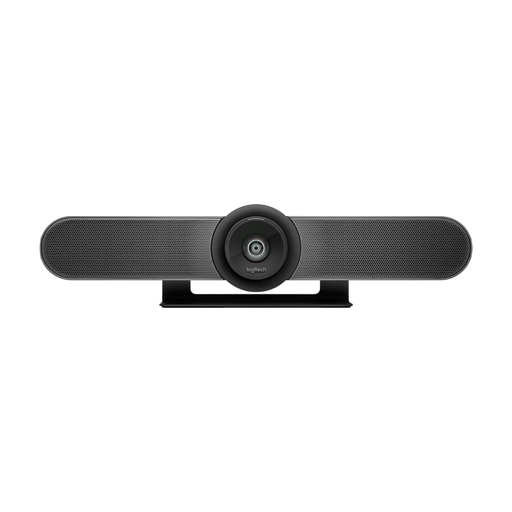
Described as an all-in-one conference solution for small groups. The stated microphone range is 2,40 m; check whether this suits the distance between seats.
 No image available
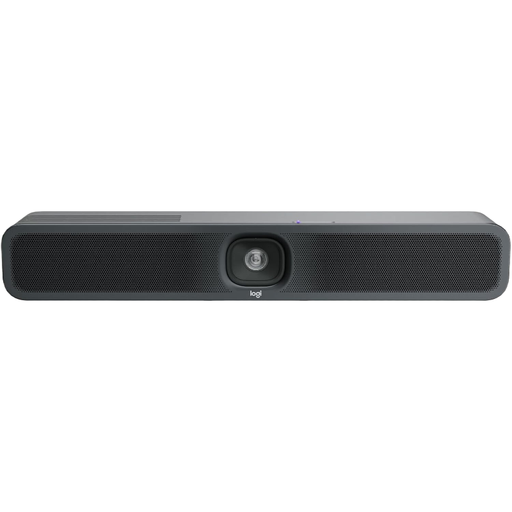
Described as an all-in-one camera for small meeting rooms. If you’re positioning it at the front of the room, check that the framing suits the seating arrangement and that voices are clear from the furthest seat.
 No image available
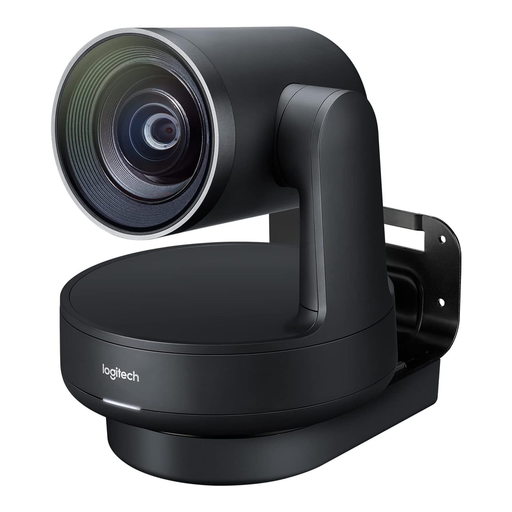
Described as suitable for small meeting rooms and for use with different laptops. Logitech specifies USB operation with a laptop or room PC, and includes a power supply and a 3-m USB-C cable.
 No image available
The system includes a 4K PTZ camera, speakers, microphones and hubs. It’s described as suitable for medium to large meeting rooms and consists of several separate components, so check whether it’s right for your room size and preferred level of installation work.
No. The seating arrangement, framing and audio at the furthest seat matter, too. Devices with a 4K specification can have different fields of view and output formats; for example, Jabra lists a panoramic format of 3840 × 1080 at 30 fps for the PanaCast 50.
Check the USB connection, cable length, power socket, screen output and video-conferencing software together. Logitech describes MeetUp 2 as suitable for use with a laptop or room PC, and includes a power supply and a 3-m USB-C cable.
No. A manufacturer’s warranty is separate from your statutory rights against the seller if goods are faulty. Before ordering, check who the seller is and which warranty terms apply to the specific offer. The Verbraucherzentrale explains your statutory rights when buying goods.
Having a camera doesn’t in itself mean that a particular transmission or recording is permitted. If a club organises a video conference involving personal image and audio data, you’ll need to check responsibilities, the legal basis and how the people concerned are informed. The purpose of any recording should be considered separately. The Conference of the Independent Data Protection Supervisory Authorities of the Federation and the Länder published its guidance on 23 October 2020; it isn’t blanket permission to record every club meeting.