A study group with members joining online
If everyone is expected to join in, clear speech from every seat matters. Freie Universität Berlin recommends prioritising audio and running a test in the room you plan to use.


For a study group meeting in a small meeting room, your choice will depend largely on the seating arrangement. A USB video bar is a better fit when everyone faces one side of the room, while a 360° table camera may suit groups seated around a table. Check that everyone can be heard clearly from their actual seats, and decide whether you’ll connect a laptop or a dedicated room PC. Manufacturers’ stated viewing angles and microphone coverage are no substitute for testing the equipment in your own room.
If everyone is expected to join in, clear speech from every seat matters. Freie Universität Berlin recommends prioritising audio and running a test in the room you plan to use.
If people sit to the side or around the table, the camera view should suit the layout. Jabra describes the PanaCast 50 as providing a wide front-facing view, while Owl Labs describes the Meeting Owl 4+ as offering a 360° view.
If people connect different computers for each meeting, check the host connection and power requirements for the exact model. Logitech describes the MeetUp 2 as suitable for use with a laptop or room PC; HP lists a power supply in addition to the USB connection for the Poly Studio R30.
A good fit if: the group mostly faces the screen and a laptop or room PC controls the video call.
Consider: everyone at the edges of the room needs to be in shot and clearly audible; connections and power requirements vary by model.
A good fit if: the group sits around a table and people speak from different directions.
Consider: the camera’s position on the table and its actual coverage need to suit the seating arrangement.
| Priority | What to check before buying | Who is this important for? |
|---|---|---|
| Clear speech | Test the microphone layout, suitable extensions and how clearly people can be heard from the furthest seat. | If members sitting further away or speaking quietly are also joining online, clear speech is my top priority. Around 36% of consumers prioritise being heard clearly from every seat. |
| Everyone in shot | Plan the seating and camera position, then compare the front-facing field of view and 360° coverage against your layout. | If we’re sitting to the side or around a table, I want to know in advance whether everyone will be in shot. Around 29% of consumers put camera coverage first. |
| Connecting different laptops | Check the host connection, included cables and power requirements for the exact model. | If participants bring different computers, I need a connection that works with the laptop and setup we plan to use. Around 21% of consumers prioritise connecting a laptop easily. |
| Showing study materials | Decide whether to use screen sharing, an additional document camera or the room camera, then test the setup. | If we’re discussing paper, a whiteboard or other study materials, I want to make sure online members can see them. Around 14% of consumers put displaying study materials first. |
Picture resolution doesn’t tell you whether someone in the furthest seat will be easy to hear in your actual room.
Before considering a microphone extension, test the sound from every occupied seat with someone joining online.
Jabra says the PanaCast 50 captures a wide panorama in front of the camera; Owl Labs describes the Meeting Owl 4+ as a 360° table camera. These views suit different seating arrangements.
Decide where people will sit and where the camera will go before choosing.
HP describes the Poly Studio R30 as needing a power supply as well as a USB connection to the PC. The connection setup can vary by model.
Check the host connection, power requirements and cables needed for the exact model.
Logitech describes the MeetUp 2 as a USB all-in-one solution for small rooms, suitable for use with a laptop or room PC.
HP describes the Poly Studio R30 as a USB video bar for small rooms.
According to the manufacturer, the PanaCast 50 may suit groups that need a wide front-facing view from a camera mounted on the wall.
Yealink describes the UVC40 E2 as a USB video bar for small meeting rooms.
Owl Labs describes the Meeting Owl 4+ as a 360° camera with built-in audio for groups sitting around a table.
This selection includes conference cameras for small meeting rooms and online study groups, including front-facing cameras and a modular system. Compare the connections and components with your seating arrangement and the computer you plan to use.
 No image available
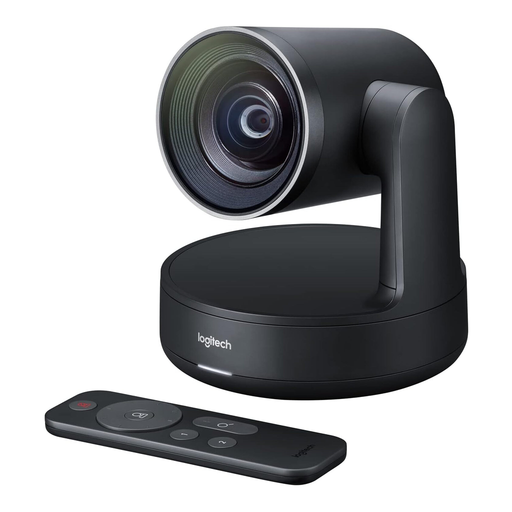
Described as a ConferenceCam for small groups and meeting rooms.
Listed features include USB-A, HD video, a full-duplex speakerphone with microphone and speaker, and pan, tilt and zoom functions. The field of view is listed as 78° and the microphone range as 2,4 m. Mac and Windows compatibility is also listed.
 No image available
Described as a conference camera for video calls.
 No image available
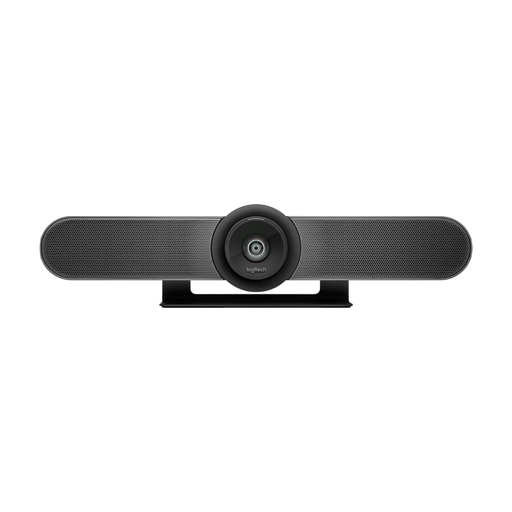
Described as being for small meeting rooms; this older MeetUp model is different from the MeetUp 2.
The product title lists 4K and a 120° field of view. Logitech lists motorised pan and tilt for the older MeetUp. According to the product description, an external power supply is required.
 No image available
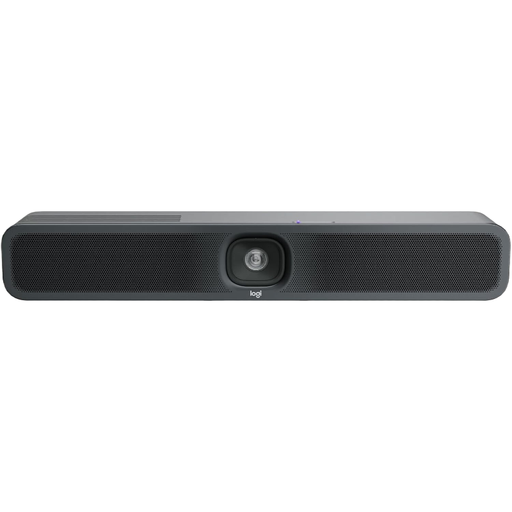
Logitech describes the MeetUp 2 as an all-in-one solution for small rooms, suitable for use with a laptop or room PC.
Listed features include USB and an integrated camera, microphone and speaker. A power supply is required in addition to the USB connection.
 No image available
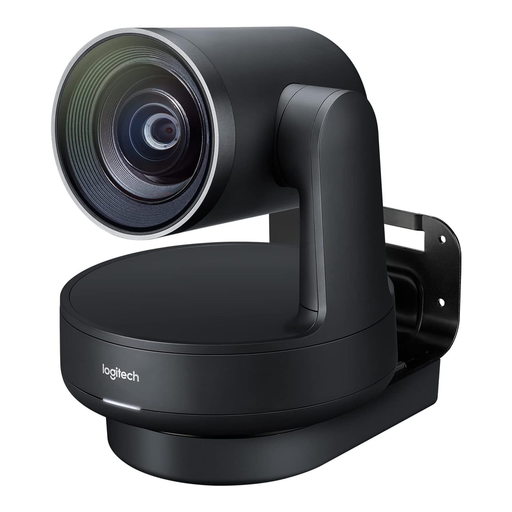
The product name describes it as being for medium to large meeting rooms; check whether its component-heavy setup suits your smaller room.
Listed features include a 4K PTZ camera, two speakers, two microphones and USB operation. The camera, speakers and hubs are separate components.
Test the setup in the room you plan to use and ask someone joining online to give feedback from every occupied seat. Check the speakers, camera framing and selected input and output devices too. Freie Universität Berlin recommends prioritising audio and, where possible, running a test in the room you’ll be using.
It depends on the model. HP describes the Poly Studio R30 as needing a power supply as well as a USB connection to the PC; Logitech says the MeetUp 2 can be used with a laptop or room PC. Before buying, check the connections, power requirements and cables needed for the specific model.
According to the Verbraucherzentrale, consumers buying at a distance generally have a 14-day right to cancel. Exceptions and the terms of the specific contract should be checked. The Verbraucherzentrale also distinguishes between statutory consumer rights for faulty goods and a voluntary guarantee.
No. You shouldn’t start recording without checking first. Section 201 of the German Criminal Code covers the unauthorised recording of another person’s privately spoken words, so check that you have permission and meet data protection requirements beforehand. The German Data Protection Conference notes that video calls may involve the processing of personal data.