A targeted breeze while you work
If you spend most of your time sitting in one place, you’ll want to direct the airflow towards your seating area rather than trying to cool the whole room.


For a breeze at a fixed desk, choose a stable, tiltable desk fan with a well-controlled low setting. If you also want to move air beyond your seating area, direction and oscillation range become more important. Check the noise and airflow on the same setting you’ll actually use, and keep the appliance and electrical connections away from water. Germany’s Verbraucherzentrale points out that a fan does not lower the room temperature like an air conditioner.
If you spend most of your time sitting in one place, you’ll want to direct the airflow towards your seating area rather than trying to cool the whole room.
For calls or focused work, you’ll need to balance airflow against operating noise at the same usable setting.
If you want to reach other areas of the conservatory too, direction, oscillation range and a safe place to position the fan all matter.
A good choice if: you want an adjustable breeze at your desk and have a stable, dry surface to place the fan on.
Trade-off: a fixed airflow direction is less effective at reaching other areas, while a draught that’s too strong can be uncomfortable when you’re sitting close by.
A good choice if: you want to move air beyond your desk and have enough room for the oscillation range. Xiaomi documents horizontal and vertical oscillation for the Smart Desktop Air Circulation Fan; Meaco specifies both directions for the Sefte 10 Table Pro.
Trade-off: the airflow won’t be directed at one person all the time, and manufacturers’ specifications are no substitute for assessing the fan at your own workspace.
A good choice if: you want to place the fan away from your desk and direct the airflow deliberately. The German distributor lists 99 speed settings for the Vornado 5303 DC.
Trade-off: the product description does not list automatic oscillation, so check the airflow path and space requirements at your chosen location.
| Priority | What to check when buying | Who is it important to? |
|---|---|---|
| Air distribution that suits your needs | Tilt, horizontal and, where available, vertical oscillation, as well as adjustable low settings on the specific model. | If I want to direct the airflow towards my seat and reach other areas when needed, I check the tilt and oscillation functions. Around 36% of consumers say suitable air distribution is their top priority. |
| Noise at a useful airflow setting | Noise and airflow at the same setting that’s suitable for your seat; check the conditions behind the manufacturer’s figures. | When I’m concentrating or on a call, I want a setting that moves the air without causing unnecessary disruption. Around 29% of consumers focus on getting the right balance with noise. |
| A safe place to position it | A stable, level surface, clear air inlets, cable routing and the instructions for your chosen model; if contact with water is possible, check the permitted conditions of use. | If I want to position the fan and its connection safely in the conservatory, I pay particular attention to the surface and its distance from possible water or condensation. Around 21% of consumers put a safe location first. |
| Space and operation | Dimensions, power supply, stated power consumption and how easy it is to clean the specific version. | On a busy desk, I need a fan that fits safely; if I’m using it for longer periods, the right power supply matters too. Around 14% of consumers focus mainly on space or operation. |
A fan can make you feel cooler at your desk, but it does not lower the room temperature like an air conditioner.
First, consider whether you need moving air at your desk or an actually lower room temperature. Germany’s Verbraucherzentrale recommends ventilating when the outside air is cooler; shading helps reduce heat from sunlight.
The setting needed for the airflow you want may be louder. Rowenta lists different minimum and maximum noise levels for the Turbo Silence Extreme+ VU2750.
Assess the noise and airflow at the setting you’d actually use at your desk.
Good airflow direction won’t help if the fan is unstable or could get splashed by watering or exposed to condensation. The guidance in the MeacoFan-1056 manual applies to that specific model.
Before choosing a location, check that the fan is stable, its air inlets are clear, the cable can be routed safely and you’ve read the instructions for your chosen appliance.
The details below apply to the specific models listed, not necessarily to a brand’s entire range.
The Sefte 10 Table Pro is a desk model designed to provide adjustable airflow at your workspace.
The Smart Desktop Air Circulation Fan combines a compact design with airflow in two oscillation directions.
The 5303 DC is an adjustable desk or room air circulator designed to direct airflow.
The Turbo Silence Extreme+ VU2750 is a desk fan with automatic horizontal oscillation.
The following Joybuy models are described as desk fans or compact air circulators for moving air at your desk. Depending on the range you need, check the direction, power supply and available space in particular.
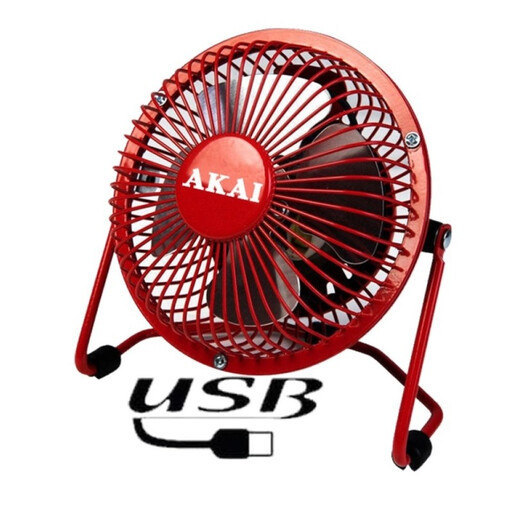 No image available
Described as a desk fan; the product description specifies a stable, dry surface and a dry indoor environment.
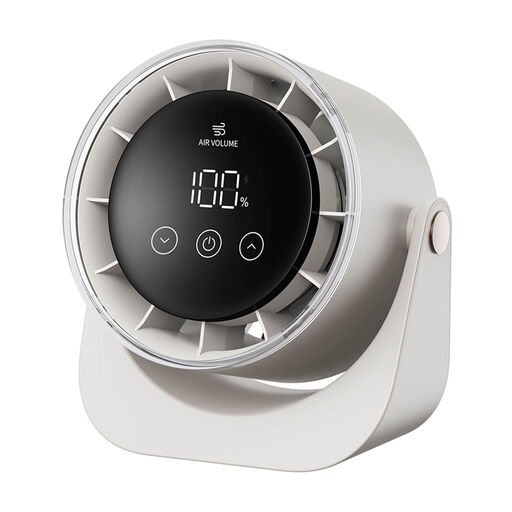 No image available
This compact cordless model is described as a desk fan.
Details in the product name: LED display, 100 speed settings and 90° tilt adjustment.
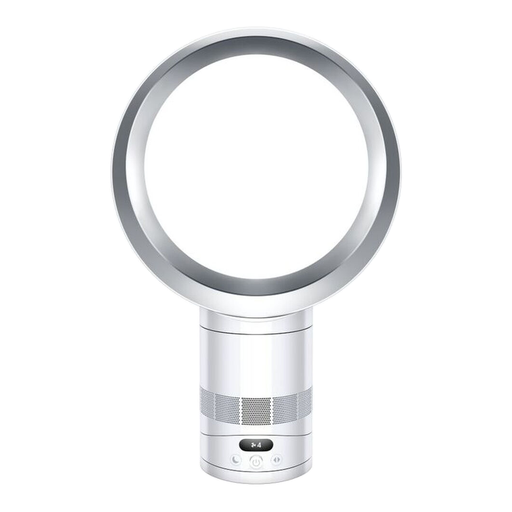 No image available
Listed as a desk fan. Check that the airflow path and space requirements suit your desk and chosen location.
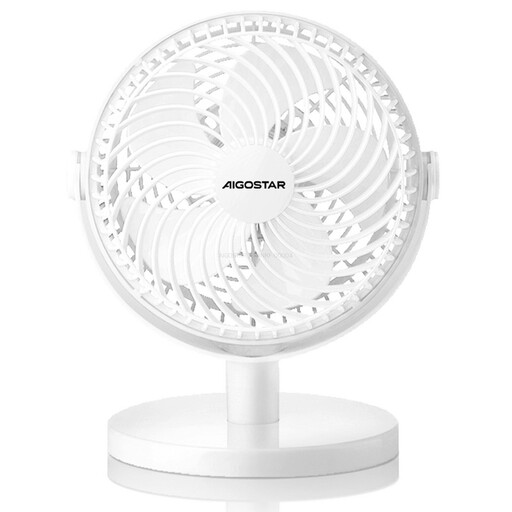 No image available
For use at a desk, the product name indicates that the fan is USB-powered and has an adjustable head.
Details in the product name: five blades, two speed settings and a portable design.
 No image available
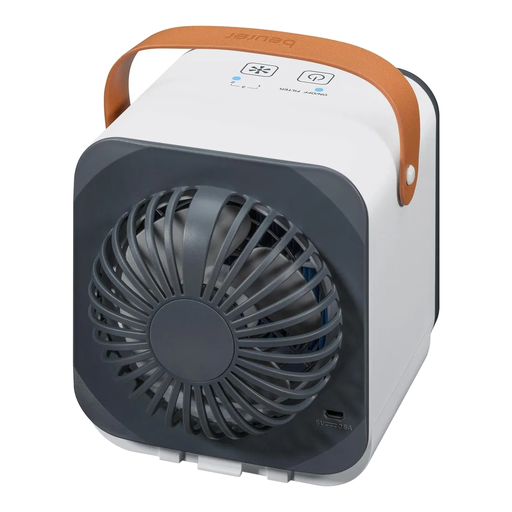
This model combines a desktop fan with an evaporative function; check that the feature suits your chosen location.
Details in the product name: three speed settings, a 0.25-litre water tank and USB power. The evaporative function requires water and a filter; the seller recommends a stable, level location away from water sources.
Not like an air conditioner: moving air can feel cooler where you’re sitting, but it doesn’t provide cooling. Germany’s Verbraucherzentrale recommends ventilating when the outside air is cooler; shading helps reduce heat from sunlight.
Only if the specific location and the instructions for that model allow it. For example, the MeacoFan-1056 manual warns against operating the fan in standing water and requires its electrical components to remain dry; this does not mean that other models are automatically suitable for damp areas. Keep the fan, its connection and the watering area separate, and check the model-specific conditions of use if contact with water is possible.
Switch the appliance off before cleaning and follow the instructions for your chosen model on the grille and cleaning. Keep the air inlets clear while it’s running; according to the MeacoFan-1056 manual, a blocked air supply can cause overheating.
For products that require CE marking, the manufacturer declares under its own responsibility that the relevant requirements have been met. Germany’s Federal Network Agency does not regard CE marking as an independent quality seal. The Verbraucherzentrale explains that consumer goods purchases generally come with a two-year statutory guarantee against the seller; this is separate from any additional manufacturer’s warranty. The one-off 12-month extension described there, which applies if you choose a repair, is for purchases made from 31 July 2026 and is subject to the conditions set out for it.
Electrical waste should be taken to an authorised collection point, such as a local council recycling centre. Whether a retailer will take it back without a new purchase depends, among other things, on the retailer’s size and the appliance’s dimensions.