Joybuy products for playing on the device
These Joybuy products let you play on a handheld with a built-in display. Check that the stories you want are available on each console’s system. For the retro handheld console, take particular care to check that the specific titles you want are available.
 No image available
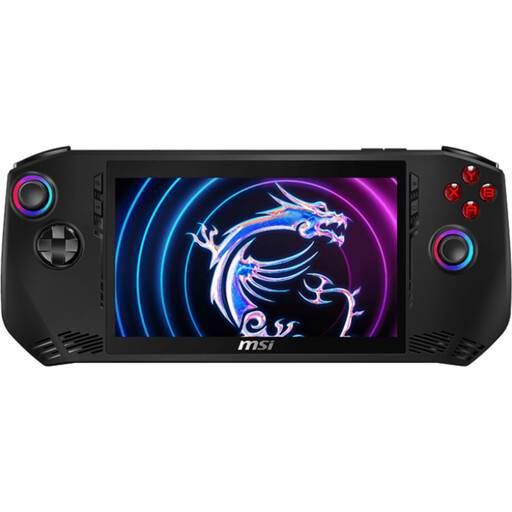
MSI Claw A1M-059 Handheld Gaming PC
The built-in display lets you play on the device without taking up the TV; check that your specific games are compatible.
Intel Core Ultra 7 155H, 16 GB LPDDR5, 1 TB PCIe SSD, 7-inch FHD touchscreen with 120 Hz and Windows 11 Home.
View at Joybuy
 No image available
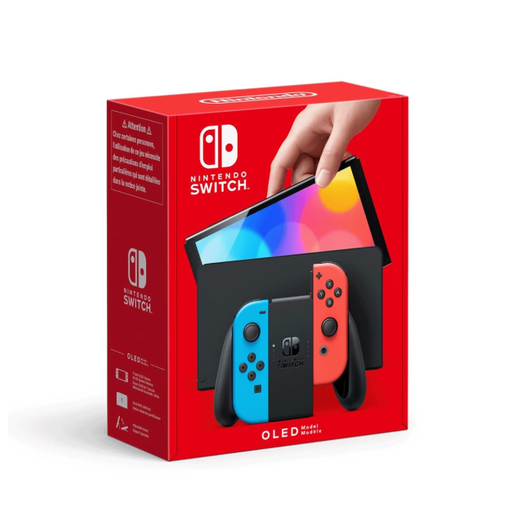
Nintendo Switch OLED Neon-Red/Neon-Blue
If your stories are available on Switch, you can play on the device in handheld mode and switch to tabletop or TV mode when you have access to a screen.
7-inch OLED display, 3.5 mm audio jack and 64 GB of internal storage; a compatible microSD card is sold separately.
View at Joybuy
 No image available
Nintendo Switch 2 (EU)
The built-in display lets you play in handheld mode, while the tabletop and TV modes offer other ways to set up. Check compatibility for each older Switch game you want to play.
7.9-inch display and 3.5 mm audio jack.
View at Joybuy
 No image available
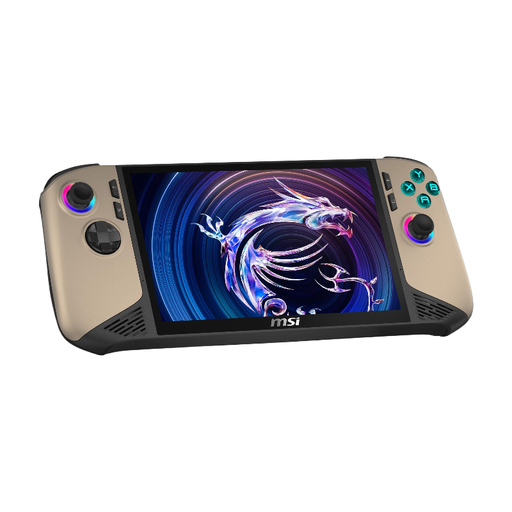
MSI Claw 8 AI+ Gaming Handheld
The built-in display lets you play on the device when there’s no TV available. Check that the stories you want to play are available on this system.
Intel Core Ultra 7, 32 GB RAM, 1 TB SSD, 8-inch FHD+ touchscreen with 120 Hz and Windows 11 Home.
View at Joybuy
 No image available
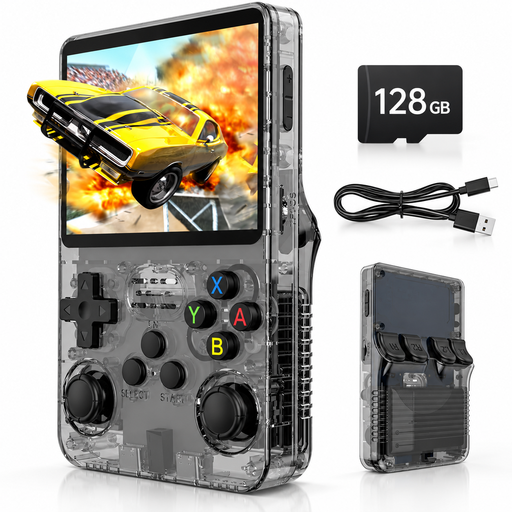
Portable Retro Handheld Console, 3.5-inch
This is only an option if the specific stories you want are available on the system; also check whether the text is easy for you to read on the 3.5-inch display.
IPS display, 128 GB storage and Linux system.
View at Joybuy
Frequently asked questions
How can I check whether my interactive story is available on the device and in German?
Check the German store listing for the specific edition to confirm the platform and on-screen languages. On Switch Lite, the game must also support handheld mode; older Switch games on Switch 2 and Steam games on Steam Deck are subject to separate compatibility checks.
Do I have to use a TV in a shared bedroom?
No. Switch Lite, Switch OLED, Switch 2 and Steam Deck OLED all have their own displays. PS5 Digital Edition and Xbox Series S need an external screen; Switch Lite can’t be used in TV mode.
What should I know about set-up and adding storage?
Download digital games before you plan to play and check the online requirements for each title. Nintendo lists compatible microSD cards for Switch OLED; microSD Express is required for extra game storage on Switch 2. Nintendo also notes that you’ll need a system update over the internet to use these cards.
Do I automatically need a subscription for interactive single-player stories?
No. Choosing a console doesn’t automatically mean you need a subscription. Sony and Microsoft’s information refers to online multiplayer; check the purchase, streaming and multiplayer options for each game rather than assuming you’ll need a subscription.
What are my rights if a device is faulty?
When you buy as a consumer from a business seller, you’re generally entitled to a statutory guarantee of at least two years from delivery, which you can claim from the seller; an additional manufacturer’s warranty doesn’t replace it. The EU explains these guarantee rights for goods bought in the EU.
What applies in Germany when children use the games?
USK age ratings are linked to restrictions on the sale of games to children and young people. They don’t assess whether a game is educationally suitable or its quality; for each title, also check for information about purchasing or communication features.


