Story fans with a Steam library
If you already have specific text-based PC games in mind, check the language and Steam Deck compatibility for each one. Valve distinguishes between categories such as ‘Playable’ and ‘Verified’.


If you want to play without a separate monitor, consider a handheld with a built-in screen. You can prop up the Nintendo Switch 2 on a table, while the Steam Deck is designed for compatible games in your Steam library. A Windows handheld is another option for PC gaming; the Xbox Series S requires a suitable external screen. Before you buy, check the platform, language and compatibility for each game you have in mind. Screen resolution alone doesn’t guarantee that text will be easy to read.
If you already have specific text-based PC games in mind, check the language and Steam Deck compatibility for each one. Valve distinguishes between categories such as ‘Playable’ and ‘Verified’.
A built-in screen means you don’t need a separate monitor, but it doesn’t automatically guarantee that the text and controls will be comfortable from where you sit. Nintendo says the Switch 2 has an adjustable stand, while Valve lists a 7.4-inch display for the Steam Deck OLED.
If you want to use your desk monitor, check the device’s connections and whether the games you have in mind are available for that platform. Microsoft describes the Xbox Series S as an all-digital console with no built-in screen.
Start by choosing the games you want to play. Then check whether a built-in screen, desk space and controls will suit your setup.
| What to consider | What to check before buying | Who is this important for? |
|---|---|---|
| Game selection and language | Check the platform, interface language and compatibility status for every game you have in mind. | If I already have specific stories in mind, I want to make sure they’re available on the device and in a language that suits me. Around 40% of consumers put game selection first. |
| Readability and desk space | Check the text size and viewing angle in the game itself, and measure the free space on your desk. | For long reading sessions, I want to be able to read the text from where I usually sit, without needing to fit in an extra monitor. Around 30% of consumers prioritise readability and space requirements. |
| Controls and PC use | Check the game’s input methods and any connections needed for accessories or an external screen. | If I want the flexibility to switch between PC games and different input methods, I compare the controls for each title. Around 20% of consumers prioritise PC controls. |
| Additional equipment | Check whether you’ll need a monitor or compatible storage expansion for the way you plan to use the device. | If I want to keep using accessories I already own, I want to know in advance whether my screen and storage will work with the device I choose. Around 10% of consumers pay particular attention to extra equipment and accessories. |
A title may be available for a different platform or with a different interface language. Older Switch games may also have compatibility restrictions or require upgrades.
Before buying a device, check the store listing, language and device-specific status for every game you have in mind. Nintendo notes that older Switch games may have restrictions and may require free or paid upgrades.
Manufacturer specifications for screen size and resolution don’t tell you how easy it is to read the text in a particular game from where you sit.
Check how the text looks in the game itself and, if needed, plan to use a screen you already have.
Unlike the handhelds covered here, the Xbox Series S doesn’t have a built-in display.
Before choosing this type of device, think about the monitor you already own and how much desk space it needs.
Nintendo specifies microSD Express for the Switch 2 memory card slot. Standard microSD cards can’t be used as compatible storage expansion in that slot.
Check the card standard and whether you’ll need extra storage for the games you plan to play.
The Switch 2 is an option if you want to play interactive stories in handheld or tabletop mode, without a separate monitor.
The Steam Deck OLED may suit buyers looking for a portable device with a screen, whose chosen stories are available on Steam.
The ROG Ally X (2024), German model RC72LA-NH007W, is a Windows handheld option for buyers who prefer PC gaming.
The Xbox Series S is a home console and all-digital alternative if you already have a suitable screen.
This selection includes handheld PCs for PC gaming, as well as Nintendo Switch models with a built-in screen and tabletop mode.
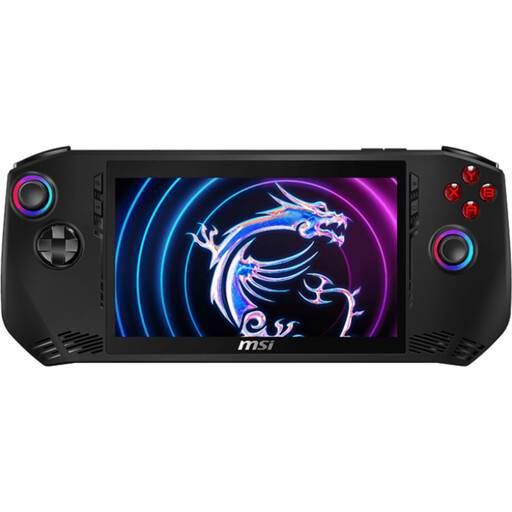 No image available
Described as a handheld gaming PC with a built-in touchscreen, this model is an option for playing PC games at a small desk.
The product specifications list an Intel Core Ultra 7 155H, 16 GB LPDDR5, a 1-TB PCIe SSD and Windows 11 Home.
The display is listed as 7 inches, Full HD and 120 Hz.
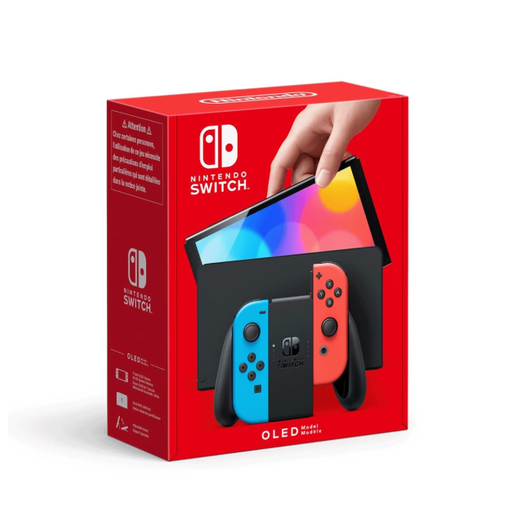 No image available
The built-in screen and tabletop mode make this model an option if you want to play without a separate monitor.
The product specifications list a 7-inch OLED screen and an adjustable stand.
 No image available
The built-in screen and tabletop mode make this a good choice for a setup without a separate monitor.
Nintendo lists a 7.9-inch screen with a resolution of 1920 × 1080 pixels for the Switch 2. The product specifications include tabletop mode.
Nintendo notes that older Switch games may have compatibility restrictions or require upgrades.
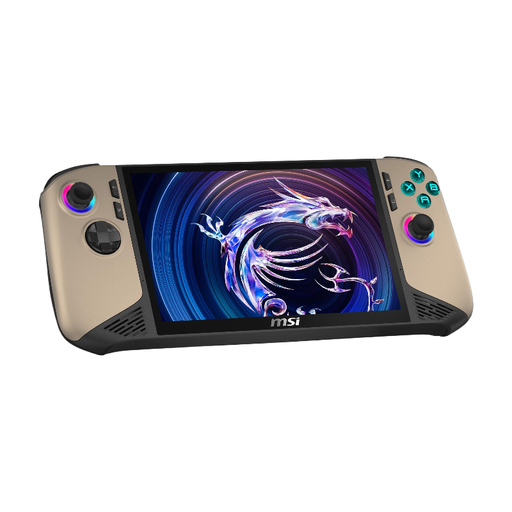 No image available
As a Windows handheld with a built-in display, this model is an option for playing PC games without a separate monitor.
The product specifications list an Intel Core Ultra 7, 32 GB RAM, a 1-TB SSD and Windows 11 Home.
The touchscreen is listed as 8 inches, FHD+ and 120 Hz.
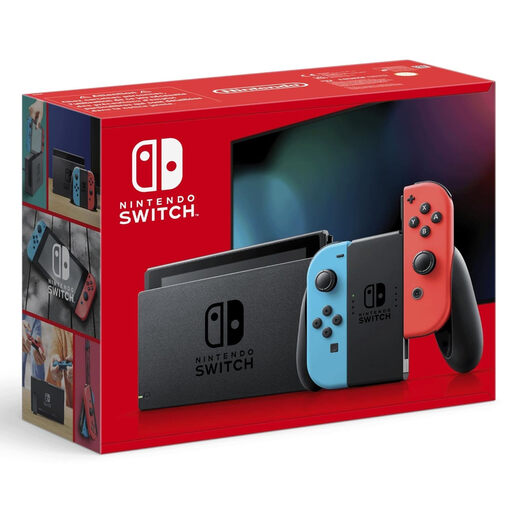 No image available
The built-in screen and tabletop mode make this an option if you want to play without a separate monitor.
The product specifications list a 6.2-inch screen and a flip-out stand.
Not all older Switch games are fully compatible with the Switch 2. Check the specific title using Nintendo’s compatibility information; some improvements may require a free or paid upgrade.
Nintendo says you can use the Switch 2’s stand in tabletop mode, with the stand adjustable to an angle of up to 150 degrees. Valve lists video output via USB-C for the Steam Deck. If you’re using an external screen, also check how much space it needs and what accessories your setup requires.
The status doesn’t guarantee that a title will work without restrictions. Valve lists Roadwarden as ‘Playable’ with an English interface, so also check the language and the controls you need for each game.
Check the age rating for the specific game. Section 12 of the German Youth Protection Act (JuSchG) regulates the public supply of video games on physical media to children and young people according to their age rating. USK age ratings indicate the appropriate age group, not whether a game is educationally suitable. This doesn’t mean there is a blanket age rating for an entire console.