Co-op players on the same device
When two people play together, the game needs to recognise their inputs separately. Valve notes that games can prioritise multiple controllers differently depending on the input mode.


Choose a controller based first on the co-op game you want to play and the platform you’re using: connecting two devices doesn’t guarantee that the game will recognise them as separate players. For local media files, you’ll also need to check whether the app you use supports controller input. And make sure the wired or wireless connection suits your seating position.
When two people play together, the game needs to recognise their inputs separately. Valve notes that games can prioritise multiple controllers differently depending on the input mode.
If you’re weighing up wired and wireless options, consider the connection options available on your platform and how far you’ll be sitting from your gaming device. Microsoft lists USB, Bluetooth and Xbox Wireless for Windows controllers; for Windows, 8BitDo specifies 2.4 GHz or USB for the Ultimate 2C.
If you want to use an app to control local media files as well as play games, check separately whether it recognises controllers and how its buttons are mapped. Kodi’s documentation explains how to configure controllers and button actions.
First, check that the platform and the specific game work together. Then consider separate inputs, your seating position and whether your media app supports controller input.
| What to consider | What to check before buying | Who it matters most to |
|---|---|---|
| Platform and game | Check the operating system, the exact controller model and the input options supported by the game. | If you want to avoid a controller that connects but doesn’t work as needed in a game, check compatibility beforehand. Around 33% of consumers put compatibility first. |
| Two separate inputs | Check whether local co-op is supported, and whether the game accepts two gamepads or a keyboard and gamepad combination. | For playing puzzle games together, each person needs their own recognised player slot. Around 27% of consumers prioritise having a second, separate input. |
| Connection from your seat | Compare the available ports, wireless connection type and usable cable length with your setup. | If you want to play from a particular seat, the connection needs to work from there. Don’t rely on the word “wireless” alone. Around 20% of consumers pay particular attention to seating position and connection. |
| Media app | Check whether the playback app you use recognises the controller and supports button mapping. | If you want to use the same setup to control local media files, the specific app matters. Around 13% of consumers put media control first. |
| Accessories and additional costs | Check what’s included and whether your platform needs a cable, receiver or another connection solution. | If you’re planning a complete, usable setup, consider any necessary accessories and optional warranties separately from your statutory rights if goods are faulty. Around 7% of consumers prioritise the total cost of their setup. |
According to the manufacturer, Bluetooth on the 8BitDo Ultimate 2C is for Android; for Windows, it specifies 2.4 GHz or USB.
Check the connection table for the exact model and your device before choosing how to connect.
The game itself needs to support both inputs separately. Valve describes possible prioritisation conflicts when a game handles multiple controllers differently depending on the input mode.
Check the local multiplayer mode and test that both players are assigned correctly before you start playing.
A playback app needs to recognise the controller and may need suitable button actions to be assigned. Kodi explains how to configure this for its own app.
Check the media app you actually use, regardless of whether the controller works in your co-op game.
As the Verbraucherzentrale explains, a voluntary warranty doesn’t replace your statutory rights if goods are faulty, which are against the seller.
Check warranty terms separately. If there’s a fault, contact the seller about your statutory rights.
The Xbox Wireless Controller is designed for compatible Xbox consoles and Windows PCs.
The Ultimate 2C Wireless is an option for Windows, with a 2.4 GHz receiver or a wired connection.
The Enhanced Wired Controller for Xbox Series X|S is designed for a wired Xbox or Windows setup.
DualSense is suitable for PS5 and compatible applications on supported PCs.
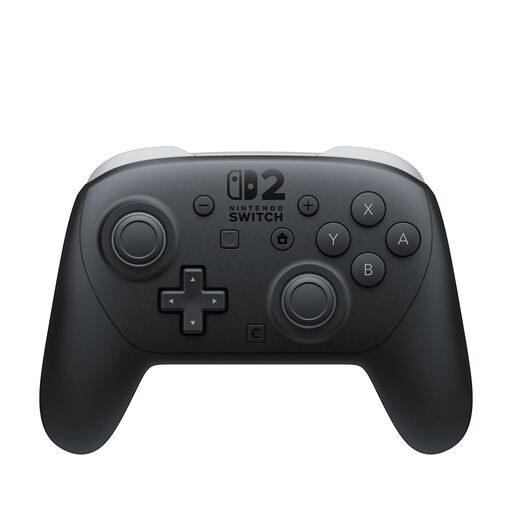
The Switch 2 Pro Controller is designed for Nintendo Switch 2; the older Switch Pro Controller is a different option with different features.
This selection includes controllers for local co-op games on PS5, Windows PC, Xbox and Nintendo Switch 2. Check separately whether each model works with your specific game and media app.
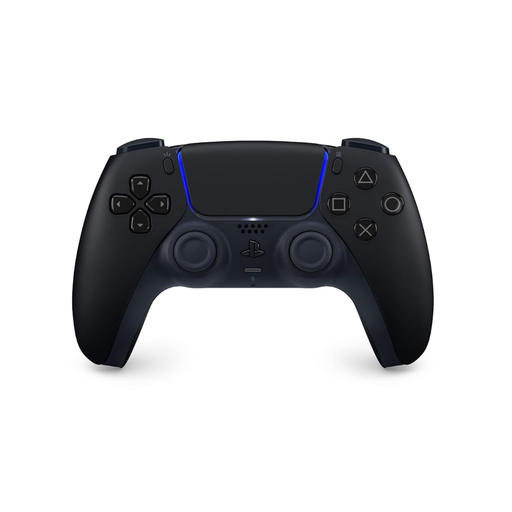 No image available
For co-op games on PS5. On PC, check support in the game you want to play.
The product title lists Bluetooth and USB-C, as well as an included USB cable. According to the product information, haptic feedback on PC depends on the game; some features may require a USB connection.
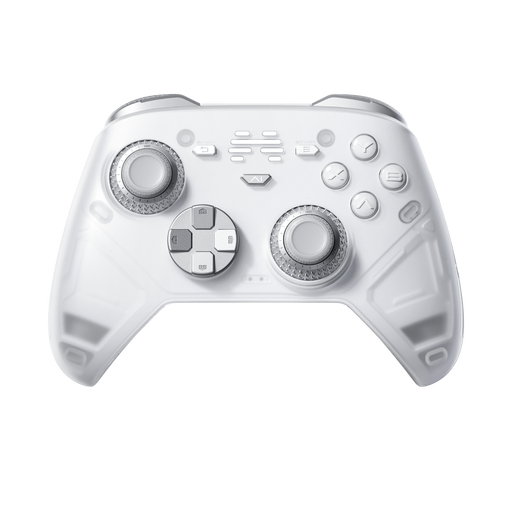 No image available
For a PC or Nintendo Switch setup. Check that your specific co-op game supports the inputs you need.
The product title lists six programmable buttons, adjustable joystick resistance and compatibility with PC and Nintendo Switch. The description lists both wired and wireless connections.
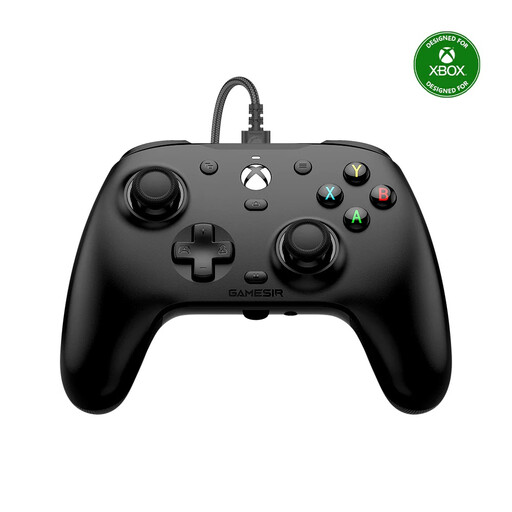 No image available
For Xbox or a Windows PC, if a cable can reach your seat.
The product title lists Hall Effect sticks and compatibility with Xbox and Windows. The description specifies a 3 m USB-C cable; the controller is wired.
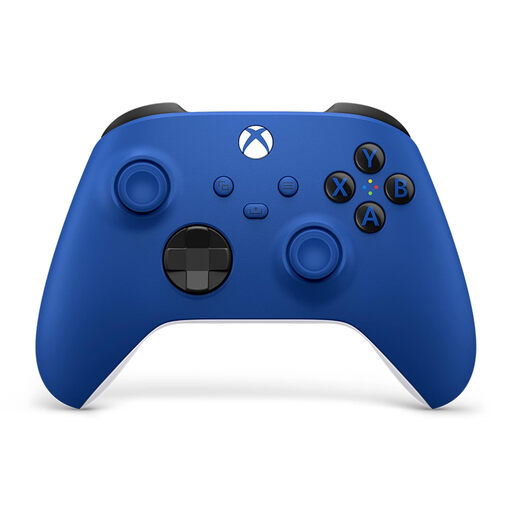 No image available
For Xbox or PC, provided the specific game supports the controller and the multiplayer input you want.
The product information lists Bluetooth and Xbox Wireless, along with two included AA batteries. Compatible platforms include Xbox One, Xbox Series X|S and PC.
 No image available
For local co-op games on Nintendo Switch 2, provided the game supports additional controllers.
The product information lists a wireless connection, an included USB-C cable and customisable GL and GR buttons.
No. The specific game needs to support local co-op and the combination of separate inputs you want to use. Valve notes that conflicts can arise when a game prioritises multiple controllers differently depending on the input mode.
That depends on the playback app you use. Kodi explains controller recognition, configuration and button mapping; this doesn’t mean other apps support controllers or that every file format will work.
First, check that you’re using the connection intended for the exact model and that any USB cable can transfer data. If you have several input devices connected, the game’s controller prioritisation may also affect things.
Consumers buying online generally have the right to cancel, usually within 14 days of receiving the goods, as the Verbraucherzentrale explains. Exceptions and the circumstances of each case should be taken into account. Your statutory rights if goods are faulty, which are against the seller, are separate from any voluntary warranty.