Occasional year-by-year labellers
If you only add to a craft binder now and then and want to enter the year directly on the shelf, a handheld label maker with its own keyboard could be a good choice.


For individual years, a handheld label maker with the right tape is usually enough. If you want to label lots of binders consistently or create wider, designed spine labels, consider an app printer or printable binder spine labels. The key factors are the usable spine area, the right label material and how easy the device is to use. Check how well a label sticks on the specific binder you plan to use.
If you only add to a craft binder now and then and want to enter the year directly on the shelf, a handheld label maker with its own keyboard could be a good choice.
If you have several binders and want a consistent layout, you could use an app printer or print templates for full binder spines. They differ in whether you create your labels on the device, in an app or with a printer you already own.
If colour, label format or a textured binder surface matters to you, consider the specific tape or label material and the usable spine area.
First, measure the usable spine area. Then decide whether you want to create your labels on the device, in an app or with a printer you already own.
| What matters | What to check before buying | Who is it important to? |
|---|---|---|
| Easy-to-read year | Check the spine area against the label width supported by the exact device, tape or roll you plan to use. | If I want to spot the year at a glance on the shelf, the label needs to fit the usable area. Around 36% of consumers say readability is their top concern. |
| Consistent labels across lots of binders | Check whether you need to print individual numbers or full spine labels, and which input method suits you. | If several years of binders need labels in the same style, reusable layouts or print templates can make all the difference. Around 29% of consumers prioritise consistent labelling. |
| Design and adhesion | Check the tape family and width. Test how well it sticks to your specific binder and whether it can be removed as required. | If you want the colour or material to complement your craft binder and the label to stick to its surface, the specific tape matters. Around 21% of consumers see design and surface compatibility as their main concern. |
| Ease of use and replacement supplies | Compare what’s included, the power supply, and the price and length of compatible replacement cartridges. | If you only label things occasionally, you’ll want to keep setup and consumables in mind. Around 14% of consumers put ease of use and ongoing supplies at the top of their list. |
Devices use different tape and roll formats. And just because a label is the right width, that doesn’t mean it will stick to your binder.
Measure the binder spine first, then check the material family and compatibility with the exact model.
According to Brother’s datasheet, batteries and a mains adapter are not included with the Brother PT-H110. Remember to factor in the power supply and compatible consumables.
A backing that peels away easily makes it easier to apply the label, but it doesn’t mean the label itself can later be removed without leaving residue.
If you want to change the years, test how easily the label comes off your specific binder before applying several labels.
Wider label rolls and narrow label tapes are designed for different printing systems, so they won’t necessarily work with the same devices.
Check the label format and compatible consumables for the exact printer model.
Brother offers handheld label makers with direct input, as well as P-touch CUBE models controlled by an app or PC.
The LetraTag range includes a handheld label maker with an ABC keyboard and a Bluetooth model controlled via an app.
The B1 is a Bluetooth printer for wider direct thermal labels.
The P21 is an app-focused alternative for designing labels.
Templates for printable binder spine labels are an alternative to buying your own label maker.
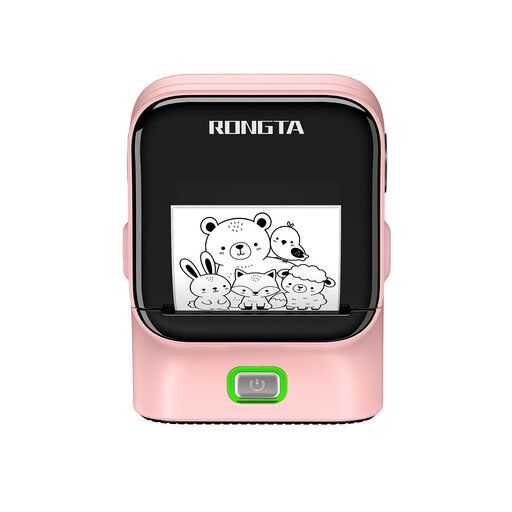
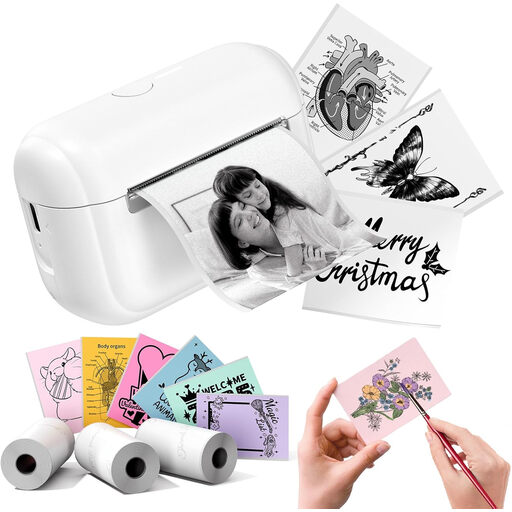
The products below are app- or mobile-device-focused label printers. Before buying, check that the label format and material are suitable for your binder spine.
 No image available
An option if you want to create labels for several binders. Check which label roll will fit the binder spine.
The product title says a label roll is included.
 No image available
Consider this model only if the ribbon material is suitable for labelling your craft binders.
The product title says it’s a satin ribbon printer and includes a label tape refill.
 No image available
A possible choice if you want to create labels for your filing system. Check that the label format suits your binder.
The product title says it supports Bluetooth, USB and thermal transfer printing.
 No image available
If you want to create labels for craft projects, check whether the sticker format is suitable for your binder spine.
The product title says three label tape refills are included.
 No image available
An option for creating personalised labels at home or in the office. Check which format will suit your binders.
The product title says it supports Bluetooth and includes a label tape refill.
A 12-mm tape may work for a short year label, provided it suits the usable spine area and the layout you choose. Measure the binder spine first. You can also find print templates for full spine labels.
Yes. Devices such as the Brother PT-H110 and DYMO LetraTag 100H have their own keyboards. According to Brother’s datasheet, six AAA batteries or a mains adapter are not included with the PT-H110, so check the power supply and the tape supplied.
Buy label tapes designed for your exact device family: the Brother PT-H110 uses TZe tapes, while the DYMO LetraTag devices covered here use LetraTag tapes. For consumer purchases in the EU, faulty goods are covered by a legal guarantee of at least two years; this is separate from any voluntary manufacturer’s guarantee. Online purchases generally come with a 14-day right to cancel from delivery, subject to relevant exceptions, as explained by the EU’s Your Europe portal.
Don’t put label makers in your household waste. The German Environment Agency also advises against disposing of electrical appliances with packaging, bulky waste or scrap metal. Find a suitable local collection point, and remove and dispose of any batteries separately.