Documentary listeners who value clear speech
If you want to follow longer spoken programmes from a seat further away, clear speech matters more than extra music features. Listening to the specific model can tell you more than the wattage alone.


Choose a DAB+ radio for history documentaries based on whether speech sounds clear from your usual seat and whether you can actually receive the programme you want there – a high wattage alone tells you neither. DAB+ works without the internet; internet radio gives you an additional way to listen, but requires a network connection. The regional programme map and indoor reception forecast from Digitalradio Deutschland e. V. can help you narrow down your options, but they cannot replace a reception test at the intended location.
If you want to follow longer spoken programmes from a seat further away, clear speech matters more than extra music features. Listening to the specific model can tell you more than the wattage alone.
What matters is whether you can receive the documentary programme you want at your home and where you plan to place the radio. A regional programme map and an indoor reception forecast each answer a different part of that question.
If you want to operate the radio from your seat in a large living room or connect existing speakers, check whether the specific model comes with a remote control and the audio connections you need.
A good fit if: the programme you want is available in your area and you can receive it via DAB+ or FM where you listen.
Keep in mind: DAB+ does not need the internet, but a forecast cannot guarantee uninterrupted reception everywhere in your living room.
A good fit if: you also want to listen to programmes available online or use more than one way to receive radio.
Keep in mind: internet radio requires a suitable network connection; it does not replace checking reception or listening to the radio for speech clarity.
First, check reception for the programme you want and how clearly speech comes through from where you usually sit. Then consider the connections and controls that suit your room.
| What matters to you | What to check when buying | Who is this important to? |
|---|---|---|
| Speech clarity | Assess speech quality from your usual seat; do not rely on the wattage alone. | If I want to follow longer documentaries from further away, clear speech matters more to me than extra music features. Around 36% of consumers put speech clarity first. |
| Programme and reception | Look for the programme you want on the regional map and check the indoor reception forecast for your location. | If I want to listen to a particular station, it needs to be available where I live and where I plan to put the radio. Around 29% of consumers prioritise programme access and reception. |
| Room and connections | Consider the speaker setup and the radio’s dimensions; if you already have a sound system, check that the line output and input are compatible. | If several listening spots or existing audio equipment are important, I want a setup that works well in the room or the right connection. Around 21% of consumers prioritise filling the room with sound or connecting to an existing system. |
| Controls from your seat | Check the remote control, station presets and display readability on the specific model. | If I want to adjust the volume and choose favourite stations from my seat, I look for a remote control and easy access to the controls. Around 14% of consumers prioritise ease of use. |
The TechniSat DIGITRADIO 602 is rated at 70 W RMS by the manufacturer, but critical reviews have raised concerns about its voice reproduction. COMPUTER BILD described voices on the tested model as nasal at times.
Give a realistic listening test from your usual seat more weight than the power rating alone.
Programme availability and predicted indoor reception relate to your location; actual reception at your spot in the living room may differ.
Check the programme map and indoor forecast separately. Once you have set up the radio, extend the aerial and run a station scan.
DAB+ receives radio programmes without an internet connection. Internet radio is an additional way to listen and requires a network connection.
Before buying, check how the programme you want is available.
TechniSat lists the MULTYRADIO 600 CD IR as permanently unavailable. This does not say anything about its availability from other retailers.
Check the full model name and current purchasing options before relying on an older review.
The product pages show a range of radios for the living room: the DIGITRADIO 4 C offers DAB+/FM, while the DIGITRADIO 602 adds internet radio and a CD player.
Alan Electronics describes the DR 1000 as an all-in-one system with DAB+, internet radio, a CD player and a TV connection.
The MEISTERSTÜCK (Gen. 2) is an all-in-one system for buyers who want to use audio sources beyond radio.
According to Ruark, the R410 combines DAB/DAB+, FM, internet radio and HDMI ARC/eARC.
Joybuy product listings describe the DAB 5000+ as offering DAB+/FM, while the DAB 7000i also adds internet radio.
This selection includes radios with DAB and FM reception, models with additional internet features, and radios with remote controls or connections for existing audio equipment. Check the reception options and connections for each specific model.
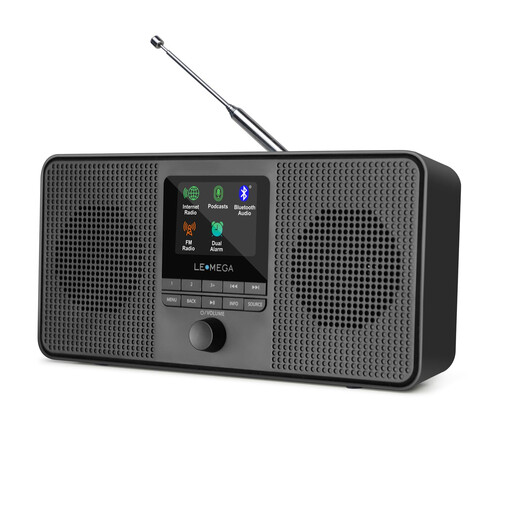 No image available
A good choice if you want internet radio as well as DAB and FM; a network connection is required.
The product title also mentions podcasts, Bluetooth and stereo sound.
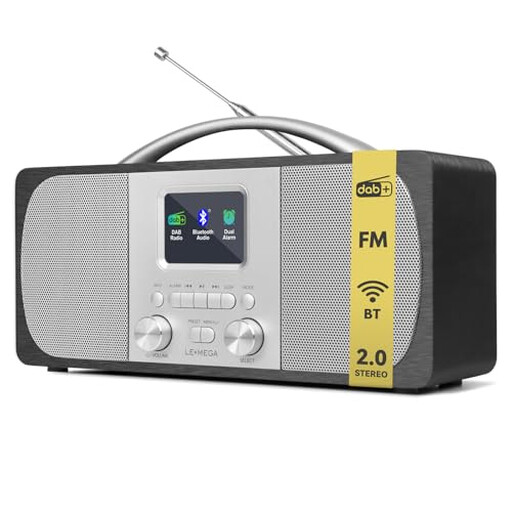 No image available
For DAB and FM reception, without internet radio listed; check reception for your preferred programme where you plan to place it.
The product title mentions Bluetooth, mains power and 40 station presets.
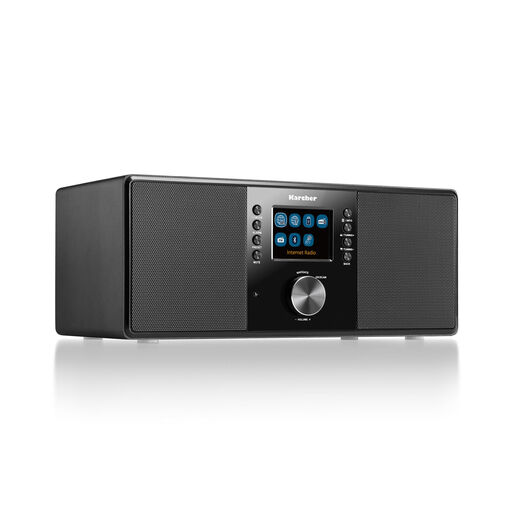 No image available
An option if you want to combine DAB+ and FM with internet radio, or connect existing audio equipment via the line output. Make sure the output is compatible with the input.
The product title mentions Wi-Fi, Bluetooth, a remote control, a headphone socket and a 2.4-inch colour display. The Joybuy product listing specifies two 14 W RMS speakers.
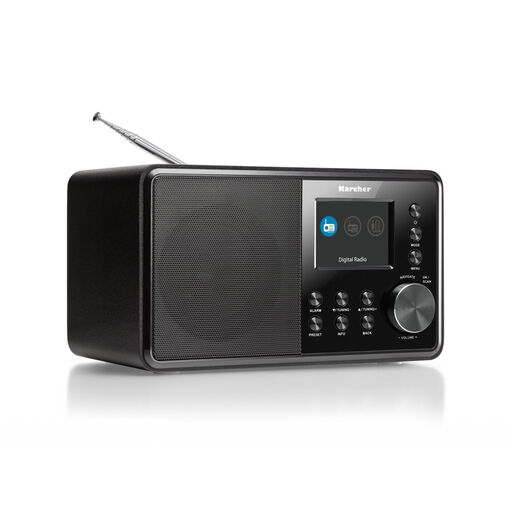 No image available
Worth considering if you want DAB+ and FM and need a line output to connect compatible audio equipment you already own.
The product title mentions a 2.4-inch colour display, AUX input and line output. Check that your sound system’s input is compatible with the radio’s output.
 No image available
The remote control mentioned in the product title may be useful if you want to operate the radio from your seat. Before choosing, check that the reception options on the specific version suit the programme you want.
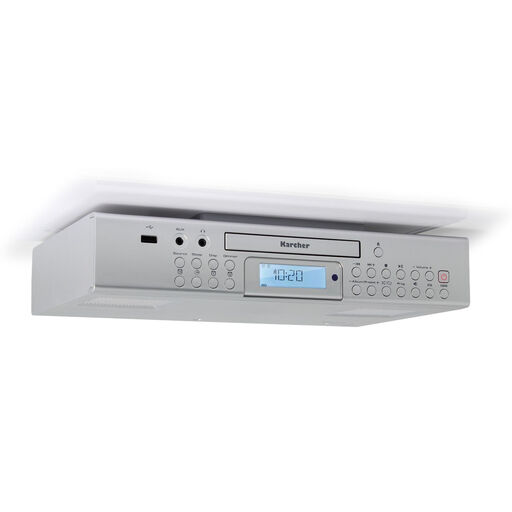
The product title mentions FM, a CD player, USB, USB charging and a remote control.
First, look for the specific programme on the regional DAB+ programme map. Then check the indoor reception forecast for your location. You will only know whether the signal reaches the spot where you plan to listen in your living room once you test reception there.
Extend the aerial and run a station scan. You may need to scan again after moving the radio or if the station line-up changes.
You do not need Wi-Fi or an internet subscription for DAB+ reception itself: it comes through broadcast transmitters and does not use your internet data allowance. Internet radio, on the other hand, uses a network connection.