What should you look for when buying?
First, check whether your preferred station is available where you plan to place the radio. Then consider where you’ll listen, how easy you want the radio to be to use, and whether you need headphones or extra online stations.
| Priority |
What to check before buying |
Who is this important for? |
| Regional stations and reception |
Check that your preferred station is available and review the indoor reception forecast for your location; test reception where you plan to use the radio. |
If I want to listen to a particular traffic station, I’ll first check that it’s broadcast in my region and that I can get reception where I plan to use it. Around 36% of consumers prioritise regional stations and indoor reception. |
| Clear announcements |
Assess speech quality in your usual listening spot; check the speakers and, where available, the sound controls on the specific model. |
If announcements need to be clear from my seat or workspace, how they sound in that spot matters more to me than the wattage alone. Around 29% of consumers prioritise clear speech. |
| Quick access to stations |
Check for preset buttons and a station scan; if needed, also consider how easy the display is to read and whether there’s a remote control. |
If I only switch on the radio briefly for traffic updates, I want to select a saved station without navigating lots of menus. Around 21% of consumers prioritise quick access to stations. |
| Private listening without disturbing others |
Check for a dedicated headphone output and a compatible connection; don’t assume Bluetooth reception means you can use wireless headphones. |
If others in my open-plan living space need some peace and quiet, I want to listen to updates through compatible headphones rather than the speakers. Around 14% of consumers prioritise private listening without disturbing others. |
DAB+ radios at Joybuy
The Joybuy models below include DAB+ radios for listening at home and on the go. Some also offer internet radio or a headphone connection.
 No image available
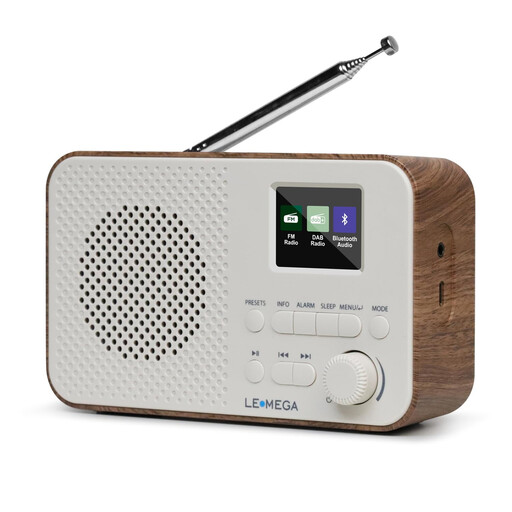
LEMEGA DAB Go, DAB+/FM radio, Walnut
If you’re looking for a portable DAB+/FM radio with a headphone connection, these features are stated in the product name.
DAB+/FM, Bluetooth, LCD display, rechargeable 2200 mAh battery, USB-C charging port, headphone connection and 40 presets; Walnut finish.
Joybuy
 No image available
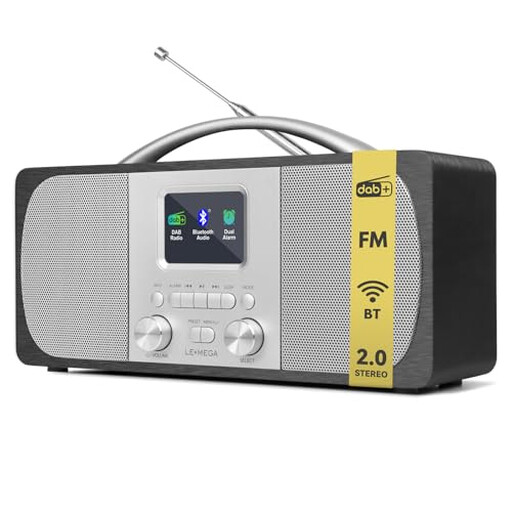
LEMEGA DR6 Stereo DAB Radio (Mains Powered)
If you want quick access to stations, the product name lists 40 presets and easy-to-use controls.
Stereo, FM, Bluetooth, 40 presets and mains-powered.
Joybuy
 No image available
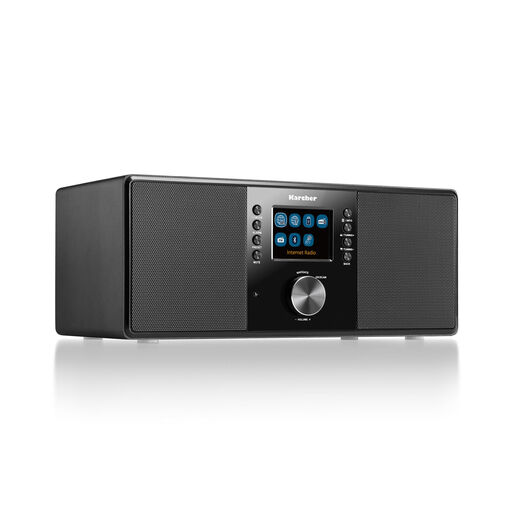
Karcher DAB 7000i
This model offers DAB+, FM and internet radio, as well as a headphone connection, so it may be worth considering if you’d like to use these features.
Wi-Fi, Bluetooth, 2.4-inch colour display, USB, AUX-in, line-out, headphone connection and remote control.
Joybuy
 No image available
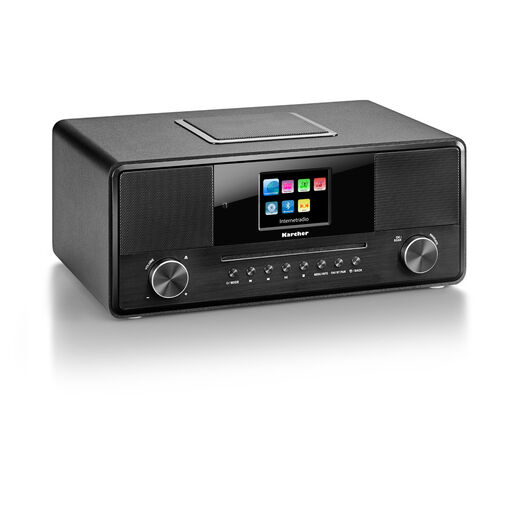
Karcher DAB 9000CDi
If you want to use sources other than DAB+, the product name lists internet radio and a CD player among its features.
DAB+, Wi-Fi, Bluetooth, CD player, 2.8-inch colour display, built-in subwoofer, USB, AUX-in, headphone connection and remote control.
Joybuy
 No image available
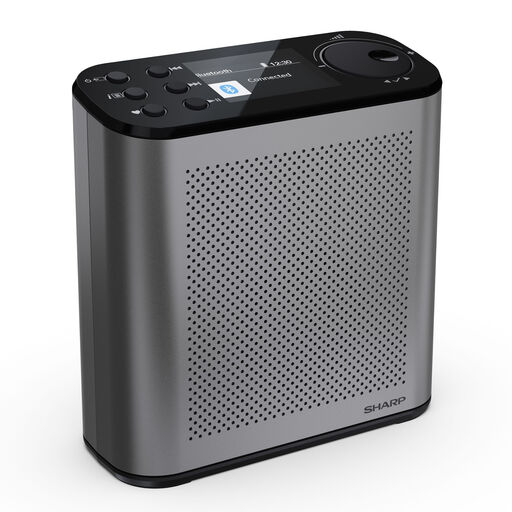
SHARP DR-P530(GY) Osaka
If you’re looking for a portable DAB+/FM radio with plenty of station presets, the product name lists 120 presets.
DAB+/FM, Bluetooth 5.3, 120 station presets, USB-C charging port, stated battery life of 15 hours and 2.4-inch colour display; Storm Grey.
Joybuy
Frequently asked questions
Can I listen to every traffic station on DAB+ anywhere in Germany?
No. The stations available vary by region. Check your preferred station and the indoor reception forecast for your postcode with the Digitalradio Büro Deutschland, then test reception where you plan to place the radio.
What can I try if the signal keeps cutting out after I’ve set up the radio?
Try moving the radio closer to a window and adjusting the aerial. If a station is missing after the station line-up changes, run a new scan and save your presets again if needed. An external aerial is only an option if the model has a compatible connection.
Do I need Wi-Fi for DAB+ traffic updates?
No. Terrestrial DAB+ reception doesn’t require an internet connection, as Bayerischer Rundfunk also explains. You only need Wi-Fi for extra online features on a radio that supports them.
Can I connect Bluetooth headphones using Bluetooth RX?
Bluetooth RX doesn’t confirm that you can: on the Hama DR2002, it means the radio can receive audio. For headphones, check that the specific model has a dedicated headphone output or documents support for headphone streaming.
Are ASA warnings the same as regular traffic announcements?
No. Verbraucherzentrale Brandenburg describes ASA as a system for official emergency warnings. For regular traffic updates, what matters is which regional station you can receive where you want to listen.


