Joybuy desk fan products
This selection includes desk fans for directing airflow at your desk, as well as models that are easier to position thanks to a battery or USB power.
 No image available
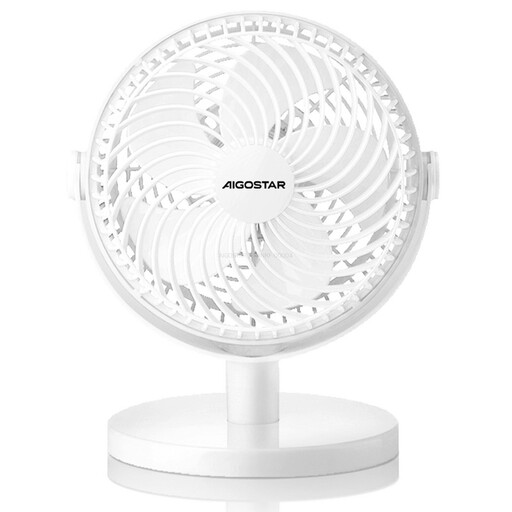
Aigostar USB Desk Fan
According to the product description, the fan head can be adjusted through 360° to direct airflow at your desk.
Five blades, two speed settings and USB power. A compatible USB power source is required.
View at Joybuy
 No image available
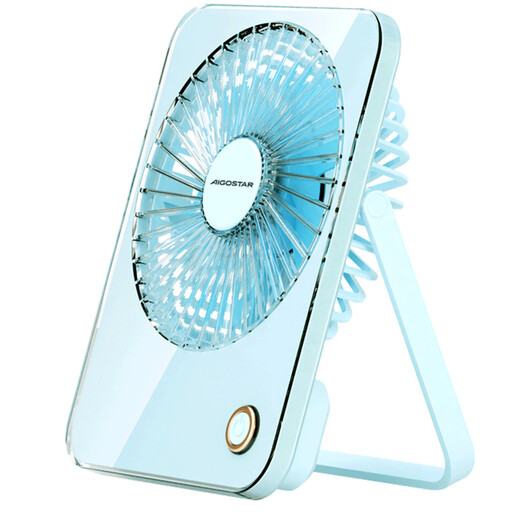
Aigostar Portable USB Desk Fan, 3-Inch
According to the product description, the built-in battery lets you position the fan without keeping it connected to a power cable.
3600 mAh battery, USB charging, three speed settings and a stand that folds through 180°.
View at Joybuy
 No image available
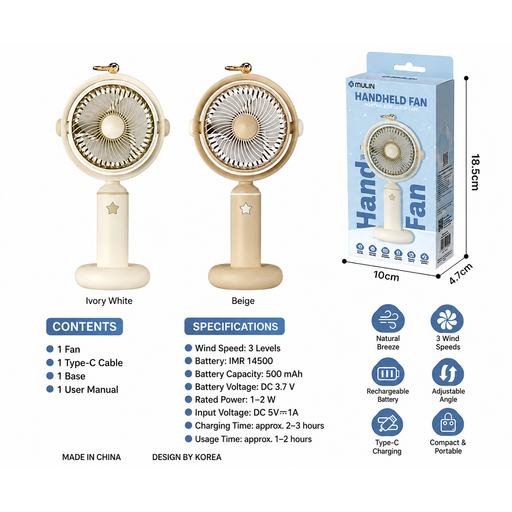
mulin MU-SFS804
The stand lets you place this mini fan on a table. According to the product description, it can also be used as a handheld fan.
500 mAh battery, Type-C charging, three speed settings and an adjustable angle. The stated cordless runtime is approximately 1–2 hours.
View at Joybuy
 No image available
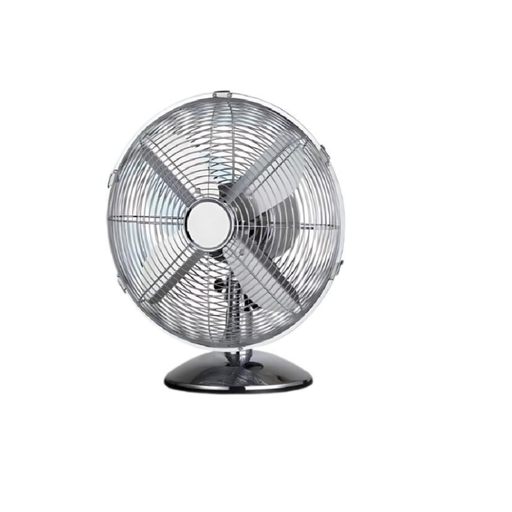
AKAI Table Fan 30 cm, 35 W
If you want to direct the airflow at your desk or distribute it from side to side, the product description lists manual tilt and automatic horizontal oscillation.
30 cm diameter, 35 W, three speed settings and four aluminium blades.
View at Joybuy
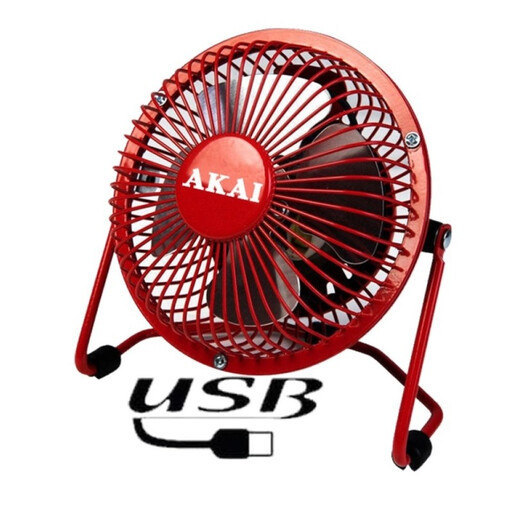 No image available
AKAI VE10-N-Grey
For airflow at a fixed desk, the product description says the fan head can be tilted manually and swivelled horizontally.
9 cm fan head and two speed settings. The product listing includes several possible colours, which are sent at random.
View at Joybuy
Frequently asked questions
Does a desk fan lower the temperature in a student room?
No. A desk fan doesn’t lower the room temperature, but moving air can cool your skin and make you feel less hot. The German Environment Agency also recommends limiting direct sunlight and opening the windows in the evening or at night, when it’s cooler outside.
What should I bear in mind when positioning and cleaning the fan?
Place the fan on a stable surface and leave enough room for the head to move. Rowenta recommends unplugging it before cleaning and following the relevant instruction manual if the grille can be removed. Make sure all cleaned parts are completely dry before reconnecting the fan.
How can I work out the electricity use and what I can do if the fan is faulty?
To work out electricity use, multiply the power consumption in kilowatts by the number of hours the fan is running. The result is the consumption in kWh. If the product is faulty, distinguish your statutory rights against the seller from a voluntary guarantee, and check the terms of any additional guarantee separately.
Is the CE mark an independent safety test?
No. When relevant EU rules require CE marking, the manufacturer uses it to declare that the product complies with those rules. According to the EU, there is no central body that issues CE approval in general. Germany’s Federal Network Agency lists product marking and identification, manufacturer details, and German instructions and safety warnings among the criteria it uses for market surveillance. The applicable rules depend on the specific electrical design.


