Joybuy products for your editing setup
The desktop PCs below include compact Mac mini models and Windows tower configurations for different editing setups. Check that the operating system and exact specifications suit your footage and editing software.
 No image available
HP Z4 G5 workstation tower, Xeon W3-2535, 64 GB RAM, 1 TB SSD, RTX 4000 Ada
For a Windows workstation editing setup, if you want to consider a specific tower configuration. Check that it suits your editing software and source footage.
Specifications include a Xeon W3-2535 at 3.5 GHz, 64 GB RAM, a 1 TB NVMe SSD, RTX 4000 Ada and Windows 11 Pro.
View at Joybuy
 No image available
Dell Alienware Aurora ACT1250 1J3N5, Core Ultra 9 285K, 32 GB RAM, 2 TB SSD, RTX 5080
For anyone considering a Windows tower with specified RAM, SSD and graphics. These figures don’t replace checking your editing software’s system requirements.
Specifications listed include 32 GB RAM, a 2 TB SSD, RTX 5080 with 16 GB of graphics memory and Windows 11.
View at Joybuy
 No image available
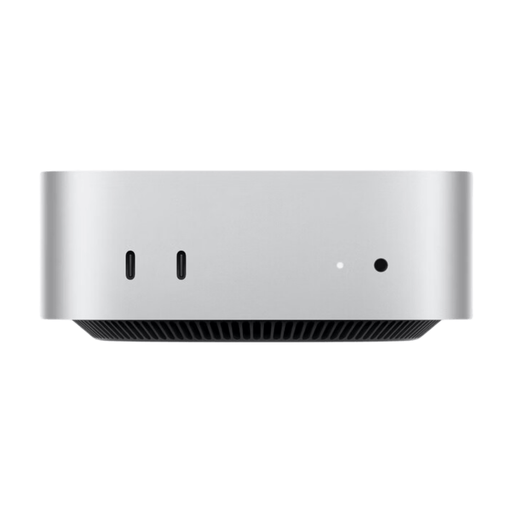
Apple Mac mini MHQM4 CTO 2, M6, 24 GB unified memory, 1 TB SSD
For a compact macOS editing setup. Before buying, check that your software and source formats are compatible with this specific configuration.
Specifications include a 12-core CPU, 12-core GPU, 24 GB unified memory, a 1 TB SSD and Thunderbolt 4.
View at Joybuy
 No image available
Captiva Highend Gaming PC R89-503, Ryzen 7 7800X3D, RTX 5070 Ti 16 GB, 32 GB DDR5, 2 TB SSD
For a Windows tower editing setup, if you want to check a specific combination of RAM, SSD and graphics. These individual specifications don’t guarantee a particular editing speed.
Specifications include 32 GB DDR5, a 2 TB SSD, RTX 5070 Ti with 16 GB of graphics memory and Windows 11 Home.
View at Joybuy
 No image available
Captiva Highend Gaming R90-463, Ryzen 7 7800X3D, 64 GB RAM, 2 TB SSD, RTX 5070 Ti
For anyone comparing a Windows tower with specified RAM and SSD storage. Check the full specifications against your editing software.
The product name lists 64 GB RAM, a 2 TB SSD, RTX 5070 Ti and Windows 11.
View at Joybuy
Frequently asked questions
Do I definitely need a particularly expensive graphics card for multiple video tracks?
Not just because of the number of tracks. Check your editing software, resolution, codec and effects. Adobe’s recommendation of 8 GB GPU memory applies to Premiere on Windows at 4K and above, and proxy files can make demanding footage easier to edit.
How should I plan storage for my film?
Allow space for media and cache, as well as a separate backup of your original footage and project files. Adobe recommends an internal SSD and an additional media drive for Premiere. The German Federal Office for Information Security recommends backups to help if a drive fails or files are accidentally deleted.
Are a warranty and statutory rights the same thing?
No. The Verbraucherzentrale distinguishes statutory claims against the seller from a warranty. For a specific purchase, check the relevant terms and the rules that apply to your purchase.
Can I simply publish historical archive footage or show recognisable people in my village history film?
There’s no blanket yes or no. Material from the German Federal Archives is subject to its terms of use, and the Archives notes that users must clarify third-party rights and obtain any required publication permissions. For footage of recognisable people, you also need to check the data protection basis for your intended use. Consent is one possible basis, but it isn’t the only one.


