Those working with longer proving times
If you want to set a longer time before checking the dough, pay particular attention to the maximum countdown. The time elapsed alone won’t tell you whether the dough is ready.


First, choose a timer based on the longest wait until you plan to check the dough. Then consider whether you’ll be doing another task at the same time: a single timer is enough for one task, but two tasks running in parallel require two separate countdowns that can run simultaneously. Choose an alarm and a position that suit the classroom. The timer reminds you when to check the dough, but it can’t tell you whether it has finished proving.
If you want to set a longer time before checking the dough, pay particular attention to the maximum countdown. The time elapsed alone won’t tell you whether the dough is ready.
If you’ll be supervising a second task while the dough proves, check that the timer can explicitly display and run two countdowns at the same time.
If conversations and kitchen noise might drown out the alarm, or a loud signal could be disruptive, look for a choice of alarm types and a clearly visible position for the timer.
| Buying priority | What to look for | Who is it important for? |
|---|---|---|
| Countdown length | Check the maximum run time and make sure the display mode suits the time you have planned. | If I want the timer to run until it’s time to check the dough without restarting it, the countdown needs to cover the proving time. Around 36% of consumers prioritise a sufficiently long run time. |
| Simultaneous countdowns | Look for two independently running countdowns; saved times aren’t the same thing. | If the dough is proving while I’m working on another class task, I need two countdowns displayed at the same time. Around 29% of consumers prioritise managing parallel tasks. |
| Suitable alarm | Check the sound levels and light signal on the specific model, as well as whether you’ll be able to see it from your workstation. | If conversations and kitchen noise might drown out the sound, or a loud alarm could be disruptive, I want a signal I can notice from where I’m working. Around 21% of consumers pay particular attention to choosing a suitable alarm. |
| Ease of use and positioning | Check the buttons, readability, mounting options and whether batteries are included with the exact variant. | If I want to set the timer quickly and read it easily at my workstation, I need a suitable way to mount or position it. Around 14% of consumers place particular importance on ease of use and positioning. |
Some single timers stop at 99 minutes and 59 seconds; longer check-in times call for a timer with a longer countdown.
Compare the longest planned time before checking the dough with the maximum run time of the specific model.
If the maximum duration is too short, you’ll have to set the check-in intervals again.
Saved times make it easier to repeat settings, but they don’t run simultaneously automatically.
If several class tasks are happening in parallel, check explicitly that two countdowns can be started and displayed at the same time.
A light signal will only remind you if you can see it from your workstation.
Choose the sound mode and position to suit each other, and make sure you have a clear view of the timer if it uses a light alarm.
Battery information varies by model. For example, TFA Dostmann states that the 38.2021.01 comes with one AAA battery, while the 38.2025 requires two AAA batteries, which are not included.
Check the details for the exact variant before your class and have any batteries you need ready.
Depending on the model, you may need to have batteries ready separately before first use.
The models mentioned cover single and parallel timings, longer countdowns and different types of alarm.
According to Hama, the 00002949 digital kitchen timer is designed for a single countdown, with several positioning options and a choice of signal.
ADE describes the KT102 as a dual kitchen timer for kitchens and bakeries, with two countdowns displayed simultaneously.
The manufacturer’s overview includes, among other products, the 00095304 digital countdown kitchen timer in black.
This Joybuy selection includes digital timers for individual check-ins. Choose a variant with a run time, signal and mounting option that suits your workstation in class.
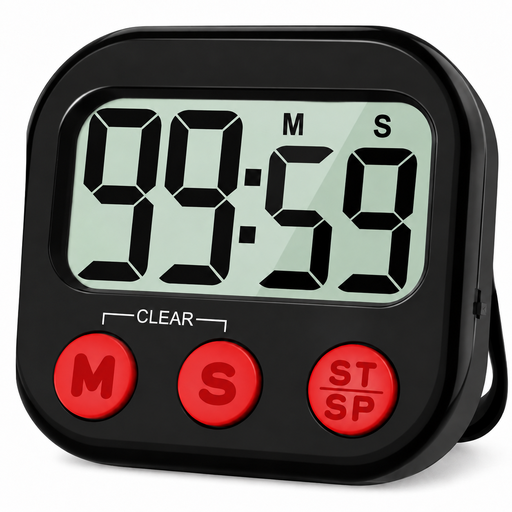 No image available
For a single check-in within the stated maximum duration.
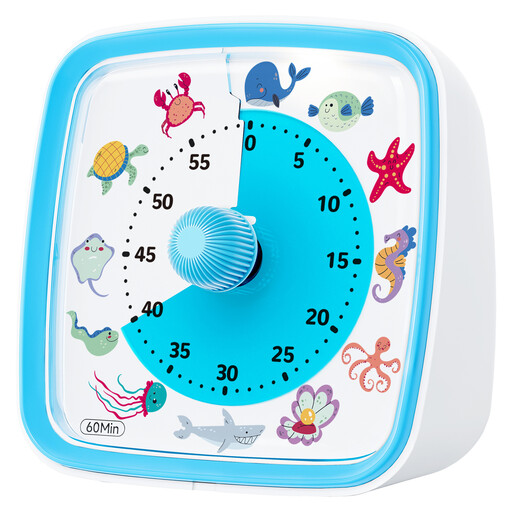 No image available
For a single check-in within 60 minutes.
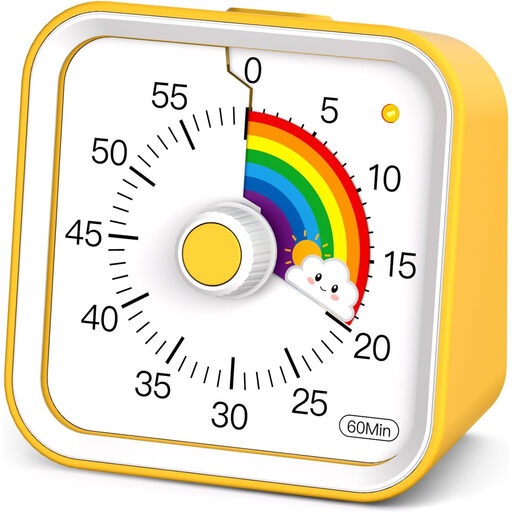 No image available
For a single check-in within 60 minutes.
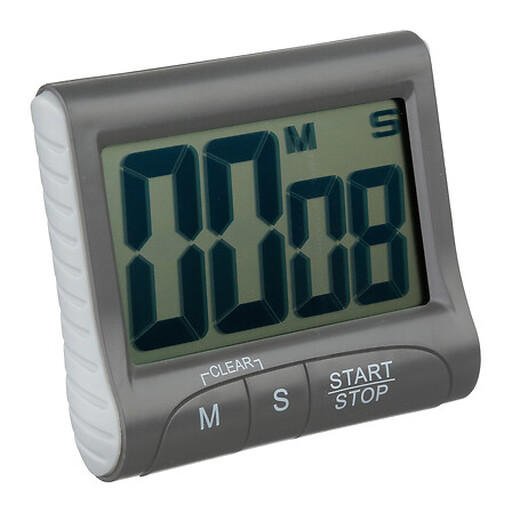 No image available
For a single check-in; the product description lists a countdown and an alarm when the time is up.
No. Use the recipe time as a prompt to check the dough: King Arthur Baking points out that kitchen conditions can affect proving time, and that you should also assess the dough’s appearance and volume.
No. TFA Dostmann lists three saved times for the 38.2049.02, but two measurements monitored simultaneously for the 38.2025. If you want to keep track of parallel tasks in class, check explicitly for a dual-timer function.
Check the battery type and what’s included with the exact variant, set a test time and choose a position where you’ll notice the signal. TFA Dostmann says the 38.2025 requires two AAA batteries, which aren’t included; one AAA battery is included with the 38.2021.01.
Your statutory rights against the seller are separate from any voluntary guarantee. In the event of a fault, the Verbraucherzentrale first describes your right to have the issue remedied; check the terms of any additional manufacturer’s guarantee separately.
No. In Germany, the Umweltbundesamt advises that these items should be collected separately: used batteries belong in battery collection points, while old electrical appliances can be taken to a recycling centre or suitable take-back point. Remove the batteries before returning the device if you can do so easily. The BattDG, which came into force in 2025, replaced the previous BattG.