Families with a long viewing distance
If some family members sit further back, consider viewing distance and screen size together. The Verbraucherzentrale (German consumer advice centre) notes that the right screen size depends on viewing distance.


Choose your screen size based on your actual viewing distance, and test a typical digitised film file on the TV you’re considering. A larger screen can make the limitations of low-resolution footage more noticeable. Neither 4K nor a particular display technology can add detail that isn’t in the original, and a USB port doesn’t guarantee that every file will play.
If some family members sit further back, consider viewing distance and screen size together. The Verbraucherzentrale (German consumer advice centre) notes that the right screen size depends on viewing distance.
If you want to watch older film files without codec issues and with the right picture format, check your own files against the specifications for the TV you’re considering. LG Germany explains the requirements for file extensions, codecs and other playback conditions.
If some viewers sit to the side, or the original soundtrack matters to you, check the picture and sound from those seats on the TV itself rather than assuming every model with the same display technology performs alike.
Start by checking the viewing distance and available space, then test your film files and assess the picture and sound from the seats you’ll actually use.
| Priority | What to check before buying | Who it matters most to |
|---|---|---|
| Screen size for a long viewing distance | Measure the distance from the main seats and the space available for the TV. Consider the resolution of a typical film when choosing a screen size. The Verbraucherzentrale links the right screen size to viewing distance. | If I want to make out details from further back, I compare the viewing distance and screen size without overlooking the quality of older footage. Around 25% of consumers say screen size is their top priority. |
| Playing digitised films | Test representative files, including their sound, and check which file systems and video and audio codecs the specific model supports. LG Germany and Sony Germany outline model-specific requirements for USB and file playback. | If I want to play my existing films with picture and sound directly on the TV, I test them on the model itself first and consider an external HDMI player if needed. Around 25% of consumers prioritise compatibility with their archive. |
| Viewing from the side | Check the specific model from the seats at either side and in your usual room lighting. Don’t assume that reviews of one model apply to an entire display technology. | If family members sit to the side, I want to see how clearly the picture can be viewed from those seats too. Around 20% of consumers say side seating is their top priority. |
| Clarity of film sound | Listen to a typical recording through the TV’s speakers and, if needed, check the connections for headphones or your existing audio system. | If the original soundtrack matters more to me than extra picture features, I listen to one of my own recordings before deciding. Around 15% of consumers prioritise clear sound. |
| Space, installation and energy use | Compare the TV and stand dimensions, the intended location and the EU energy label for the specific model. | If I want the TV to fit into a particular room, I check that its dimensions are suitable and consider the energy consumption of the model I choose. Around 15% of consumers say space and running costs are their top priorities. |
The file extension, video and audio codecs, and file system must all be supported by the specific model. A TV recognising a USB drive doesn’t mean it can play the picture and sound in every film file.
Check representative files against the specifications for the TV you’re considering and, if possible, test them before you decide.
An external player needs extra space and a spare HDMI input.
Viewing distance and the resolution of your film source both affect how suitable a screen size feels. Larger screens take up more space and, according to the Verbraucherzentrale, generally use more electricity, particularly when they have more features.
Measure the viewing distance and assess a typical older recording at the screen size you’re considering and from your usual seat.
A large TV can take extra effort to transport and install.
A test result based on different footage doesn’t prove that a TV can restore details from the original recording.
Test your own files with the right aspect ratio, from your usual viewing distance.
The TV’s dimensions, stand, delivery route and installation all need to suit your home and its intended location.
Compare the dimensions and the delivery and installation services on offer, and check the EU energy label for the specific model.
The QD-Mini-LED range includes the 75-inch 75Q7C model.
The 77-inch OLED range includes Ambilight models; Philips lists Bowers & Wilkins sound on the 77OLED910/12.
The 75-inch K-75XR95M2 model is listed with RGB LED technology and model-specific connection and USB codec information for Germany.
The 77-inch GQ77S95HFTXZG OLED model is one option to consider if several people will be watching from different seats.
The manufacturer positions the OLED-evo OLED77G68LW as a model with an integrated wall mount.
This selection includes 55-inch, 75-inch and 85-inch TVs. Two of the 75-inch models are listed as TCL 75Q7C sets with separate speakers.
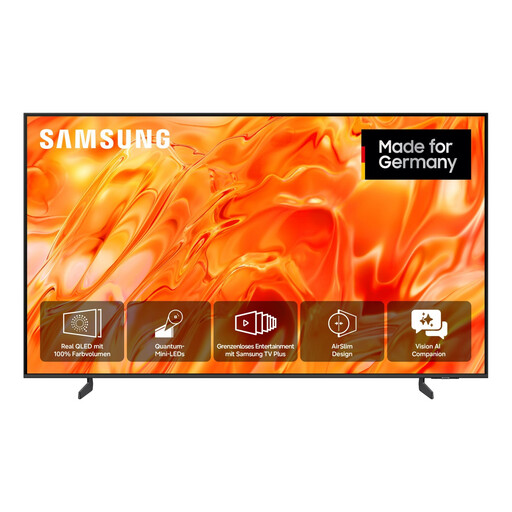 No image available
The listed 85-inch screen size may suit a longer viewing distance; test a typical film file on the TV itself.
85 inches; Neo QLED; 4K; Smart TV.
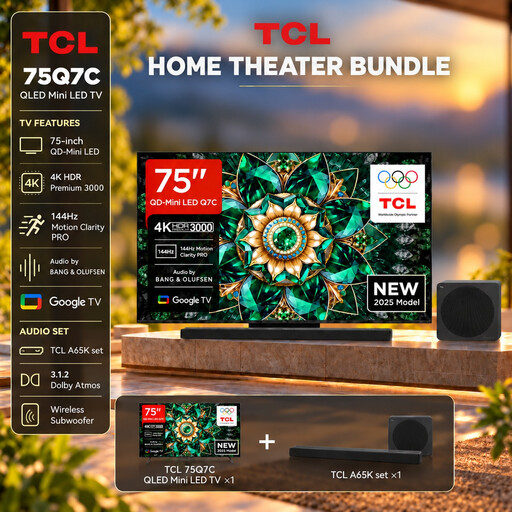 No image available
The 75-inch screen size may suit a longer viewing distance; check your film files against the TV’s specifications.
75 inches; QLED Mini LED; 4K HDR Premium; Dolby Vision IQ and Atmos; Google TV; 144 Hz VRR; A65K Soundbar Set.
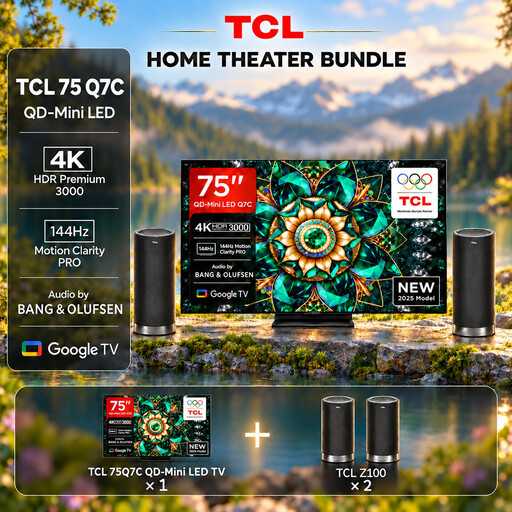 No image available
The 75-inch screen size may suit a longer viewing distance; check your film files against the TV’s specifications.
75 inches; QLED Mini LED; 4K HDR Premium; Dolby Vision IQ and Atmos; Google TV; 144 Hz VRR; Z100 Speaker Set.
 No image available
The 75-inch screen size may suit a longer viewing distance; test playback of your own films on the specific model.
75 inches; QLED Mini LED; 4K HDR Premium; Dolby Vision IQ and Atmos; Google TV; 144 Hz VRR.
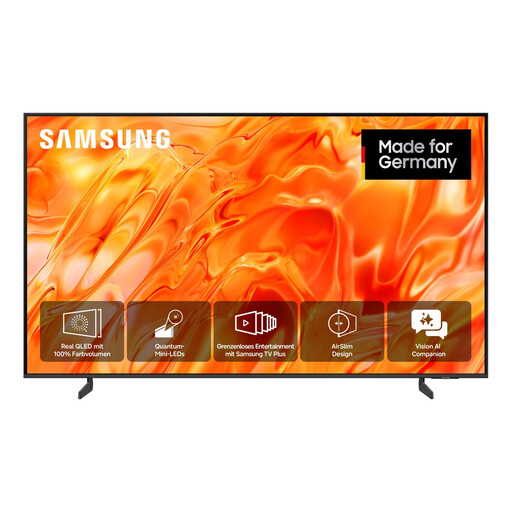 No image available
Compare the listed 55-inch screen size with your actual viewing distance and test a typical recording on the TV itself.
55 inches; 138 cm; Neo QLED; 4K; Smart TV.
No. A 4K display can’t add original detail that isn’t present in a lower-resolution recording. Try one of your own files at the screen size you’re considering and from your usual viewing distance.
Check the file system and video and audio codecs against the specifications for the specific model. If the files aren’t compatible, you could use a suitable external player connected via HDMI. Back up your files before reformatting the USB drive.
Older recordings may have a different aspect ratio from a modern widescreen TV. Check the picture format settings on your TV and playback device; stretching the image to fill the screen can distort it.
Compare the EU energy labels for the specific models, including their figures for SDR and HDR content. The European Commission explains how electronic display energy labels work.