Pilots Who Prefer a Dedicated Remote
When you want to fly using a controller rather than phone-only controls, the included RC-N3 gives you a remote in hand, making it easier to manage your flights.


The DJI Lito 1 Drone with RC-N3 Remote Controller brings together a dedicated controller and Bluetooth connectivity for a straightforward flight setup. Use the DJI Fly app to update firmware and monitor the battery level while flying, so you can keep an eye on your charge. It suits drone users who want app-based battery checks and firmware updates for recreational flights.
Start by matching a drone’s camera, flight performance and controls to how and where you plan to fly. If you are comparing drones in Germany, also check that you can meet the applicable safety, insurance and registration requirements before buying.
These three criteria can help you compare models and choose one that suits your experience and intended use.
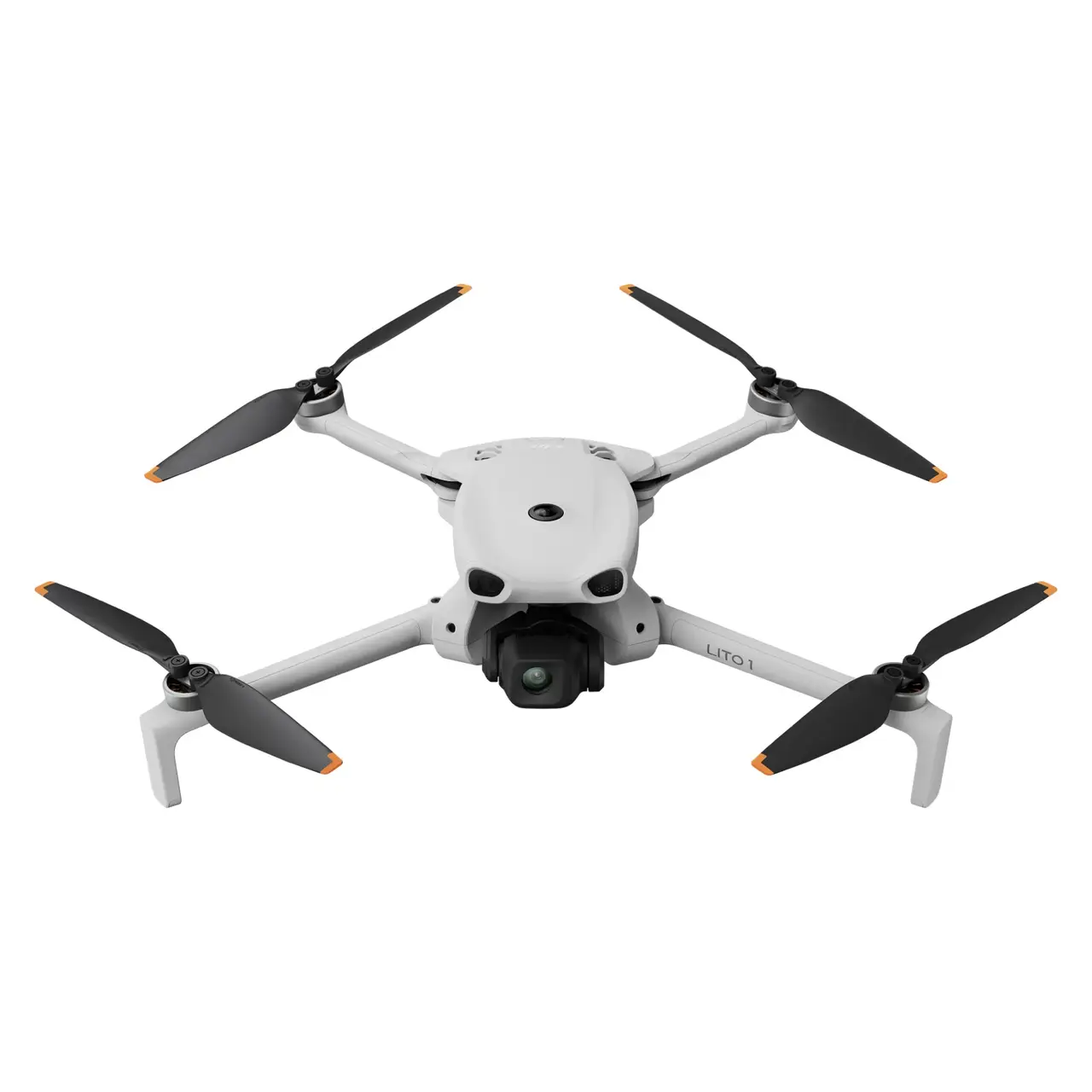
The DJI Lito 1 comes supplied with the RC-N3 remote controller, giving your drone setup a dedicated controller for flight. With the controller included, the key components are brought together in one product package, so you can focus on getting familiar with your setup and enjoying your time in the air. Bluetooth connectivity is also part of the feature set, adding another connected element to the Lito 1 experience. Together, the supplied controller and connectivity make this a practical choice for pilots who value a clear, considered setup.
The DJI Fly app brings useful support to your Lito 1 experience, including the ability to update the drone’s firmware. Keeping firmware updates accessible through the app gives you a straightforward way to manage this part of your setup as you use the drone. It also places helpful flight information alongside app-based product support, making the DJI Fly app a valuable companion for your time with the Lito 1. For pilots who like to keep track of their equipment and its software, this connected approach offers a convenient part of the overall experience.
The DJI Fly app lets you monitor the battery level during flight, helping you keep track of your charge as you fly. Having this information available as part of your flight experience gives you a useful way to stay informed while enjoying the Lito 1. It is a welcome feature for pilots who appreciate having battery information close at hand, rather than treating it as an afterthought. Alongside app-based firmware updates and the supplied RC-N3 remote controller, in-flight battery monitoring rounds out a connected setup designed to keep key information within reach.
When you want to fly using a controller rather than phone-only controls, the included RC-N3 gives you a remote in hand, making it easier to manage your flights.
When you are flying and want to keep an eye on your charge, use the DJI Fly app to monitor the battery level in flight, so you can keep your remaining battery in view as you fly.
When you want to take care of firmware updates through an app, use DJI Fly to update the drone between flights, making routine upkeep part of your app-based setup.
When Bluetooth connectivity is part of your device requirements, the Lito 1 includes Bluetooth connectivity, so you can choose a drone that fits your preferred connected setup.
The DJI Lito 1 is supplied with an RC-N3 remote controller for operating the drone. It also has Bluetooth connectivity, and you can use the DJI Fly app to update the firmware. This gives you the controller and app tools to get the aircraft ready for use.
You can monitor the DJI Lito 1’s battery level in the DJI Fly app during flight. Keep the app available as you operate the drone with the RC-N3 controller, so you can keep track of the charge and plan your flight accordingly.
Before take-off, wait for the DJI Lito 1 to record its home point, then keep the drone in sight throughout the flight. Choose an open area away from crowds, buildings and restricted zones such as airports, and avoid flying in rain or strong winds. These checks help you stay aware of the aircraft and its surroundings.
Discover more of your favourite brands on Joybuy with great offers.