Joybuy products for your desk
This selection includes LCD writing tablets for simple sketches, as well as standalone tablets with a stylus for working without a connected computer.
 No image available
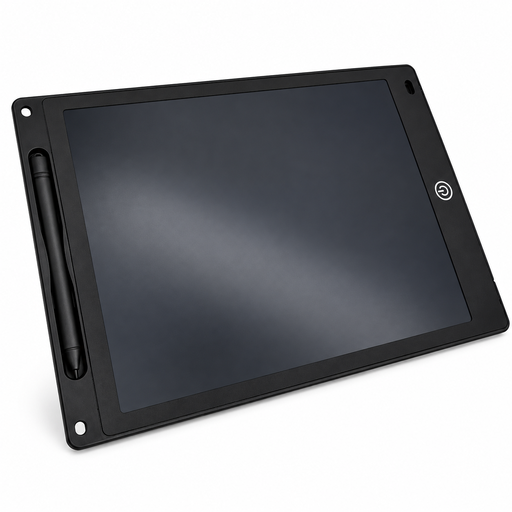
12-inch LCD writing tablet with stylus
Could be a handy option for reusable handwritten sketches; the description lists a stylus, an erase button and a lock function.
12 inches; 5 mm thin; the erase function is powered by a button cell. Keep batteries away from children and supervise use.
Joybuy
 No image available
10.1-inch tablet with keyboard and stylus
As a standalone tablet with a touch pen, this could be an option for creating diagrams without a connected computer. Check that the app you plan to use has the features you need.
10.1-inch display; Android 16; 36 GB RAM and 256 GB storage according to the product name; a keyboard and touch pen are also listed.
Joybuy
 No image available
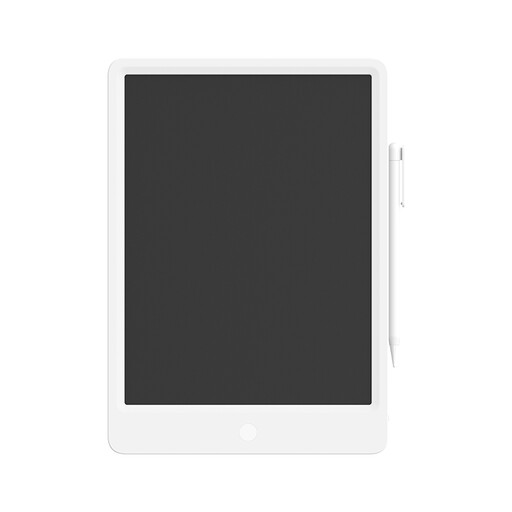
Xiaomi LCD Writing Tablet 13.5″
For handwritten sketches and notes, the description lists a pressure-sensitive stylus and a one-button erase function. Check separately whether your workflow needs editable shapes or export options.
Dimensions: 318 × 225 × 7 mm. The description lists a CR2025 button cell; keep it out of children’s reach after replacement.
Joybuy
 No image available
TECLAST ArtPad Pro 2025, 13.4-inch, 2K
As a standalone Android tablet with a T-Pen included, this could be an option for drawing and taking notes without a connected computer. Check that your app has the diagram and export features you need.
13.4-inch 2K display; 4096 pressure sensitivity levels; Helio G99; 256 GB storage; Android 15.
Joybuy
 No image available
TECLAST ArtPad Pro, 12.7-inch, 2K
The product name describes this standalone tablet as including a stylus. Check that your chosen app covers the features you need for your teaching diagrams and export.
12.7-inch 2K display; supports 4096 pressure sensitivity levels; Helio G99; 256 GB storage; Android 15. The product name also lists a protective case and an English Bluetooth keyboard as included.
Joybuy
Frequently asked questions
Do I need lots of pressure levels for boxes and arrows?
No. Pressure levels don’t replace the right software features. Microsoft says that shapes and connectors in supported versions of PowerPoint stay attached to shapes when you move them. Check that these features are available in the app you plan to use for your teaching diagrams.
Will a pen display work with any USB-C port?
No. For the Huion Kamvas 12’s USB-C connection, Huion specifies at least USB 3.1 Gen 1 for data and DisplayPort 1.2 on the connected device. Check the port and cable; Huion also lists an alternative 3-in-1 cable with HDMI for this model.
How do I set up a graphics tablet for diagrams?
For the One by Wacom Small, Wacom describes connecting via USB and installing the driver on Mac or PC; for Chromebook, it specifies a USB connection. Then set up the drawing tools you need in your app. Replacement styluses and nibs must be compatible with the exact stylus model; Wacom specifically lists the LP190K for CTL-472 and CTL-672.
Who is responsible if a product is faulty, and is a manufacturer’s guarantee the same as your statutory rights?
For a consumer purchase from a trader in the EU, the European Commission says you’re generally entitled to a legal guarantee of at least two years from the date you receive the goods. The seller is generally your point of contact. A voluntary manufacturer’s guarantee is separate. Online purchases generally come with a 14-day right to cancel, subject to legal exceptions.
What should I know about CE marking?
Whether CE marking is required depends on the EU rules that apply to the specific device. The European Commission notes that the mark isn’t an independent assessment of the quality of the drawing experience. Check which requirements apply and review the details for the model in question.


