Sketching on a shared PC
You use the existing monitor and want to put your pen tablet away after drawing, so the shared desk is clear again.


If you have a suitable computer and monitor, and need to clear the desk after drawing, a pen tablet without a display could suit your workflow. If you want to add outlines and fabric details directly on the image, consider a pen display, provided you have enough desk space and the right connection for your computer. If you want to sketch without relying on a shared computer, choose a standalone drawing tablet and check that it supports the apps you need and lets you transfer files as required.
You use the existing monitor and want to put your pen tablet away after drawing, so the shared desk is clear again.
You want to work on outlines and costume details directly on the sketch on screen, and can make room for a pen display and a suitable computer connection.
You want to capture ideas without relying on your work computer, and are checking whether a standalone device fits the way you use apps and manage files.
For sketching costume designs at a shared desk, the right type of device depends mainly on what matters most to you: keeping the desk clear, drawing directly on screen, having a straightforward connection or working independently of a computer.
A good fit if: You want to use an existing monitor and put the device away after your session.
Bear in mind: You draw on a separate surface while looking at the screen.
A good fit if: You want to draw directly on the sketch displayed on screen.
Bear in mind: The display needs desk space and a suitable video connection on your computer.
A good fit if: You want to capture costume ideas even when you can’t use the shared PC.
Bear in mind: Check that your drawing app and preferred file-sharing method work on the device.
| Priority | What to check when buying | Who it matters most to |
|---|---|---|
| Desk space and storage | Compare the overall dimensions, active area, cable routing and storage options for the specific model. | If you need to clear the desk for other work after sketching, consider the whole setup, not just the drawing surface. Around 33% of consumers in this selection prioritise being able to put the device away. |
| Drawing directly on the image | Check the display size, space required and how it works with your drawing app. | If you want to trace fabric patterns or seams directly onto the sketch on screen, it matters where the image sits beneath the pen. Around 25% of consumers in this selection prioritise drawing directly on the image. |
| Connecting to a computer | Check the video signal, ports, operating system and what’s included with the exact model. | If you want to connect the device to a shared computer, its existing ports need to support the required video signal and cable. Around 25% of consumers in this selection prioritise a straightforward computer connection. |
| Sketching without a computer | Check in advance that the device supports the drawing app you need and your preferred way to export or transfer files. | If the work computer isn’t always available, you need a workflow that lets you capture your ideas and use them later. Around 17% of consumers in this selection prioritise being able to sketch independently of a computer. |
The device features in the table are based on information from XPPen, Wacom and Huion. The percentages shown represent the share of each main priority within the selection of options considered here; they are not survey results or market shares.
A pen display may need specific video and data features from your computer’s port. The presence of a USB-C socket alone doesn’t tell you whether it supports the required signal.
Compare your computer’s port specifications with the instructions and contents of the exact display model.
Depending on the connection, you may need a separate cable, an adapter or an additional power supply.
The Wacom and Huion pen displays described here connect to a computer. The XPPen Magic Drawing Pad, on the other hand, has its own Android system.
Before buying, decide whether you can and want to use a computer while sketching.
A suitable computer is needed to use a computer-connected pen display.
According to Wacom, some of its software offers require registration and are available for a limited time.
For the specific device and programme, check whether the offer is a perpetual licence, a trial or a registration-based entitlement.
Once a trial period ends, you may need a licence to continue using the software you want.
The Intuos range consists of pen tablets without their own drawing display; the Wacom One DTC141 is a pen display that connects to a computer.
The Deco 01 V3 is a pen tablet without its own display; the Magic Drawing Pad is a standalone Android drawing tablet.
The Kamvas models are pen displays for working with a computer. They include the smaller Kamvas 13 (Gen 3) and the larger Kamvas 16 (Gen 3).
The M908 is a pen tablet without its own drawing display, with a larger active area and built-in controls.
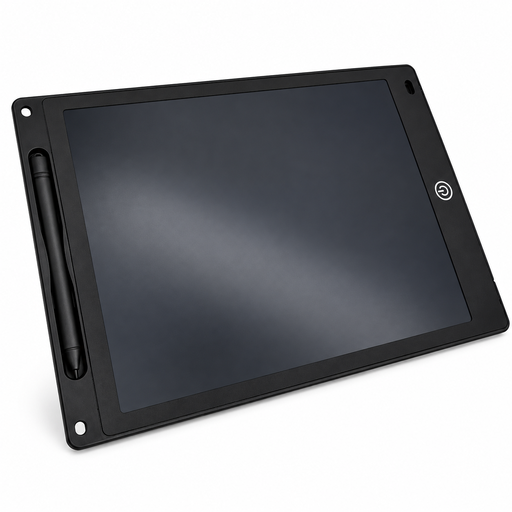
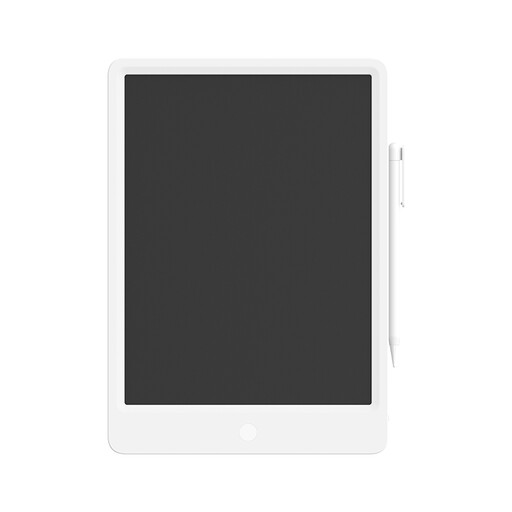
The products below are LCD writing tablets with a pen and an erase function, designed for simple, reusable sketches. Before choosing one, check that this type of drawing surface suits the level of detail you need and the way you manage your files.
 No image available
Could be a good option for quick costume sketches if you’re looking for a reusable drawing surface with an erase button.
The product description lists a thickness of 5 mm, a lock function to prevent accidental erasing and button-operated erasing. According to the description, the battery must be handled under adult supervision; keep button-cell batteries out of reach of children.
 No image available
Could be suitable for quick sketches if you’re looking for a reusable, pressure-sensitive drawing surface with a pen.
The product description lists a pressure-sensitive screen and erasing at the touch of a button.
No. The port must support the features required by the specific display. For a one-cable connection to the One DTC141, Wacom specifies Thunderbolt 3 or later, or DisplayPort Alt Mode. For the Kamvas 13 (Gen 3)’s USB-C DP connection, Huion specifies at least USB 3.1 Gen 1 and DP 1.2. Check the port on your specific computer and make sure you have the right cable.
A pen tablet without a display, such as the XPPen Deco 01 V3, can be put away after your session. Save your drawing in the programme you’re using first. If you’re using a shared computer, check that the drivers and programme settings will be available next time.
Check what’s included against the ports on your computer. For the One DTC141, Wacom specifies a Converter Kit, available separately, if you don’t have a suitable DisplayPort Alt Mode connection. Huion says the Kamvas 13 (Gen 3) doesn’t include a full-featured USB-C cable and may need an additional power supply.
When you buy from a business seller, statutory rights apply if the goods are faulty. These are separate from any voluntary manufacturer’s guarantee. The Verbraucherzentrale explains that goods in the EU generally come with a minimum two-year statutory guarantee from the date you receive them. Online purchases usually come with a 14-day right to cancel, although exceptions apply. If there’s a fault, contact the seller first.