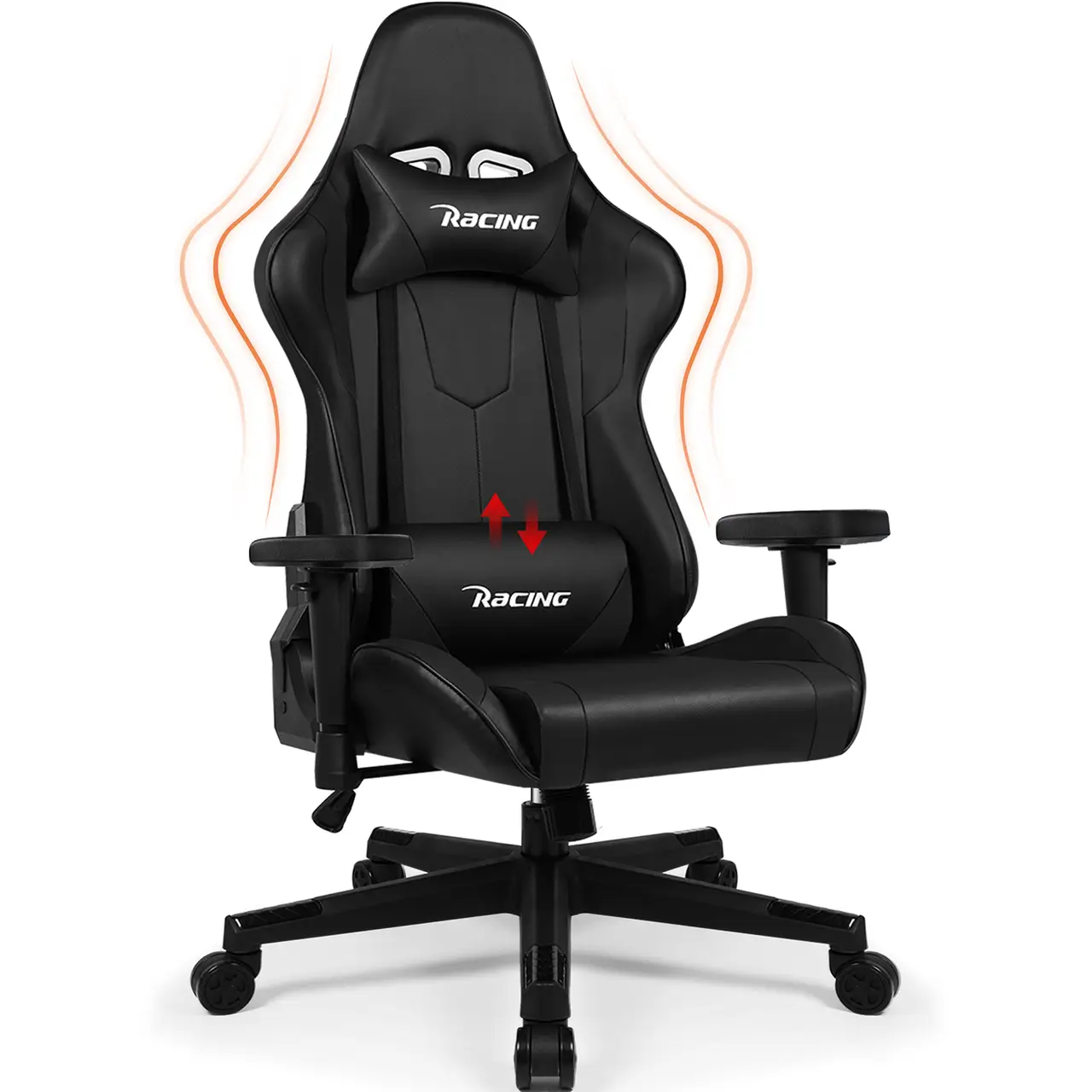
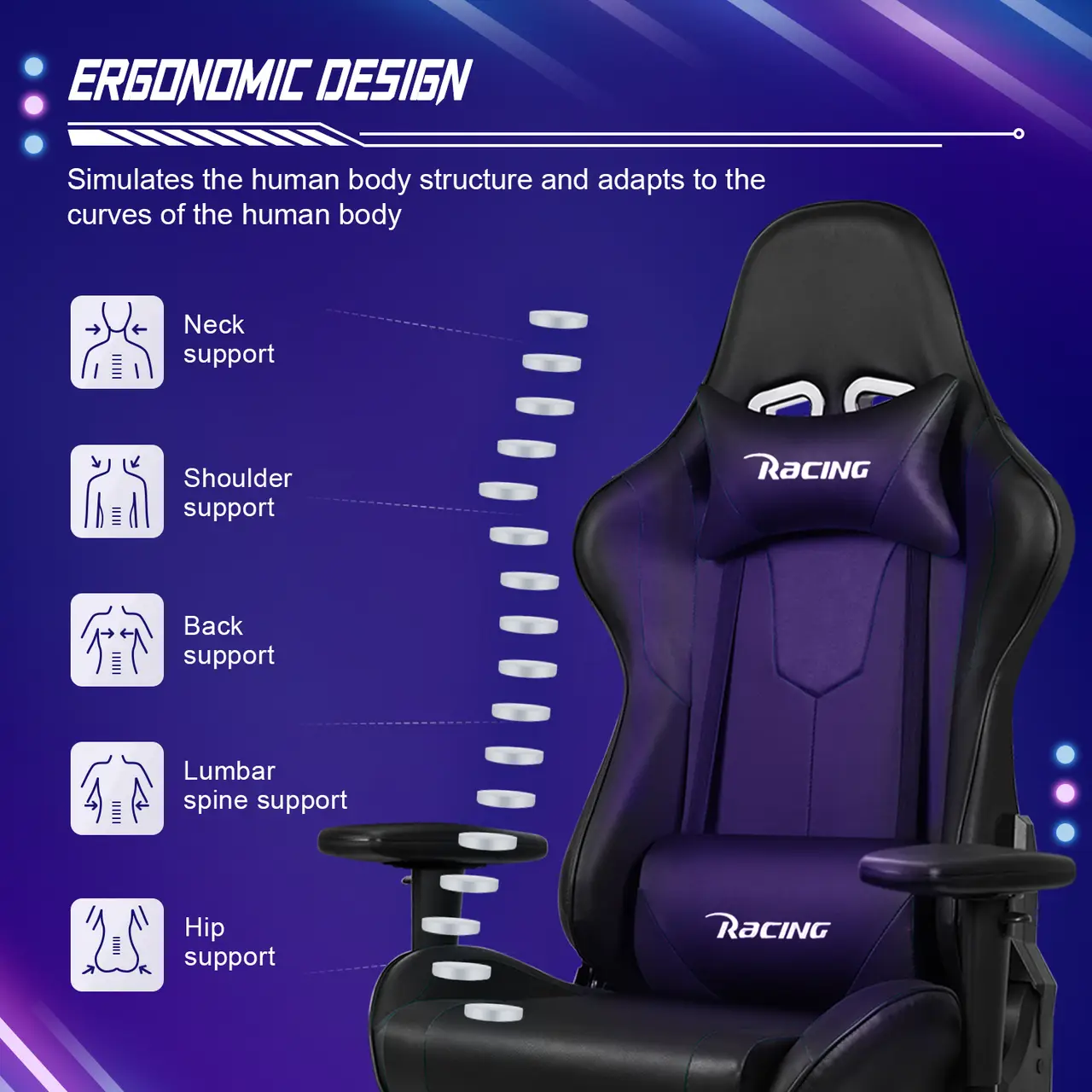
Switch between focused work, gaming and downtime with this adjustable gaming and office chair. Its reclining backrest, tilt function and height-adjustable seat help you tailor your seating position. Adjustable lumbar and headrest cushions, plus height-adjustable armrests, offer support as you settle in for longer sessions. The swivel design suits a home office or gaming setup, and the chair is designed for users 158–190 cm tall, with a maximum weight capacity of 150 kg.
How to Choose the Right Gaming Chair
Choosing a gaming chair is about finding a supportive, adjustable seat that fits your body, desk and playing habits. Compare the fit, materials and construction before deciding, rather than relying on appearance alone.
Key Features to Consider
Use these practical checks to narrow down your options and choose a chair that suits regular use.
- Fit and adjustability: Check the chair’s dimensions and recommended user height and weight against your needs. Look for adjustable seat height, armrests and backrest, plus lumbar support that helps you maintain a comfortable posture at your desk.
- Materials and comfort: Compare upholstery such as fabric, mesh or synthetic leather, considering breathability, ease of cleaning and how it may feel during longer sessions. If possible, check the seat width, depth and padding to make sure they suit your build.
- Durability and practical details: Review the frame, base, castors and stated weight capacity, as well as the warranty and availability of replacement parts. Check that the chair’s size and castors suit your room and floor, and that its adjustment and recline functions meet your preferences.
Settle In and Find Your Flow: Comfort for Play and Work
Personalised Support for Long Sessions
Make your setup feel more your own with an adjustable lumbar cushion and headrest cushion, designed to help you settle into a supportive seating position. The backrest reclines to suit different moments, from focused work and immersive gaming to a more relaxed break, while the tilt function adds another way to tailor the chair to your preferred posture. With several adjustments working together, it is easy to create a comfortable place to spend time at your desk.
A Practical Build with a Comfortable Finish
This chair brings together a metal frame, foam padding and a mix of PVC and PU leather upholstery for a considered combination of structure and comfort. The padded seat offers a welcoming place to sit during gaming, work or relaxation, while the upholstered finish gives the chair a polished look for a home office or gaming space. Its swivel design adds freedom of movement as you reach for desk essentials or turn to join in with the room.
Adjust Your Setup from Seat to Armrests
Fine-tune your seating position with adjustable seat height and height-adjustable armrests, bringing key parts of the chair closer to your preferred desk setup. Pair these settings with the reclining backrest, tilt function and supportive cushions to shape a seating arrangement that works for your routine. Whether you are settling in for a gaming session, concentrating on a task or taking time to relax, the adjustable design makes it easy to personalise your space.
Ergonomic Gaming & Office Chair: Who It Suits
Gamers Settling In For Long Sessions
When you settle in for extended gaming sessions, the foam
padding gives you a cushioned seat, while the adjustable
lumbar and headrest cushions let you tailor your support as
you play, helping you stay comfortable for longer.
Desk Workers Adjusting Their Setup
When you work at a desk for long stretches, adjust the seat
and armrest heights to suit your workstation, then use the
lumbar cushion and tilt function to change your position as
tasks continue, so you can work in a setup that feels more
comfortable.
Anyone Looking To Recline And Unwind
When you want to relax after work or gaming, recline the
backrest from an upright position to a laid-back one; choosing
how far back to lean gives you a more relaxed place to pause.
Shoppers Who Check Chair Fit First
When chair fit and capacity are your priority, compare the
supported user-height range and weight capacity with your
needs before choosing, so you can settle on a chair that suits
your requirements.
Frequently Asked Questions
Is this gaming chair suitable for my height and weight?
Yes, this gaming chair is designed for users between 158 cm and 190 cm tall and supports up to 150 kg. Its seat height adjusts by up to 10 cm and the armrests by 8 cm, helping you set it up for your desk, gaming station or home office.
How far back does the backrest recline?
The chair’s backrest adjusts from 90° to 170°, and it also has a 30° tilt function for changing position between focused work, gaming and reclining. Adjustable lumbar and headrest cushions let you tailor the support, while the PVC and PU leather upholstery and foam padding provide a comfortable seating surface for longer sessions.
How do I assemble and clean this gaming chair safely?
Assemble the chair with the frame, base, gas lift and armrests firmly connected, then place it on a level surface before use. Keep fingers clear of moving parts when adjusting it, and avoid forceful rocking or leaning too far back. Wipe the PVC and PU leather upholstery with a damp cloth and mild soap, and tighten connections regularly.
Don't just buy, Joybuy
Discover more of your favourite brands on Joybuy with great offers.