Writers working on long applications
For longer stretches of writing, the position of your hands and arms may matter more than quickly adapting to an unfamiliar keyboard.


For long writing sessions, choose a keyboard based on whether its key layout and the position it places your hands in feel comfortable, and how much time you’re willing to spend getting used to it. At a shared desk, you’ll also need to consider the space it takes up, whether it connects to your device, its German layout and how easy the specific model is to clean. No keyboard design is automatically right for everyone.
For longer stretches of writing, the position of your hands and arms may matter more than quickly adapting to an unfamiliar keyboard.
If you regularly set up a shared desk, consider how much space you have, how the keyboard connects and how shared input devices are managed.
Familiar key positions and umlauts are important when writing in German. A more pronounced split layout may take some getting used to.
A good fit if: you prefer a set hand position for longer writing sessions and have enough desk space.
The trade-off: the unfamiliar layout may take time to get used to; check the layout and connection, too.
A good fit if: you want a more compact design and a less pronounced split layout for a shared workspace.
The trade-off: you can’t position your hands as independently as you can with separately positioned keyboard halves.
A good fit if: you want to position each half to suit the way you hold your hands.
The trade-off: the two halves need clear desk space; check the German layout option and purchase terms before buying.
At a shared desk, choosing a keyboard means thinking beyond its shape: you’ll also need to set it up repeatedly, connect it to your work device and find the right key layout.
| Consideration | What to check before buying | Who will find this especially important? |
|---|---|---|
| Hand and arm position | Keyboard shape and wrist rest; check that the keyboard fits on the desk you’ll actually be using. | When I write for long periods, a position that suits my hands matters more than quickly adapting to a new keyboard. Around 33% of consumers prioritise this consideration. |
| Setting up and clearing away at a shared desk | Available desk space and connection; follow the cleaning instructions for the specific model. | If I regularly set up my workspace from scratch, I need a suitable spot for my keyboard and clear rules for shared input devices. Around 27% of consumers prioritise this. |
| A familiar typing feel | Check the key layout before buying and, if possible, try it out; check the details of the key action for the specific model. | If a familiar layout matters to me, I don’t want to have to learn a very different way of typing. Around 20% of consumers prioritise this consideration. |
| Work device and German layout | Check the layout and available USB or Bluetooth connection against your work device. | If I write in German and use umlauts, the key layout and connection need to work with my device. Around 20% of consumers prioritise this need. |
The label alone doesn’t prove that a keyboard suits your individual posture or that it will prevent or treat discomfort.
Check the layout, desk and hand position at your own workstation. Don’t assume the product name means you’ll be free from discomfort.
Different versions may have different key layouts. The Perixx PERIBOARD-835 is shown with a US English layout on the manufacturer’s website, while German QWERTZ is available for the PERIBOARD-512 B.
Check the full model and layout details for the specific version before ordering.
A USB-A model needs a compatible port. Wireless models need a wireless or Bluetooth connection that you can use at your particular workstation.
Check that the connection works with the device you actually use and complies with the rules at your shared workspace.
The ERGO K860 has a fixed split, curved keyboard. The Wave Keys is a more compact, wave-shaped alternative with Bluetooth or a Logi Bolt receiver.
The PERIBOARD-512 B is a wired keyboard with a fixed split and an option for German QWERTZ. The PERIBOARD-835 is a wireless mechanical alternative.
The KC 4500 ERGO is a curved, full-size wired keyboard. For a German layout, CHERRY offers the separate JK-4500DE-2 version.
The Pro Fit Ergo KB675 EQ TKL is a German wireless version without a number pad. The Pro Fit Ergo K75401DE has a fixed split keyboard with integrated wrist rests.
According to the manufacturer, the Freestyle2 lets you position the keyboard halves separately.
The selection includes curved and compact wireless models, as well as wired mechanical keyboards. In particular, check that the layout and connection suit your work device.
 No image available
The wave-shaped keyboard and German layout make this an option if you want a less pronounced split for a shared workspace.
Bluetooth; memory foam wrist rest; membrane keys; connects to multiple devices. Listed as optimised for macOS, iPadOS and iOS.
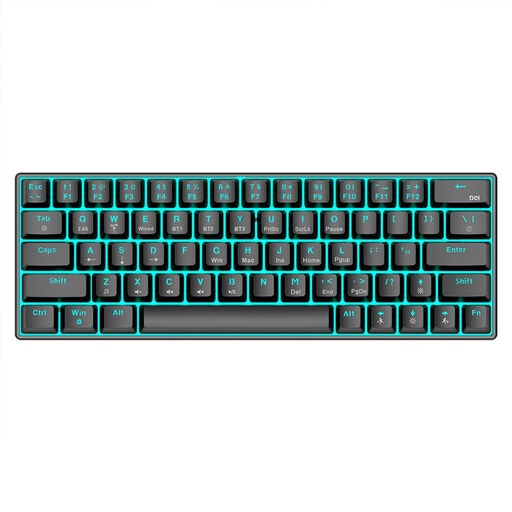 No image available
The compact design may suit a shared workspace. Before buying, check that the key layout matches the way you type.
Bluetooth 5.0, 2.4 GHz wireless connection or USB cable; 1,450 mAh battery. Listed as a mechanical keyboard with an ergonomic design.
 No image available
The fixed split, curved keyboard and padded wrist rest may be worth considering if you’d like to try this hand position at your own workstation.
Bluetooth or USB receiver; German QWERTZ layout. According to F.A.Z. Kaufkompass, it can’t be used with a cable and the gap in the keyboard is difficult to clean.
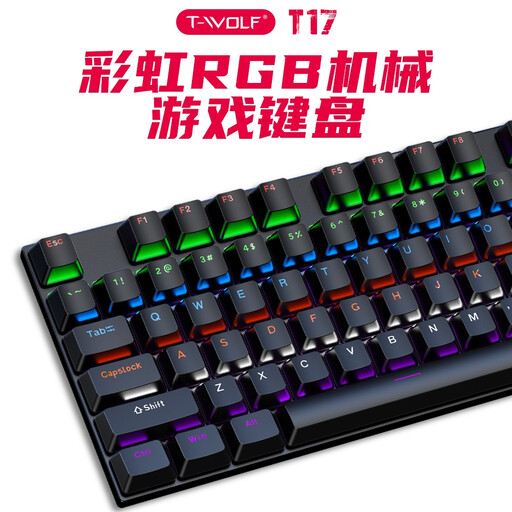 No image available
This model is wired. Before buying, make sure the explicitly stated US QWERTY layout is suitable for the German text you write.
104 keys; mechanical switches; USB cable. Listed as compatible with Windows and Mac.
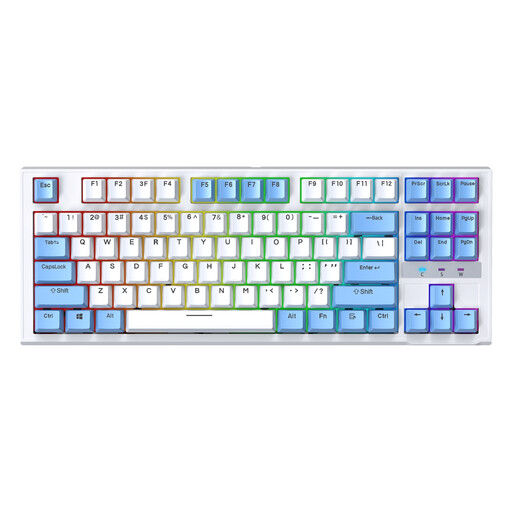 No image available
The TKL design and wired connection may suit you if you want a more compact keyboard without wireless pairing. The stated US layout differs from the German key layout.
87 keys; removable, replaceable switches; wired.
No. The DGUV describes ergonomic input devices as a possible way to reduce strain, but also points out the limitations of general recommendations. What matters is whether the keyboard and workstation suit your individual posture; a product name is no guarantee that you’ll be free from discomfort.
Check whether you can arrange your keyboard, screen and documents appropriately on the available desk space. For workplace screen work, the Federal Institute for Occupational Safety and Health describes the employer’s responsibility for providing a safe setup. ASR A6 sets out requirements within its scope, but does not specify a particular keyboard brand.
Follow your workplace’s cleaning rules and the instructions for the specific model. DGUV forum identifies keyboards and mice as shared work equipment where hygiene is a consideration. A manufacturer’s statement about the cleaning resistance of the Kensington K75401DE does not automatically apply to other keyboards.
For a distance purchase from a business seller, you generally have 14 days from delivery to withdraw from the contract; exceptions and rules on return postage apply. Your Europe, the European Union’s consumer portal, distinguishes this right of withdrawal from the statutory guarantee: if goods are faulty, you generally have a guarantee of at least two years against the seller. Any additional manufacturer’s warranty is separate.