Video calls in a remote workspace
If you take calls on another floor and the Wi-Fi signal is weak there, the key is how an additional access point connects to your existing router.


If your internet connection is working but the Wi-Fi is weak where you take calls, first consider extending your network rather than buying a new broadband router. If you have a usable Ethernet connection between floors, wired mesh nodes or access points are worth considering. Without Ethernet, performance from mesh Wi-Fi and Powerline will depend more on the conditions in your home. You’ll mainly need a new router if your current one needs replacing and the new model is compatible with your connection.
If you take calls on another floor and the Wi-Fi signal is weak there, the key is how an additional access point connects to your existing router.
If you can use network cables and want to keep your current broadband router, consider how the nodes will be wired and which operating mode they need.
If there’s no Ethernet connection between floors, check where you could place mesh Wi-Fi nodes or a repeater. Powerline is another option, but its suitability depends on your home’s electrical wiring.
First, work out how an additional Wi-Fi access point can connect to your existing network. Then choose a router, node and operating mode that suit your broadband connection.
| What you need | What to check | Most important for |
|---|---|---|
| Connection where you take calls | Check whether you can use Ethernet between the router and the additional Wi-Fi access point. If not, the wireless connection at the planned node location is what matters. | If I need a reliable connection at my remote workspace, the signal there is crucial. Around 36 % of consumers put the connection where they take calls first. |
| Connection between floors | Check whether network cables are available and whether a mesh node at its planned location can still get a usable connection to the existing network. | If I can’t use Ethernet, I want to weigh up mesh Wi-Fi and Powerline based on the conditions in my home. Around 29 % of consumers prioritise the connection between floors. |
| Broadband connection and router mode | Find out whether you use DSL, a separate fibre modem or another type of connection, and whether you want to keep your current router. | If I want to replace my router or connect an additional device behind it, the device must be compatible with my connection and the chosen operating mode. Around 21 % of consumers put this compatibility first. |
| Additional devices and setup | Check how many nodes are included and whether you’ll need any other devices or cables for the planned connection. | If I’m mainly weighing up the effort involved in adding and setting up extra devices, the overall scope of the solution matters. Around 14 % of consumers prioritise this. |
Advertised wireless speeds and coverage areas don’t measure the connection through the floors and ceilings in your home.
First decide how the network will connect to your call location, then check the connection where you plan to use it.
Depending on your home, you may need an additional Wi-Fi node with a suitable connection.
An additional Wi-Fi access point needs its own connection to the existing network. A strong signal from the access point to your device can’t make up for a weak connection back to the router.
Choose a location with a usable connection to the router, or use Ethernet if it’s available.
With Deco, the wiring and available features vary depending on the operating mode. Some advanced features in the Deco app aren’t available in Access Point mode.
Before setting everything up, decide whether your existing router should manage the network, then follow the instructions for your chosen mode.
Product specifications for a Powerline kit can’t tell you what sort of connection your home’s electrical wiring will actually provide.
Check the connection where you take calls rather than assuming an advertised maximum speed reflects the performance you’ll get there.
If the solution doesn’t perform well enough in your home, you may need additional adapters or a different way to connect.
Deco X50 is an expandable Wi-Fi 6 mesh system that’s worth considering for homes with multiple nodes or a planned Ethernet backhaul.
ZenWiFi XD5 is a mesh option if you want to connect nodes via Ethernet or use Access Point mode.
The FRITZ!Repeater 3000 AX is an option for extending a compatible home network. The FRITZ!Box 7690 is worth considering if you also need a suitable DSL broadband router.
Magic 2 WiFi 6 next is a Powerline with Wi-Fi alternative if you want to see whether your existing electrical wiring can provide a suitable connection.
This selection includes wired access points, Wi-Fi extenders, and DSL and mesh routers. For each model, check that the connection type, cabling and power supply requirements suit your home.
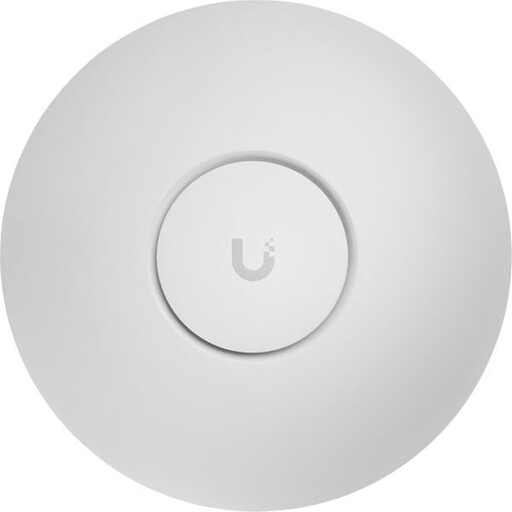 No image available
This wired access point is worth considering if you have an Ethernet connection and a suitable PoE+ power supply at the installation point.
The product name specifies Wi-Fi 7, tri-band, 2.5 GbE and PoE+. The UniFi Network application is required for setup and management.
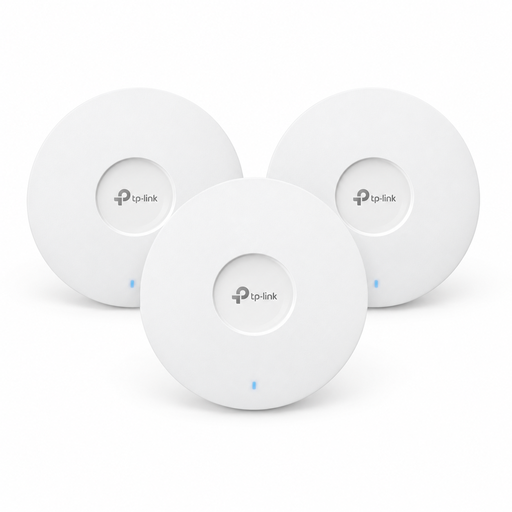 No image available
This three-pack is an option if you’re planning to add several access points and can provide a suitable connection for each one.
The product name specifies Wi-Fi 6 and three access points. A suitable power source is required for PoE+; according to the product description, the 12 V adapter is sold separately.
 No image available
It’s worth considering if you want to replace your DSL broadband router and plan to extend your network later with compatible FRITZ! mesh devices.
The product name specifies VDSL Supervectoring 35b and mesh. According to the product description, fibre or cable broadband requires an external modem connected to the WAN port.
 No image available
This Wi-Fi extender is an option if you can place an additional node within range of your existing router.
The product name specifies dual-band Wi-Fi 7, MLO, a 2.5 GbE port and EasyMesh compatibility.
 No image available
This set is an option if you want a mesh system with two units and can place the second within range of the first.
The product name specifies Wi-Fi 7, BE3600 and a router with a repeater in the set.
No. First check whether the bottleneck is your broadband connection or just the Wi-Fi where you take calls. Germany’s Federal Network Agency offers a connection speed test so you can compare your results with your agreed data rate. You’ll also need to check the Wi-Fi signal at your workspace.
In Access Point mode, you can use Ethernet backhaul while your existing router assigns IP addresses. TP-Link recommends setting up the Deco units in the app first and connecting them by cable afterwards. Some Deco router features aren’t available in this mode.
It depends on the service and the quality setting you choose. Zoom Support specifies an upload speed of 2,6 Mbit/s and a download speed of 1,8 Mbit/s for a 720p group video call. These service requirements aren’t a required router specification, nor do they guarantee a connection across multiple floors.
Germany’s Federal Network Agency confirms that you can choose your own end device at the network termination point, including on passive optical fibre networks. It also cites this as an established rule for VDSL and cable networks. This doesn’t mean every router model is technically compatible with your connection.
Check that the device is compatible with your specific connection and whether you’ll need a separate modem. According to the manufacturer, the FRITZ!Box 7690 is designed for DSL up to 300 MBit/s or use with a fibre modem. This connection specification alone says nothing about Wi-Fi coverage on other floors.