Local history team with a growing collection of scans
If you keep original scans and several edited versions, work out how much space your entire collection needs before choosing a capacity.


For an archive that is built up mainly at a fixed workstation, a desktop HDD is a suitable choice if it has enough capacity for your scans and planned project versions. If you regularly move between locations, a portable, USB-powered HDD is more practical. In either case, the hard drive is no substitute for a configured version history or an additional copy kept separately, with a tested recovery process. Before buying, also check your devices’ connections and file systems, as well as the access protection you need for confidential files.
If you keep original scans and several edited versions, work out how much space your entire collection needs before choosing a capacity.
If you want to retrieve older versions when needed, you’ll need a version history set up. A connected hard drive on its own won’t automatically save earlier versions.
If you take files to other computers or work locations, check the power supply, connections and file system. If your documents are confidential, access protection should also be part of your plan.
First, decide whether your archive will stay mainly at a fixed workstation or travel with you regularly. Then work out how much space you need for your original scans and the versions you want to keep.
| What you need | What to check before buying | Who this matters to most |
|---|---|---|
| Space for scans and versions | Check the folder sizes of your scans and allow for planned project versions when choosing a capacity. | If I’m storing original scans and several edited versions together, the capacity needs to be enough for the entire collection. That’s why roughly 31 % of consumers put the storage space they need first. |
| Finding earlier versions | Set up a suitable backup method and test it with a sample file to check that you can restore an older version. Microsoft explains how this works with File History in Windows. | If I want to retrieve an earlier version of a local history document, I need a version history set up, not just a copy of the folder. Around 31 % of consumers prioritise access to earlier project versions. |
| Independent recovery | Plan for another backup destination and a separate storage location; test restoring files after backing them up. Germany’s Federal Office for Information Security recommends disconnecting backups from the rest of the system after they have been made. | It’s important to me that a separate copy is still available after a fault or attack, so I plan another backup destination and test the recovery process. Around 23 % of consumers put this independent backup first. |
| Transport and data protection | Check that the connections and file system of the specific model are compatible with the computers you use. Set up encryption before transporting confidential files, and test access. | If I take scans between work locations, I check that the connections are compatible and that confidential files are protected. Around 15 % of consumers prioritise secure access on the move. |
According to Germany’s Federal Office for Information Security, the lifespan of storage media cannot be predicted precisely. If a fault or attack occurs, a single connected drive could also be affected.
Keep another copy separately and test whether you can restore the files you need from it.
A copy of your current folder won’t automatically include earlier edited versions. When set up, Windows File History can save earlier versions of files and folders.
First, back up a sample file that you’ve changed and restore an older version before relying on the process.
Apple points out that reformatting a Windows volume for a Time Machine backup will erase the data already on it.
Save any files on it somewhere else before reformatting the volume.
According to the manufacturer, the portable Verbatim Store ’n’ Go 4 TB is powered via USB, while the desktop Store ’n’ Save 4 TB needs an external power supply.
Choose the design that suits where you work, and check the power supply, connection and file system for the specific model.
Toshiba’s portable range includes the Canvio Basics. The German manufacturer website lists the model number HDTB540EK3CA for the 4-TB version.
Verbatim offers both the portable Store ’n’ Go 4 TB and the desktop Store ’n’ Save 4 TB as separate models.
The German manufacturer website lists an 8-TB desktop version of the My Book.
Seagate describes Expansion Desktop as a range of desktop HDDs with a USB connection and power supply.
The Joybuy products below are described as portable external hard drives. They may suit you if you want to move your archive between work locations. Check that each model’s capacity is enough for your scans and planned project versions.
 No image available
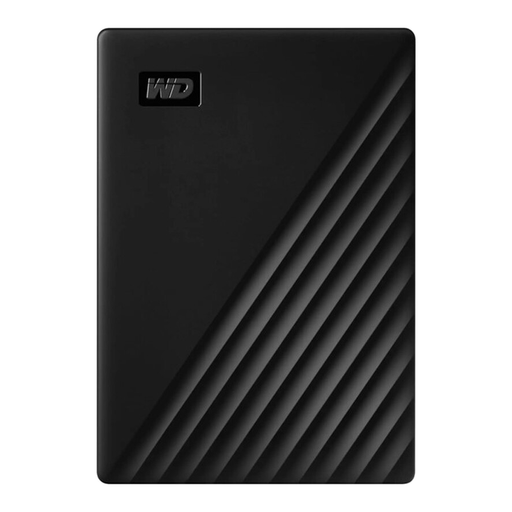
This portable model is a good fit if you want to take scans between work locations.
Capacity: 5 TB. Connection: USB-C.
You’ll need a version history set up to keep earlier project versions, and another copy stored separately for independent recovery.
 No image available
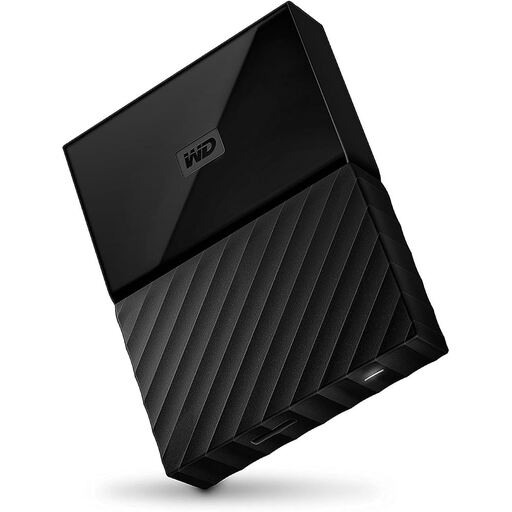
This portable hard drive is an option if you want to take your archive between work locations.
Capacity: 1 TB.
Check whether it has enough space for your original scans and the project versions you want to keep. The hard drive won’t set up a version history on its own.
 No image available
This portable model is a good fit if you want to take your archive with you when needed.
Capacity: 4 TB.
As well as enough storage capacity, plan for a separate backup and a suitable method for keeping earlier project versions.
 No image available
This portable model is an option if you want to move files between work locations.
Capacity: 2 TB.
The product title mentions automatic backups and password protection. Check whether the backup feature covers the earlier project versions you want to keep; you’ll still need to plan for an independent backup as well.
 No image available
This portable model is a good fit if you want to move scans between work locations.
Capacity: 5 TB. Interface: USB 3.0.
Before use, check that the file system is compatible with your devices. You’ll need additional backup steps to keep earlier versions and enable independent recovery.
No. The storage device alone won’t set up a version history. In Windows, File History can save earlier versions of files and folders to an external backup destination once it’s set up. Test that you can restore a version you need.
Not as a Time Machine backup volume. Apple recommends APFS or APFS (Encrypted). Reformatting a Windows volume will erase the data already on it, so save it somewhere else first.
According to Verbatim, the desktop Verbatim Store ’n’ Save 4 TB needs an external power supply. An independent backup also needs another backup destination. Germany’s Federal Office for Information Security notes that the lifespan of storage media cannot be predicted precisely and recommends testing recovery.
There’s no straightforward answer. According to the European Commission’s guidance, information may count as personal data if it can identify a living person when combined with other details. Whether the GDPR applies to a particular publication, and what conditions apply, depends on factors including who is responsible and the activity involved. Assess the collection and intended use on a case-by-case basis.