
Lieferung heute & morgen

Qualitätsgarantie

Willkommens-Angebote freischalten: KOSTENLOSE Lieferung | Bis zu 80 % RABATT | Kostenlose 30-Tage-JoyPlus-Testphase
App herunterladen
The ever-growing volume of digital data—from critical work documents and high-resolution photos to extensive game libraries—presents a challenge for many users: the internal storage on laptops, PCs, and even smartphones fills up quickly. An external hard drive offers a practical solution for backing up data, transporting large files, or simply expanding your storage.
However, with a vast array of models, technologies, and capacities available, making the right choice can be overwhelming. This guide will help you understand the key technical features and make an informed decision that meets your specific needs.
To find the right storage solution, it's helpful to consider a few key criteria. Your individual needs will determine which features are most important.
The most fundamental decision concerns the type of storage technology.
The capacity you need depends directly on your use case.
The connection type determines the transfer speed and which devices the hard drive is compatible with.
Here is a selection of external storage solutions that stand out with different features for various user profiles.
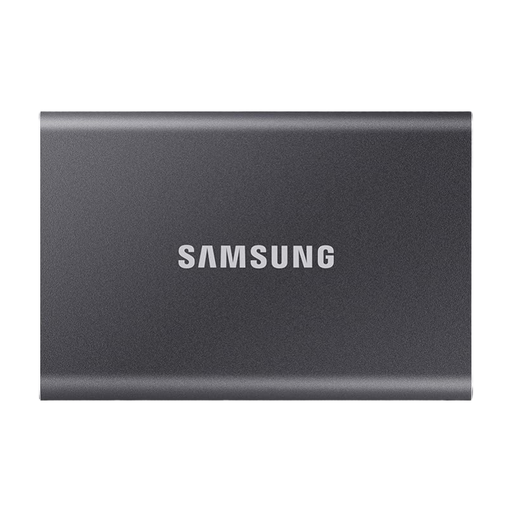
Why It Stands Out The Samsung T7 is a well-balanced portable SSD that combines high speed with a slim design and security features. With sequential read and write speeds of up to 1,050 MB/s and 1,000 MB/s, respectively (manufacturer's specifications), it significantly reduces waiting times when transferring large files. The durable aluminium casing protects the technology inside.
Pros
Who It's For Professionals, students, and creatives who need a fast, secure, and stylish storage solution for daily and mobile use.
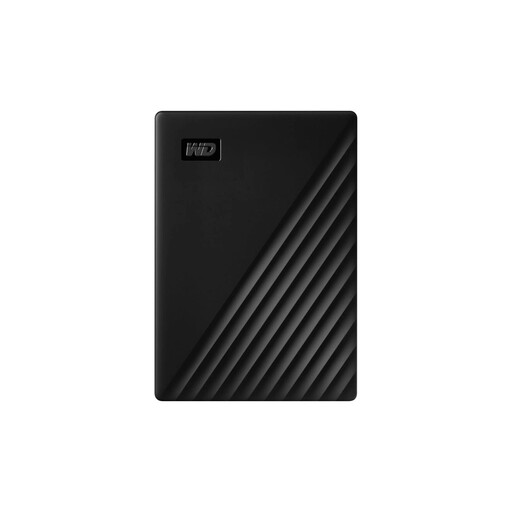
Why It Stands Out The Western Digital My Passport is a classic external HDD known for its reliability and attractive price-to-performance ratio. At 1 TB, it offers solid capacity for backups and data archiving in a very compact and lightweight package.
Pros
Who It's For Budget-conscious users looking for a reliable solution for regular backups, archiving photos and documents, or expanding the storage of their desktop or laptop.
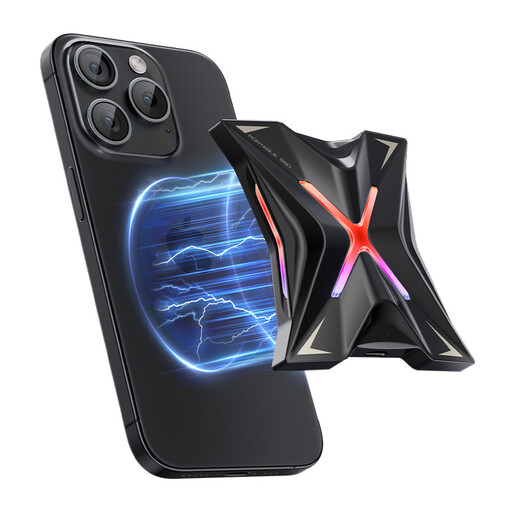
Why It Stands Out This portable SSD from MOVESPEED is engineered for maximum performance. With a USB 3.2 Gen 2x2 interface, it achieves transfer speeds of up to 2,060 MB/s, according to the manufacturer. A standout feature is its magnetic design, which allows it to attach directly to iPhone 12 to 15 series models for recording 4K ProRes video straight to the SSD.
Pros
Who It's For Videographers, content creators, and tech enthusiasts who depend on maximum transfer speeds and want to leverage the innovative feature of direct recording from an iPhone.
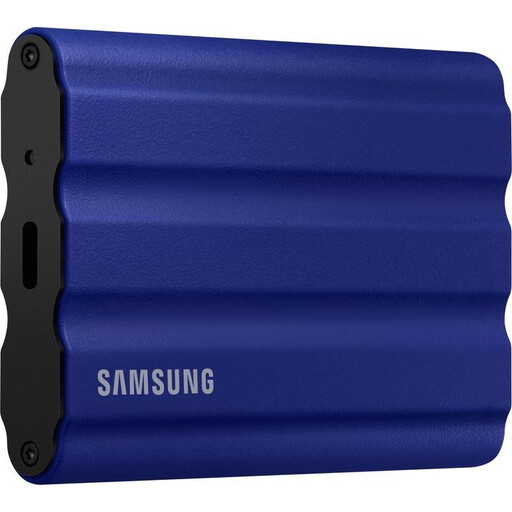
Why It Stands Out The T7 Shield builds on the speed of the T7 and adds a crucial feature: durability. This rugged external hard drive is IP65-rated for water and dust resistance and can withstand drops from up to three meters, according to the manufacturer. The rubberised exterior provides extra grip and protection.
Pros
Who It's For Outdoor photographers, adventurers, on-set filmmakers, and anyone who needs to reliably protect their data from the elements and impacts while on the move, without sacrificing speed.
This selection covers various use cases but represents only a small fraction of the available options. If you're looking for different capacities, designs, or specific features, you might find the perfect solution in our wider product range.
Explore Our Full Selection of Hard Drives
An external SSD (Solid-State Drive) uses flash memory, making it fast, quiet, and shock-resistant. An HDD (Hard Disk Drive) uses mechanical, rotating platters, offering more storage for less money but is slower and more sensitive to impacts. The choice depends on whether you prioritise speed and durability or maximum capacity at a lower price.
In principle, most external hard drives are compatible with a Mac. They may need to be reformatted before first use with macOS's Disk Utility (usually to APFS or Mac OS Extended format). Models with a USB-C port, like the Samsung T7 or the MOVESPEED SSD, are ideal for modern MacBooks and iMacs as they can be connected directly without an adapter.
Yes, this is possible with iPhone 15 models and newer versions that feature a USB-C port. You can connect an SSD for iPhone directly to transfer files or even record high-resolution video (like ProRes) straight to the external drive. This saves your iPhone's internal storage and significantly streamlines the workflow for video producers. The MOVESPEED SSD, with its magnetic mount, is an example of a product specifically tailored for this use case.