A video library with lots of versions
If you keep your original footage and earlier project versions, choose a capacity based on your total data and how long you plan to keep it. The BSI points out that you also need to be able to restore your data.


For a large video library with several project versions to keep, a desktop HDD is an obvious choice if you have enough room at your workstation. The key is to plan for the storage needed for both your footage and its different versions. If you transfer files frequently or work on the go, a portable HDD or SSD may be a better fit. With an SSD, though, the advertised maximum speed depends on your connection setup. Germany’s Federal Office for Information Security (BSI) also recommends planning for recovery: you should be able to find an older version and restore it.
If you keep your original footage and earlier project versions, choose a capacity based on your total data and how long you plan to keep it. The BSI points out that you also need to be able to restore your data.
If you regularly copy large video files, consider transfer speed and capacity together. Whether an advertised connection speed is achievable depends on your computer and connection setup.
If you take your drive between devices, consider its form factor, connections and compatibility with your backup software. Toshiba says the Canvio Flex comes with USB-A and USB-C cables. Even so, check that the specific version suits your devices and storage needs.
The figures show the main concern for consumers choosing an external drive for a video library with several project versions.
| Priority | What to check when buying | Who is this particularly important to? |
|---|---|---|
| Room for your library and its versions | Work out the total amount of data, including the project versions you want to keep, and compare the available capacity options. | If I want to keep my original footage and older versions, the capacity needs to suit my overall storage plan. Around 36% of consumers put space for their library and its versions first. |
| Restoring older versions | Check your backup software’s retention rules and try restoring an older project file. | If I need to be able to return to an earlier project version, storage space isn’t the only thing that matters: I also need a clear version history. Around 29% of consumers prioritise being able to restore older versions. |
| Speed when transferring large files | Check your computer and cable connections, as well as the requirements for the stated speed. | If I often copy large video files, a fast transfer matters more to me than having the largest possible capacity on a single drive. Around 21% of consumers put transfer speed first. |
| Portability and switching between devices | Check the form factor and supplied cables against the connections on the devices you need to use, and check software compatibility separately. | If I want to take backups between different devices, I need a suitable format and the right connections. Around 14% of consumers prioritise portability and switching between devices. |
Older project versions take up additional space alongside your current video files. The right capacity therefore depends on how much footage you have and which versions you want to keep.
Before choosing a capacity, work out how much data you have and decide which versions you want to keep and for how long.
A single drive won’t protect you against every kind of data loss. The BSI lists risks including hardware failure, accidental deletion and malware. You also need to be able to restore your backup.
Consider keeping another copy separately, and regularly check that you can restore an older version.
Samsung lists sequential speeds of up to 2,000 MB/s for the Portable SSD T9. According to Samsung, this requires a compatible host, suitable cables and UASP enabled.
Check the requirements for the specific SSD against your computer’s connections and settings.
The BSI does not consider simultaneous data mirroring via RAID to be a backup, as changes can be mirrored at the same time. A data recovery service also won’t automatically keep earlier project versions.
Plan for versioning and recovery separately from any mirroring setup or service offer.
The My Book desktop HDD range is designed for mainly stationary backups where you need plenty of storage. Western Digital lists a stated capacity of 24 TB for the WDBBGB0240HBK-EESN version.
The Expansion desktop range is designed for storing large files and media in one place. Seagate lists versions with capacities of up to 28 TB.
The portable Canvio Flex is designed for backing up data across compatible devices. Toshiba lists versions with capacities of 1, 2 and 4 TB.
The Portable SSD T9 is a range of portable SSDs. Samsung’s German product page lists the MU-PG4T0B/EU version with a capacity of 4 TB.
This selection includes portable HDDs, desktop HDDs and a portable SSD for backing up and storing video files.
 No image available
For a video library you can take with you, if 5 TB is enough for your footage and the project versions you want to keep.
Listed with a capacity of 5 TB, USB-C, USB 3.2 Gen 1 and a 2.5-inch form factor. The product description lists Windows, Mac and compatible mobile devices.
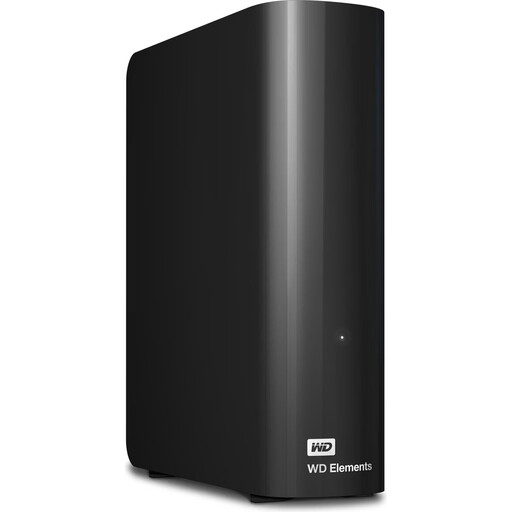 No image available
For a large video library at a fixed workstation, if a desktop drive suits your setup.
Listed with a capacity of 24 TB, USB 3.2 Gen 1, backwards compatibility with USB 2.0 and a power supply included. The drive needs an external power source while in use; it shouldn’t be the only copy of important data.
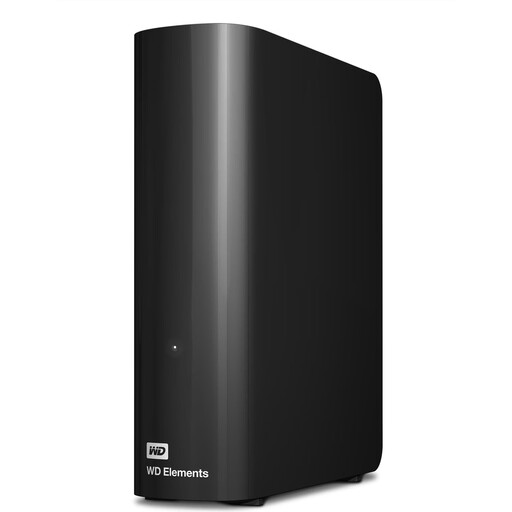 No image available
For a larger library at a fixed workstation, if 12 TB suits the amount of data you plan to keep.
Listed with a capacity of 12 TB, USB 3.2 Gen 1, USB 2.0 compatibility, NTFS and external power. The product description says it needs to be reformatted for use with macOS; it shouldn’t be the only copy of important data.
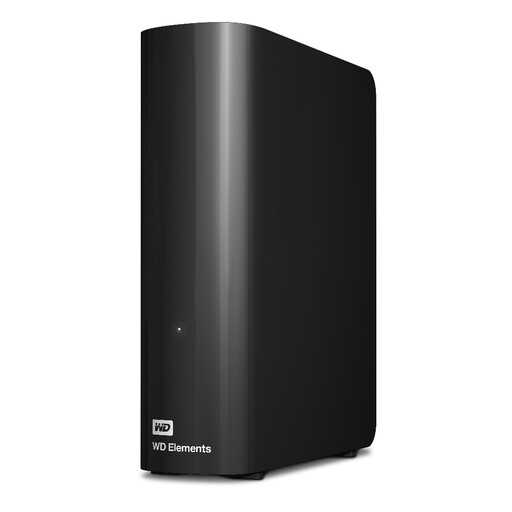 No image available
For storing a large video library in one place, if 20 TB suits your data and storage plan.
Listed with a capacity of 20 TB, USB 3.2 Gen 1, USB 2.0 compatibility, a USB-A cable and a power supply. An external power source is needed to run the drive; the product description says it needs to be reformatted for macOS. The drive shouldn’t be the only copy of important data.
 No image available
For frequent file transfers on the go, if 2 TB is enough for the video files you need to carry.
Listed with a capacity of 2 TB and USB 3.2 Gen 2. The product description gives sequential maximum speeds of up to 1.050 MB/s for reading and 1.000 MB/s for writing. These are maximum figures, not a guarantee of copy speeds on every computer; check the connection requirements for your system.
First, work out how much data you have and decide which older project versions you want to keep, and for how long. Then check that your drive’s capacity and backup method are up to the task. There’s no universal TB requirement based simply on the number of versions.
Not if you want to recover older versions that have been overwritten. Set up a clear way to keep versions and try restoring an older one. The BSI points out that being able to restore data shouldn’t be taken for granted.
Check the power supply, connections, operating system and backup software against the specific drive and your devices. Seagate lists a power supply and a USB-A cable for the Expansion Desktop; Toshiba describes the Canvio Flex as coming with USB-A and USB-C cables.
No. According to consumer information from the European Union, when you buy from a business seller in the EU, you’re entitled to a statutory guarantee of at least two years from the date you receive the goods. Voluntary manufacturer services and offered data recovery services are separate, so check their terms before you buy.