
Lieferung heute & morgen

Qualitätsgarantie

Willkommens-Angebote freischalten: KOSTENLOSE Lieferung | Bis zu 80 % RABATT | Kostenlose 30-Tage-JoyPlus-Testphase
App herunterladen
An external SSD is useful for backups, large photo libraries, 4K videos, games and transferring files on the go. However, a high MB/s figure on the packaging doesn’t automatically mean it’s the right choice for you. As a Joybuy product recommendations officer, I’ve picked out the key things to consider and explain which features suit different needs.
Manufacturers usually quote the maximum sequential read speed under ideal conditions. A USB 3.2 Gen 2x2 SSD, for example, can reach up to 2,000 MB/s. To achieve this, your computer, smartphone and cable also need to support a compatible 20 Gbit/s interface. Transfer speeds will be lower when you use a slower USB port.
Large files are usually quicker to transfer than lots of smaller ones, too. So when backing up numerous documents, photos and project files, you may not achieve the speed quoted by the manufacturer.
USB-C refers to the shape of the connector. A USB-C SSD could use USB 3.2 Gen 1, USB 3.2 Gen 2 or USB 3.2 Gen 2x2. Before buying, check the following:
A USB-C-to-USB-A cable can make it easier to connect your devices, but it won’t increase the maximum speed of the slower port.
An external 1TB SSD has room for plenty of photos, documents and smaller video projects. If you regularly work with 4K or 8K files, an external 2TB SSD is a more practical choice, as video files can quickly take up several hundred gigabytes. An SSD isn’t a complete backup solution, though. Keep important data on a second storage device or in another location as well.
For everyday backups, Office files and media libraries, a USB 3.2 Gen 2 SSD with write speeds of up to around 1,000 MB/s is often enough. If you work with large video projects or transfer files frequently, a USB 3.2 Gen 2x2 SSD offering speeds of up to 2,000 MB/s may be a better fit – provided your device supports the standard.
On Macs and other devices without USB 3.2 Gen 2x2, this type of SSD may run more slowly. Bear this in mind before you buy, particularly if you’re looking for a fast SSD for a laptop or Mac.
A portable SSD has no moving magnetic discs, so it’s generally more resistant to knocks and vibrations than a traditional external hard drive. However, the connectors, memory chips and casing can still be damaged by impacts, moisture and high temperatures.
Look for specific details such as:
An IP65 rating means the device is dust-tight and protected against low-pressure water jets. It doesn’t mean you can leave the SSD submerged in water.
A password-protected, encrypted SSD can be useful for work documents, personal photos or customer data. Check whether the encryption is hardware-based or set up using additional software. You should also make sure the software is compatible with your operating system.
If you’re choosing an SSD for iPhone, a MagSafe SSD or an SSD for 4K ProRes, there are a few other things to consider: compatible iPhone model, supported video resolution, magnetic attachment, cable type and whether you can record directly to the drive. A magnetic attachment doesn’t automatically mean the device supports wireless MagSafe charging.
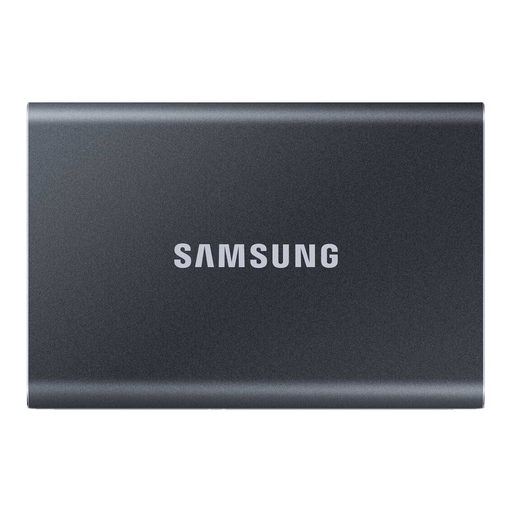
Why it suits this need: According to Samsung’s product details, this model offers 1 TB of storage, USB 3.2 Gen 2 and a compact aluminium casing for PCs, Macs and compatible mobile devices.
The speed you can achieve depends on the USB 3.2 Gen 2 standard. USB-C-to-USB-C and USB-C-to-USB-A cables are listed as included.
Read speeds of up to 1,050 MB/s, write speeds of up to 1,000 MB/s and optional hardware encryption, according to the product details.
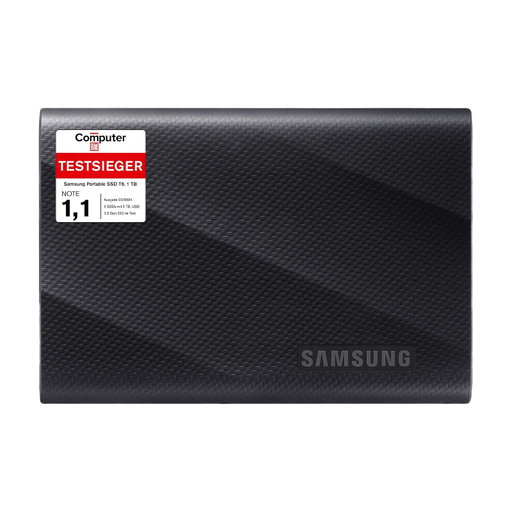
Why it suits this need: According to Samsung’s product details, the T9 uses USB 3.2 Gen 2x2 and is designed for compatible computers, smartphones, cameras and games consoles.
The interface is clearly stated, so you can check before buying whether your laptop supports the potential transfer speed.
Read and write speeds of up to 2,000 MB/s, drop resistance from heights of up to 3 metres according to the product details, and two cable options.
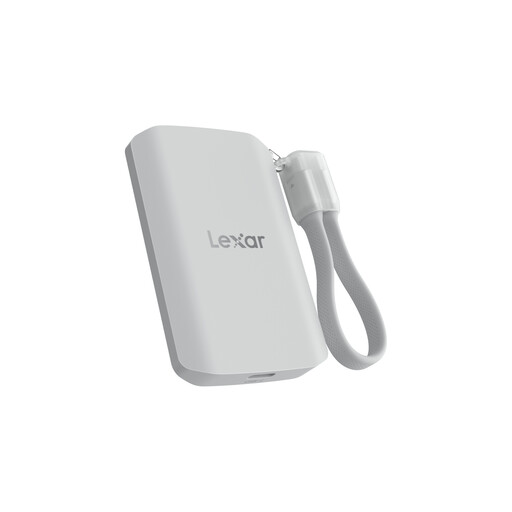
Why it suits this need: According to Lexar’s product details, the 2 TB version is aimed at mobile content creators using MagSafe-compatible devices and working with 4K ProRes and 8K video.
The product details specifically note that systems without USB 3.2 Gen 2x2 may deliver lower performance. The IP65 rating is not presented as protection against submersion.
2 TB capacity, read and write speeds of up to 2,000 MB/s, IP65 protection and stated drop resistance from heights of up to 3 metres.
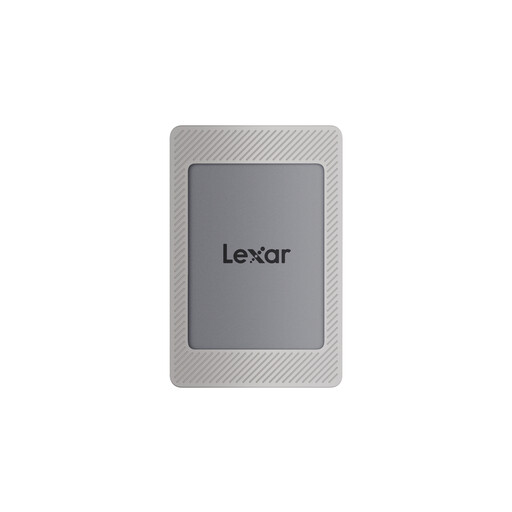
Why it suits this need: According to Lexar’s product details, this model combines 2 TB of storage with USB 3.2 Gen 2, a magnetic kit and compatibility with iPhone 15/16, PC, Mac, PS4 and PS5.
The product description specifies which iPhone models are compatible and notes that wireless MagSafe charging isn’t supported.
Read speeds of up to 1,050 MB/s, write speeds of up to 1,000 MB/s and 256-bit AES encryption software, according to the product details.
We’ve put together a complete, regularly updated list of products that meet these strict selection criteria and the safety regulations that apply in the EU.
Lifespan depends on the type of storage, amount of data written, temperature, usage and storage conditions. To help your SSD last longer, avoid exposing it to high temperatures for extended periods, safely eject it after transferring files and keep an additional copy of important files. It’s not possible to give a general lifespan without knowing how much data is written to the drive.
Yes, many models work with both Windows PCs and Macs. The file system, connection and cable are all important. You may need a compatible file system to use the drive with both. If you’re choosing a USB 3.2 Gen 2x2 SSD, check whether your Mac supports this standard; otherwise, transfer speeds may be lower.
You can use an external SSD with a PS5 to store certain games and media files. PS5 games generally need to be stored on the console’s internal storage or a compatible expansion drive to play. Check the console’s current requirements, and only format the drive after backing up any existing data.