
Lieferung heute & morgen

Qualitätsgarantie

Willkommens-Angebote freischalten: KOSTENLOSE Lieferung | Bis zu 80 % RABATT | Kostenlose 30-Tage-JoyPlus-Testphase
App herunterladen
An external SSD is ideal for backups, photos, 4K videos, games and large project files. Unlike a conventional external hard drive, it has no moving parts, making it more compact and less susceptible to damage from knocks and vibrations. However, not every “fast SSD” advertised will automatically deliver short transfer times.
The most important buying decisions therefore go beyond price. You need to consider your device’s connection, the speed it actually supports, storage capacity and protection for mobile use.
Manufacturers often quote maximum sequential speeds such as 1,050 or 2,000 MB/s. These figures apply under suitable conditions. A USB 3.2 Gen 2x2 SSD, for example, requires a compatible USB 3.2 Gen 2x2 device and a suitable cable. When connected to a slower USB port, transfer speeds will be limited accordingly.
A USB-C connector alone also says nothing about speed. USB-C initially describes the shape of the connector, not necessarily the transfer standard.
A metal casing or a specified drop height can make mobile use easier. However, a protection rating such as IP65 defines specific limits: protection against dust and low-pressure water jets, but not prolonged immersion. An external SSD should therefore still be transported in dry conditions and protected from strong impacts.
An external SSD 1TB provides enough space for documents, photos, system images and smaller video projects. If you regularly store 4K footage, RAW photos or several backups, an external SSD 2TB is the more practical choice. In both cases, usable capacity is slightly lower because the file system and device management require some storage space.
For current MacBooks, PCs, iPads and many smartphones, a USB-C SSD offers particularly flexible connectivity. Before buying, check the following:
Even an SSD offering up to 2,000 MB/s may be limited to around 1,000 MB/s when connected to a USB 3.2 Gen 2 port. Actual performance also depends on file size, temperature, operating system and the write process.
1 TB is often sufficient for office files and regular backups. Photographers, videographers and content creators should calculate their ongoing storage requirements. 4K videos can take up a great deal of space, depending on the format and frame rate; ProRes files require even more storage.
Important: an external SSD is not a replacement for a complete backup strategy. For important footage and files, we recommend keeping at least one additional copy on another storage device or at a separate location.
For frequent transport, the following specifications are particularly relevant:
Encryption protects your data if the drive is lost, but it must be set up and managed securely. Your password should not be stored exclusively on the SSD.
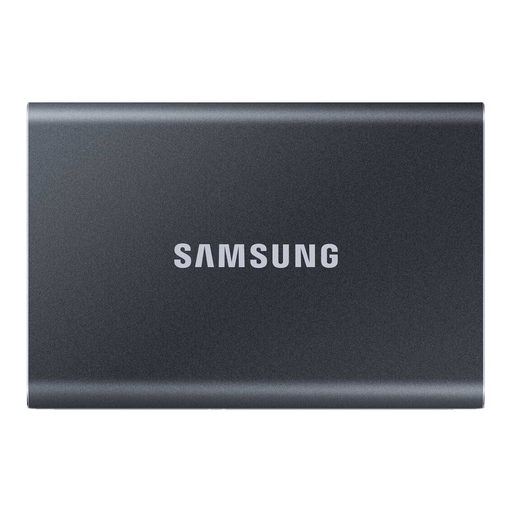
Why this product suits this profile: The 1 TB version is designed for documents, photos, backups and everyday file transfers. USB-C-to-C and USB-C-to-A cables make it easy to use with a range of devices.
The quoted read speed of up to 1,050 MB/s and write speed of 1,000 MB/s are clearly specified for USB 3.2 Gen 2. Performance will nevertheless remain limited on older ports.
Aluminium casing, drop resistance from heights of up to 2 metres and optional 256-bit AES hardware encryption.
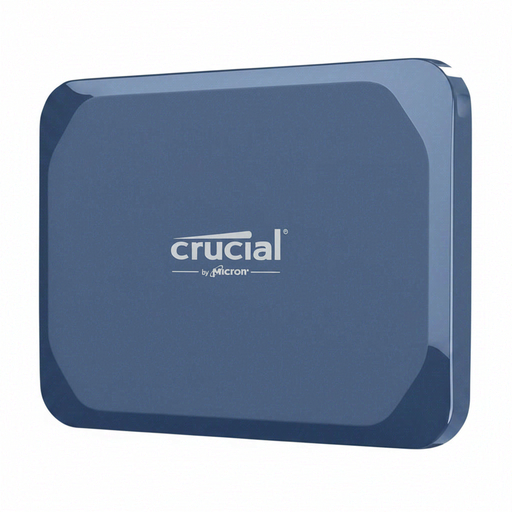
Why this product suits this profile: This portable SSD combines 1 TB of capacity with USB 3.2 Gen 2x2, making it suitable for users who transfer large files on the go.
The IP65 rating has clear limits: the drive is not designed for immersion. A compatible Gen 2x2 port is required to achieve maximum speed.
Read speeds of up to 2,100 MB/s, write speeds of up to 2,000 MB/s and AES hardware encryption.
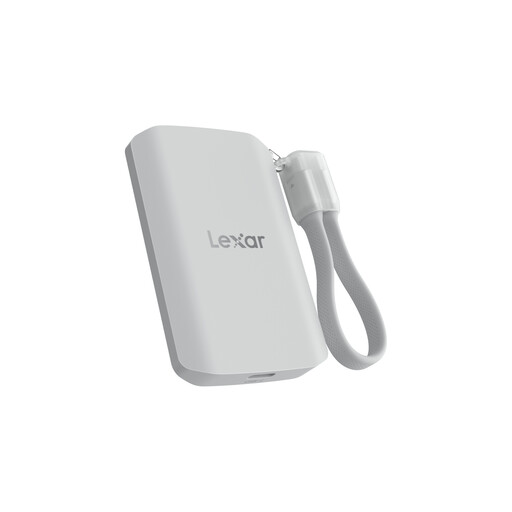
Why this product suits this profile: Its 2 TB capacity and magnetic attachment make it a strong choice for videographers and content creators who want to record directly to external storage from compatible iPhone or Galaxy devices.
The manufacturer states that Macs and devices without USB 3.2 Gen 2x2 may achieve lower speeds. IP65 provides protection, but not against immersion.
Read and write speeds of up to 2,000 MB/s, 2 TB of storage, MagSafe-compatible attachment and drop resistance from heights of up to 3 metres.
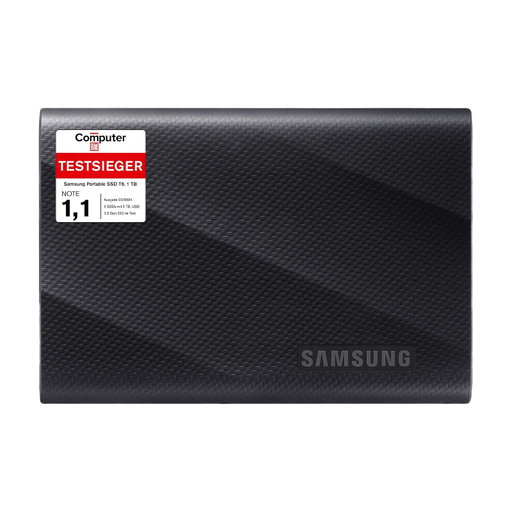
Why this product suits this profile: This SSD is designed for Macs, PCs, smartphones, games consoles and cameras, making it suitable for frequent transfers of large files.
Speeds of up to 2,000 MB/s are only possible with compatible USB 3.2 Gen 2x2 hardware. The stated thermal management does not replace adequate ventilation during long transfers.
Read and write speeds of up to 2,000 MB/s, drop resistance from heights of up to 3 metres and two USB cables included.
We have put together a complete, regularly updated list of products that fully meet these strict selection criteria and the safety regulations applicable in the EU.
Connect the SSD using the appropriate cable and check whether it appears in File Explorer or Finder. exFAT can be a useful format for transferring files between Windows and macOS. For drives used exclusively with macOS, APFS formats may also be suitable, depending on your intended use. Back up any existing files before formatting.
There is no single fixed lifespan. It depends on factors including the amount of data written, temperature, frequency of use and storage conditions. Firmware or management software may display the drive’s status on supported models. Regardless, important data should be backed up regularly to a second storage medium.
Most portable models draw power directly via USB and do not require a separate power supply. With smartphones, the SSD may place a greater demand on the battery, particularly during longer video recordings. A compatible cable and a sufficiently powerful USB-C port are important for stable operation.