
Lieferung heute & morgen

Qualitätsgarantie

Willkommens-Angebote freischalten: KOSTENLOSE Lieferung | Bis zu 80 % RABATT | Kostenlose 30-Tage-JoyPlus-Testphase
App herunterladen
An external SSD expands the storage of your laptop, Mac, smartphone or games console without a mechanical hard drive, while remaining compact and easy to carry. A portable SSD can be a practical choice for backups, large photo libraries, video projects or games. However, a high MB/s figure alone does not automatically lead to the right purchasing decision.
Many buyers overlook the interface, choose too little storage or opt for a protection rating that does not suit the intended use. This guide explains the most important selection criteria and presents a considered selection of models.
Figures such as 1.050 or 2.000 MB/s generally refer to sequential read and write operations under suitable conditions. Actual performance depends on factors including:
For example, according to the product specifications, a USB 3.2 Gen 2 SSD can achieve read speeds of up to 1.050 MB/s. The connected device must support the corresponding 10-Gbit/s interface for this to be possible. Transfer rates will be lower when using an older USB port. Even higher speeds from a USB 3.2 Gen 2x2 SSD can only be achieved with compatible hardware.
USB-C initially describes the shape of the connector. Different transfer standards can sit behind it. So do not just check whether your laptop or smartphone has a USB-C port; also check the following:
Many models include both a USB-C-to-USB-C and a USB-C-to-USB-A cable. This makes them easier to use with newer and older devices. An SSD for Mac should also be formatted with the desired file system if you plan to use it with Windows as well.
An SSD has no moving read/write heads. This reduces certain mechanical risks, but it does not protect against accidental deletion, power surges, faulty cables or an electronics failure. An IP65 rating also does not mean that a drive can be permanently submerged.
Important files should therefore be stored in at least two separate locations. An external SSD is suitable as a backup destination, but it is not a complete substitute for a second backup.
An external SSD 1TB provides room for documents, plenty of photos, work files and selected games. An external SSD 2TB may be more practical for regular video recording, RAW photography or several system backups. Bear in mind that the capacity actually available after formatting is slightly lower than the advertised size.
As a guide:
A USB-C SSD with USB 3.2 Gen 2 offers a balanced combination of speed and compatibility for many everyday tasks. According to manufacturer or product specifications, models with USB 3.2 Gen 2x2 can reach speeds of up to 2.000 MB/s. However, these speeds are not available on every Mac, laptop or smartphone.
When choosing a fast external hard drive for everyday use, peak figures are therefore not the only consideration. The connection, cable and device all need to work together. A faster standard can save time when transferring large files over short periods. For small documents, the difference compared with slower interfaces is often less significant.
Aluminium casings can dissipate heat and are widely used in portable drives. Some models specify a drop height of two or three metres or an IP65 rating. These figures relate to defined test conditions and should not be seen as permission to handle the drive roughly.
For business documents or personal recordings, an external SSD with AES encryption may be a suitable choice. For the following products, either 256-bit AES hardware encryption or software-based encryption is specified, depending on the model. The password function often needs to be set up initially using the manufacturer's software. If you forget the password, access to the data may be lost.
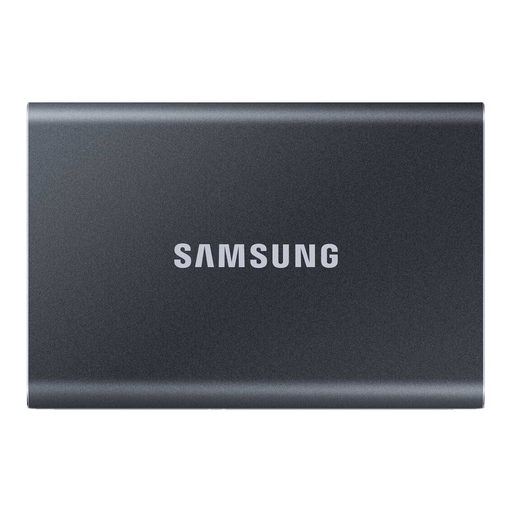
Why this product suits the profile: The 1TB model is designed for documents, photos, mobile backups and everyday file transfers. According to the product specifications, it supports USB 3.2 Gen 2 and comes with two cables.
The interface, maximum speed and compatibility with Windows, macOS and Android are clearly specified. The supplied USB-A cable is useful with older laptops.
Read speeds of up to 1.050 MB/s, write speeds of up to 1.000 MB/s, an aluminium casing and optional password protection with 256-bit AES encryption.
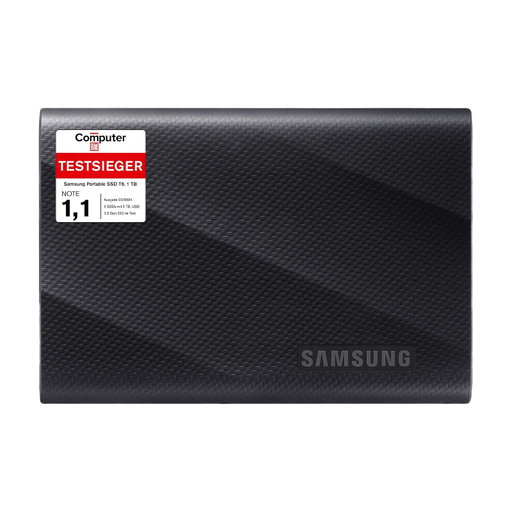
Why this product suits the profile: For users who frequently transfer large files, the model offers USB 3.2 Gen 2x2 with read and write speeds of up to 2.000 MB/s, according to the product specifications.
The high performance figures are paired with a clearly specified Gen-2x2 interface. This allows buyers to check in advance whether their computer or camera supports this standard.
Up to 2.000 MB/s, two cable variants, Dynamic Thermal Guard and, according to the product description, drop resistance of up to three metres.
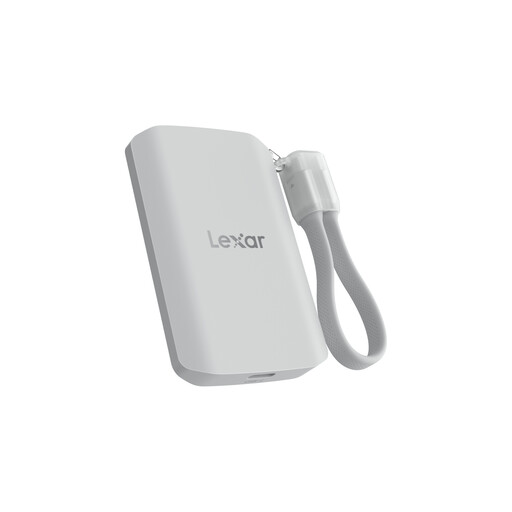
Why this product suits the profile: The 2TB drive is aimed at content creators and mobile video users. According to the product specifications, it supports MagSafe-compatible devices as well as certain ProRes and 8K recording scenarios.
The IP65 rating is qualified with the clarification that submersion is not permitted. The lower performance on devices without USB 3.2 Gen 2x2 is also highlighted.
2 TB capacity, read and write speeds of up to 2.000 MB/s, IP65 and stated drop resistance of up to three metres.
We have put together a complete, regularly updated list of products that fully meet these strict selection criteria and the safety regulations applicable in the EU.
Connect the drive using the appropriate USB-C or USB-A cable and wait for the operating system to recognise it. Before unplugging the drive, safely disconnect the SSD using the “Eject” function. Do not remove the cable while a transfer is in progress.
Service life depends on the storage technology, amount of data written, temperature and handling. It is not possible to give a reliable general lifespan. Regular backups remain essential for important data. Firmware and management software may provide additional information about the condition of the drive, provided the model supports these functions.
This depends on the device, operating system, connection and intended use. For an SSD for PS5, you must follow the console’s requirements and supported formatting options. An SSD for iPhone requires a suitable USB-C connection; direct video recording may also depend on the iPhone model and the app being used. With a Mac, the connection standard and file system are crucial. Always check the drive’s and target device’s official compatibility list before buying.