Joybuy products for CAD projects
The Joybuy products below cover desktop archiving, occasional travel and SSD storage for working with CAD projects. An external drive alone isn’t a substitute for a separate backup.
 No image available
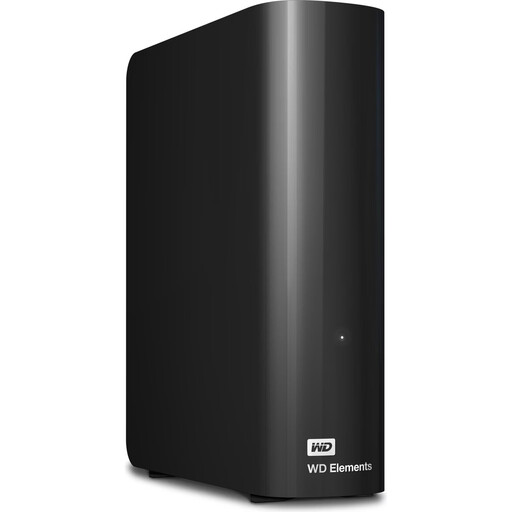
WD Elements 10 TB desktop hard drive
A desktop HDD option for large project collections at a fixed workstation.
10 TB; USB 3.2 Gen 1; NTFS; external power adapter required. According to the product details, reformatting is required for use with macOS.
View at Joybuy
 No image available
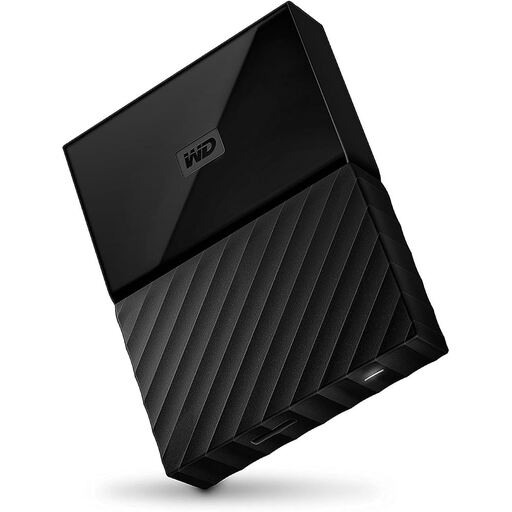
Western Digital My Passport 4 TB, Black
A portable HDD for project folders you take with you occasionally.
4 TB; USB 3.0; USB-powered. Reformatting may be required for operating systems other than the Windows versions listed.
View at Joybuy
 No image available
Samsung T7 SSD 2 TB, Titanium Grey
A portable SSD for frequently used project files, if your workstation supports USB 3.2 Gen 2.
2 TB; USB 3.2 Gen 2; up to 1,050 MB/s read and 1,000 MB/s write according to the product details. These aren’t CAD benchmarks.
View at Joybuy
 No image available
Samsung T7 SSD 4 TB, Titanium Grey
A portable SSD for frequently used project files, if your workstation supports USB 3.2 Gen 2.
4 TB; USB 3.2 Gen 2; up to 1,050 MB/s read and 1,000 MB/s write according to the product details. These aren’t CAD benchmarks.
View at Joybuy
 No image available
Samsung T9 SSD 1 TB
A portable SSD for frequent transfers of large project files, if your workstation supports USB 3.2 Gen 2x2.
1 TB; USB 3.2 Gen 2x2; up to 2,000 MB/s read and write according to the product details. These maximum figures require a compatible host connection and aren’t CAD benchmarks.
View at Joybuy
Frequently asked questions
Is it enough to move CAD projects from your workstation to an external hard drive?
Not if that leaves you with only one copy. Make an additional backup of important projects. The BSI recommends keeping physical backup media somewhere other than where you keep your computer.
Why might referenced files be missing after moving a drawing?
In AutoCAD, external references may rely on saved file paths. If you move a drawing or its references, update the paths if needed or move the associated files together. This information applies to the documented AutoCAD feature, not necessarily to every CAD programme.
Can I use the Toshiba Canvio Advance with Windows and Mac without any preparation?
Toshiba specifies NTFS for Windows and says the drive needs reformatting for Mac OS. Before formatting, check which system you’ll use it with and back up any files already on the drive.
Do I need to buy a particular encrypted drive for personal CAD projects?
The BSI’s recommendations don’t mean you have to buy a particular drive. If you need protection from unauthorised access, the BSI also suggests software solutions that encrypt individual files, folders or entire storage devices.
If a drive is faulty, what’s the difference between your statutory rights and the manufacturer’s warranty?
For consumer purchases, statutory rights relating to defects are generally against the seller; a voluntary manufacturer’s warranty doesn’t replace those rights. Under § 438 BGB, the relevant claims generally become time-barred two years after delivery.


