What to look for when buying
First, decide on access rules and how you’ll recover your data. Then compare connectivity, file system and the capacity you need.
| Priority |
What to check before buying |
Who should pay particular attention |
| Confidentiality |
Unlock method, admin and user roles, and what happens when the drive is connected and unlocked. |
If I need to decide who can open invoices on a shared computer, clear access controls matter; around 36% of consumers put confidentiality first. |
| Recovery |
Compatibility with your backup method, the option to test a restore and keeping a separate copy. |
If I need to recover deleted invoices or files after a computer failure, a tested process matters; around 29% of consumers prioritise recovery. |
| Connectivity and setup |
Available USB-A or USB-C ports, suitable cables, the file system and any software requirements. |
If I need to connect the SSD to several designated workstations, I need compatible ports and a setup that works on each one; around 21% of consumers pay particular attention to connectivity and setup. |
| Capacity and ongoing effort |
Data volume, the planned number of backup versions and space for separate copies. |
If I want to keep invoices along with several backup versions, the storage must suit my planned process; around 14% of consumers focus on capacity and ongoing effort. |
Suitable SSDs at Joybuy
This selection includes portable SSDs for invoice copies. Check the protection and unlocking features, as well as the software, for the specific model and workstation.
 No image available
KEXIN external SSD, 1 TB
For portable invoice copies when you use USB-C or USB-A at your workstation.
1 TB; USB 3.1; USB-C and USB-A adapter; up to 500 MB/s according to the product name.
View at Joybuy
 No image available
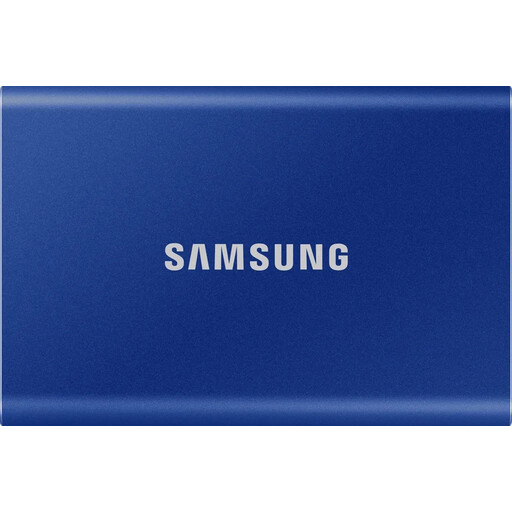
Samsung T7, 1 TB
For portable invoice copies if the optional hardware encryption described is suitable for your workstation.
1 TB; USB 3.2 Gen 2; USB-C and USB-A cables. According to the product description, password protection must be set up using Samsung Magician.
View at Joybuy
 No image available
MOVESPEED YSPSRX20M-1TTG, 1 TB
For portable invoice copies if your intended computer and backup method are compatible with the USB-C drive described.
USB 3.2; up to 2,060 MB/s according to the product name. Actual performance depends on your workstation and backup process.
View at Joybuy
 No image available
Samsung MU-PG2T0B, 2 TB
For portable invoice copies if 2 TB suits the number of backup versions you plan to keep.
2 TB; USB Type-C; USB 3.2 Gen 2 (3.1 Gen 2); the product description lists USB-C and USB-A cables.
View at Joybuy
 No image available
Lexar ES5, 1 TB
For portable invoice copies if the laptop use described suits your workstation.
1 TB; USB 3.2 Gen 2x2; IP65. The product name also lists support for Apple ProRes 4K on certain iPhone models and Galaxy S25 8K.
View at Joybuy
Frequently asked questions
Is an external SSD enough as your only invoice archive?
No. Storing files on an SSD alone doesn’t automatically make them a compliant archive. The requirements in § 147 AO apply to records that must be kept for tax purposes. The BSI also distinguishes backup and recovery from long-term archiving. Assess archiving and backup separately.
How long do business invoices need to be kept?
The retention period depends on the type of record. Under § 147 AO, accounting documents generally need to be kept for eight years, while some other specified records must be kept for ten or six years. The legislation also sets out when the period starts and when records may need to be kept for longer. Check the rules that apply to your records with the Federal Ministry of Justice.
Is an encrypted SSD required by law for invoices containing personal data?
The GDPR doesn’t specify a particular SSD model as a blanket requirement. Article 32 calls for appropriate technical and organisational measures based on the relevant risk. The BfDI highlights encryption as an important measure, particularly for portable storage devices. You’ll need additional access rules while a drive is unlocked.
How do I check my backup after setting it up?
Create a backup using your planned process, then test-restoring a selection of files. The BSI explicitly includes recovery in a backup strategy. Check regularly that the process is still working.
What ongoing costs or service details should I check before buying?
Check whether your planned process requires additional storage devices, backup software, suitable cables or admin time. Confirm the warranty for the specific model with the seller; a warranty doesn’t guarantee that lost invoice data can be recovered.


