Local multiplayer groups
You need an extra controller that works with your existing system and the game. The number of controllers that can be paired doesn’t automatically tell you how many people can play locally in a particular game.


Choose an extra controller that works with your existing platform and the game you want to play. Then check how many input devices can be used at once. A controller won’t switch subtitles on or make them easier to read automatically – language, text size and display options depend on the game. Wireless and wired models also differ in how they connect, how they’re powered and how you can arrange your seating.
You need an extra controller that works with your existing system and the game. The number of controllers that can be paired doesn’t automatically tell you how many people can play locally in a particular game.
If you want to read text during fast-paced matches, check the game’s subtitle and display options separately from your controller choice. The Game Accessibility Guidelines include text size and subtitle presentation among the areas that may be adjusted.
If you want to reach buttons more easily or assign them differently, compare the controller’s features with the options available on your platform and in the game. Microsoft lists customisable button mapping for Xbox games; the available options depend on the game.
First check compatibility with your system and game, then look at subtitle options, player numbers, and the controls and connection that work best for your group.
| What to consider | What to check before buying | Who is this important to? |
|---|---|---|
| Platform and game | Check your existing system and the exact model variant against the game’s controller support. | If I’m looking for an extra controller for my existing system, it also needs to work with the specific arena game. Around 33% of consumers put platform and game compatibility first. |
| Reading subtitles | Check that the language you want is available, and look at the text size and display options in the game. | If I want to read subtitles while playing, the specific game needs to offer suitable text options. Around 27% of consumers prioritise readable subtitles. |
| Playing with others | Check the game’s local player limit and how many inputs can be used at the same time. | If other people are joining in on the same console or PC, the game needs to support the number of players in your group. Around 20% of consumers put additional player slots first. |
| Controls and power | Check the button mapping you need, as well as whether your chosen model uses batteries, a rechargeable battery or a cable. | If I need to reach certain buttons more easily or plan the power supply before a gaming session, controls and power are essential. Around 20% of consumers prioritise ease of use and power. |
The number of controllers that can be paired doesn’t guarantee that a particular arena game supports the same number of local players. Nintendo says that, in most cases, up to eight wireless controllers can be paired with Switch 2; the number supported may also depend on the type of controller and its features.
Before buying more controllers, check the local player limit and which inputs the specific game supports.
Nintendo says the Switch 2 Pro Controller doesn’t work with the original Switch. 8BitDo lists the Ultimate 2C Wireless and Ultimate 2C Bluetooth for different target systems.
Check the full model name and the platform specified by the manufacturer before deciding.
Choosing an incompatible model could mean you need to buy another one.
PowerA says its Wired Controller for Nintendo Switch has a detachable 3-m cable and can be used while the console is docked. PowerA also notes that it lacks features including motion controls, HD Rumble, IR, amiibo NFC and the C Button.
Check the distance from your seat, plan a safe cable route and make sure your game doesn’t need any of these features.
Microsoft says the Xbox Wireless Controller uses AA batteries or a compatible rechargeable battery solution.
Check the power requirements and what’s included with the specific model so it’s ready for your gaming session.
An option for Xbox and supported Windows games, provided the controller and game work with your existing platform.
DualSense is an option for PS5; Sony also describes connecting it to a PC via USB-C or Bluetooth.
Choosing between Switch and Switch 2 controllers depends on which generation of console you own.
Consider the Ultimate 2C models separately, according to the systems they’re listed for.
The Wired Controller for Nintendo Switch may suit gaming sessions with a docked console and a suitable cable route.
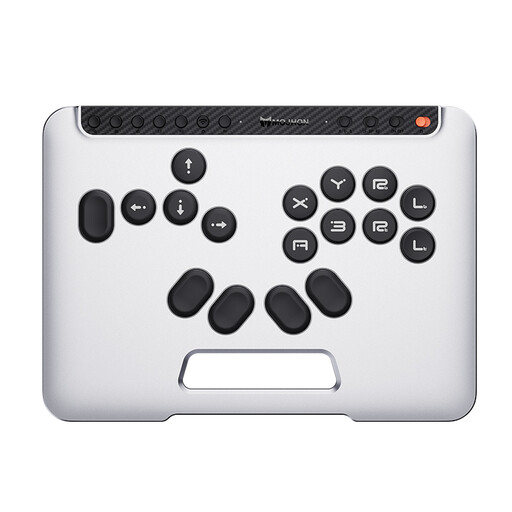
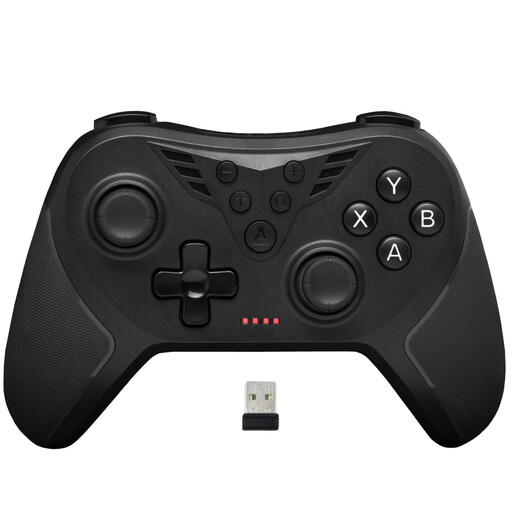
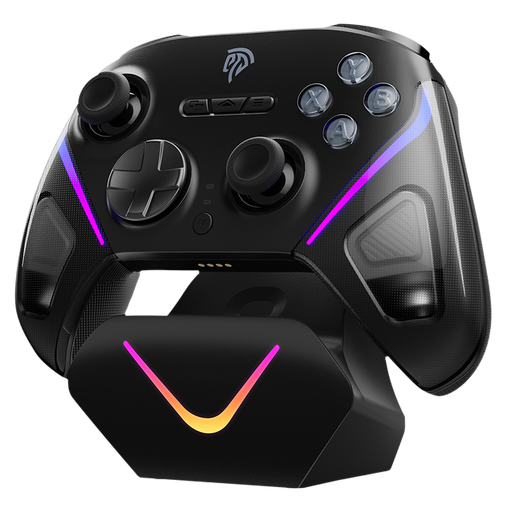
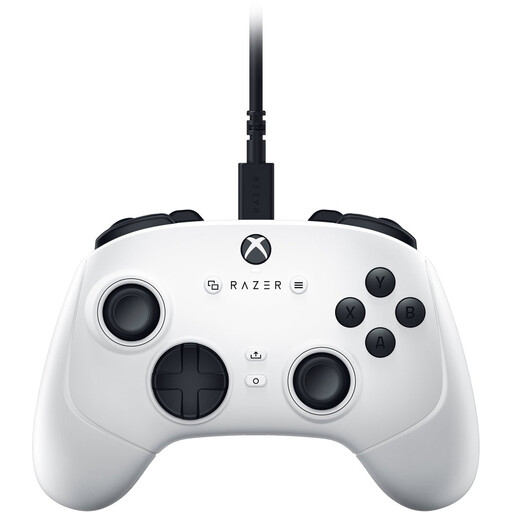
The Joybuy controllers below list PC, consoles or mobile devices as compatible systems, depending on the model, and offer different control layouts. Before buying, check that the specific version works with your platform and the game you want to play.
 No image available
For a supported game on Switch 2, Switch, PC, iOS or Android, if you’re looking for an all-button hitbox layout.
Features listed in the product title: Bluetooth, 2.4 GHz or wired connection; hot-swappable mechanical switches and RGB.
 No image available
For a supported PC game, if you’re looking for a wireless controller with extra rear buttons.
Features listed in the product title: 2.4 GHz wireless connection and two rear buttons.
 No image available
For a supported game on PC, Switch, Android or iOS, if you’re looking for a controller with switchable trigger modes.
Features listed in the product title: Bluetooth, TMR joystick, dual-mode triggers, mechanical buttons and a 1000 Hz polling rate.
 No image available
For a supported game on Xbox Series X|S or PC, if you’re looking for a wired controller.
Features listed in the product title: USB gamepad for PC and Xbox Series X|S.
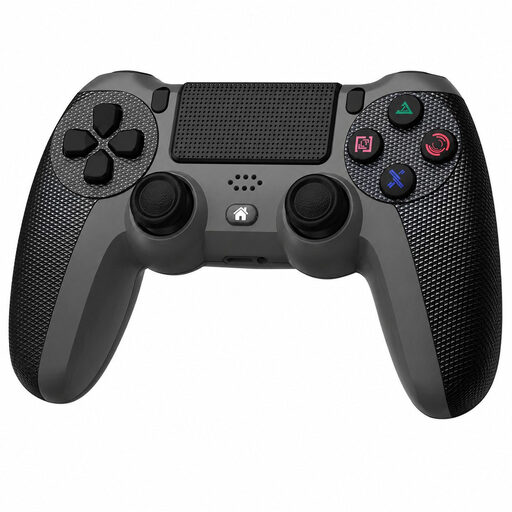 No image available
For a supported game on PS4 or PC, if you’re looking for a wireless controller.
Features listed in the product title: compatibility with PS4 and PC.
No, you can’t assume that from the controller’s features alone. Check whether the specific game offers subtitles in your preferred language and lets you adjust the text size, contrast or display.
Not just because of the controller limit. Nintendo says that, in most cases, up to eight wireless controllers can be paired, depending on the controller type and its features. The game itself must support the number of local players.
It depends on the model. Sony lists USB-C or Bluetooth for connecting DualSense to a PC. Microsoft lists AA batteries or a compatible rechargeable battery solution for the Xbox Wireless Controller. Check the connection and power requirements for the version you’ve chosen.
For newly purchased faulty goods, Verbraucherzentrale generally lists two years of statutory warranty rights against the seller. Many online purchases also come with a right to cancel, generally within 14 days of receipt; check the applicable exceptions and conditions separately. This is distinct from a voluntary manufacturer’s guarantee.
No. The German Environment Agency says that old electrical equipment must be disposed of separately from household waste.