Console host
You already have a PS5, Xbox or Switch 2 and want to have controllers ready for guests. Check which version of the game you’re playing and how many people can play at the same time.


Choose extra controllers based on your gaming device, the specific version of the game and the number of people who will actually be playing – not the number of people watching. Depending on how far you sit from the screen, you can use wired or wireless models with Xbox and Windows; for Switch 2, check that the specific controller is compatible. First, make sure the connection works and you have enough controllers. Extra buttons or special stick features come later.
You already have a PS5, Xbox or Switch 2 and want to have controllers ready for guests. Check which version of the game you’re playing and how many people can play at the same time.
You play on a Windows PC in front of a shared screen. Make sure the controllers, available ports and the way the game recognises them all work together.
If your group varies in size, think about how far you’ll be sitting from the device, how to route cables safely and having a power source ready for wireless controllers.
When you’re playing football games on a shared screen, compatibility comes first. Then consider how many people will be playing, how far they’ll be sitting from the screen and how the controllers are powered.
| What to consider | What to check | Who should consider it? |
|---|---|---|
| Platform and game version | Check the full model name and the platforms explicitly listed. For PlayStation, also check whether you have the PS4 or PS5 version of the game. | When I buy a controller for a device I already own, it needs to work with the specific version of the game too. Around 36 % of consumers put platform and game-version compatibility first. |
| Number of players | Count the controllers you already have that are in working order, and check the local player limit for the specific version of the game. | When guests take turns watching and playing, I only want to plan for the people playing at the same time. Around 29 % of consumers prioritise having enough controllers for the players who are actually taking part. |
| Seating distance and connection | For wired models, check the cable length you’ll need and whether you have a spare port. For wireless models, check the supported connection. | When we’re sitting further from the screen, I want the freedom to move around or a cable routed safely. Around 21 % of consumers focus first on space and connection. |
| Power and features | Check whether the controller uses batteries or a rechargeable battery, and what’s included in the box. Only consider special features if the game you’re playing supports them. | When extra controllers are only used occasionally, I want them ready to go without any unnecessary set-up. Around 14 % of consumers focus on power and ongoing costs. |
The number of people who can play locally depends on the game and its version. Spectators don’t need their own controller.
First, count how many people want to play at the same time. Then compare that number with the controllers you have and the player limit for the specific version of the game.
Platform compatibility can vary even between models with similar names. Nintendo also notes that there are exceptions when using older Switch accessories with Switch 2.
Check the full model name and the platforms explicitly listed rather than relying on the brand or design alone.
A cable can limit where you sit, while a wireless controller needs a power source.
Check seating distances and available ports in advance. For wireless models, have the right power source ready, and route cables so they’re not in the way.
The DualSense range is an option for PS5 players. The specific game version and number of people playing at the same time still matter.
The Xbox Wireless Controller is an option for Xbox consoles and Windows PCs if a wireless controller suits your platform and seating arrangement.
The Switch 2 Pro Controller is designed for gaming sessions on Switch 2. Check the compatibility of first-generation Switch accessories individually.
The wired G7 SE is listed as compatible with Xbox Series X|S, Xbox One and Windows 10/11.
Models vary in their connections and supported platforms: the Ultimate Wired Controller for Xbox is listed for Xbox and Windows, while the Ultimate 2C Wired is listed for Windows and Android.
These products include extra controllers for Nintendo Switch 2, as well as wired and wireless options for gaming on Xbox or a Windows PC. Before buying, check that the model and connection suit your gaming device.
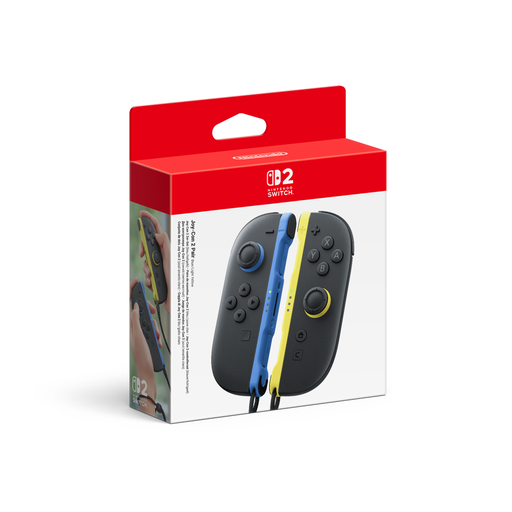 No image available
For a session on Switch 2 when several people want to play a compatible game.
Set with one left and one right Joy-Con 2; according to the product description, they’re wireless and designed for local multiplayer in compatible games. The product information states that they’re only for Nintendo Switch 2.
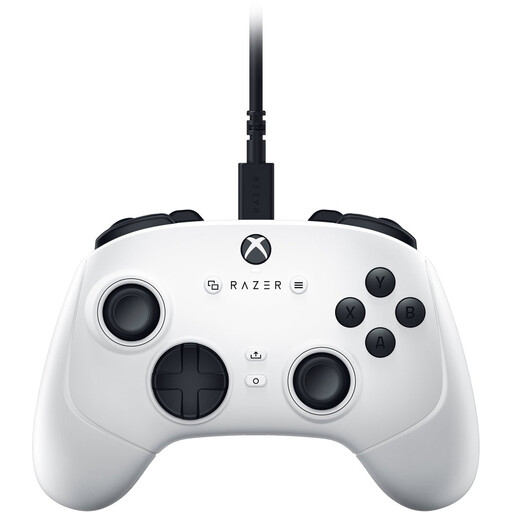 No image available
A wired option for gaming on a compatible Xbox device or Windows PC.
The product name lists PC, Xbox Series S and Xbox Series X. Plan your cable route to suit where you’ll be sitting.
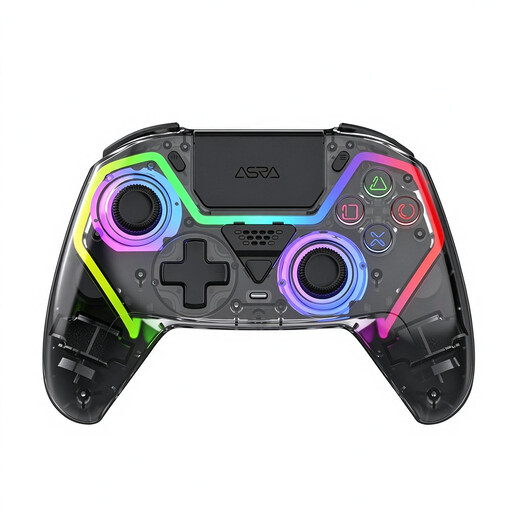 No image available
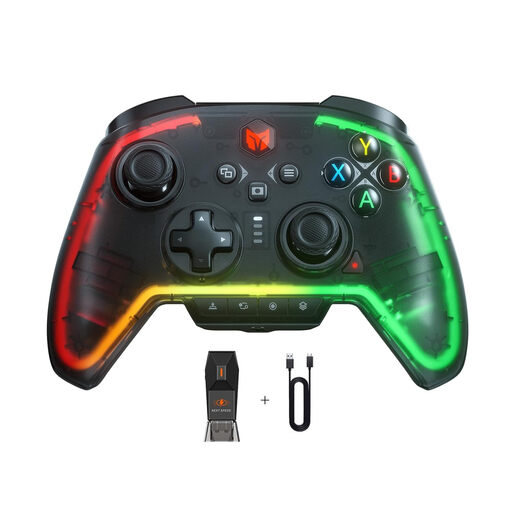
For PC gaming if you’re looking for a wireless controller with the PS5 button layout mentioned in the title; the layout alone doesn’t confirm PS5 compatibility.
The product title lists Hall Effect joysticks, 255-level Hall Effect triggers, programmable back buttons, RGB lighting and a 1000-mAh battery.
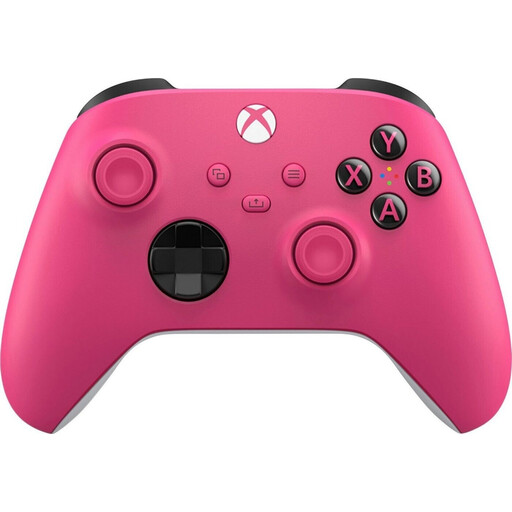 No image available
For wireless gaming if you’re looking for a controller for the Xbox or PC platforms listed in the product name.
The product name lists Xbox One, Xbox Series X|S and PC as compatible platforms. According to the product description, you’ll need batteries or a suitable charging option.
 No image available
A wired option for PC gaming if the listed platforms are compatible with your device.
The product name lists PC, Switch Lite and PS4 as platforms. Xbox isn’t listed.
No. Choose the number of controllers based on how many people will be playing at the same time, not the size of the audience. For EA SPORTS FC 27 on PS5, the German PlayStation Store lists one to four local players; Nintendo requires each player in the Switch 2 version’s multiplayer mode to have a compatible controller.
Not in every case: Nintendo notes that there are exceptions when using Switch accessories with Switch 2. Check the specific controller type and how it can be charged. Certain first-generation Switch Joy-Con can be used wirelessly, but can’t be attached to or charged by Switch 2.
Connect your extra controllers, check that they’re assigned to the right players in the game, and have a power source ready for wireless models. Sony explains that pressing the PS button assigns a player colour; GameSir describes the G7 SE as connecting to Xbox or PC via USB-C.
For purchases by consumers, EU statutory legal guarantees generally provide at least two years’ protection against faults; the seller is responsible for handling statutory claims. Any additional manufacturer’s guarantee is separate, as explained by the European Union’s Your Europe service.
No. The German Environment Agency directs consumers to collection boxes in shops or local collection points for used batteries and rechargeable batteries. This applies to disposing of the power source, not using the controller.