Families in a bright living room
You’re planning a screening for several people and can only partially darken the room. Brightness, screen size and seating arrangements matter more than having the smallest possible unit.


When choosing a projector for family videos, start by considering the room lighting, the image size you want and the distance available at your chosen gathering spot. A portable battery-powered model makes it easier to move between locations, but it won’t necessarily deliver a large, clear picture in ambient light. For a permanent setup, a brighter model designed for home use may be a better choice. Then check that your laptop or mobile phone can play your files with sound through a suitable connection or transmission method.
You’re planning a screening for several people and can only partially darken the room. Brightness, screen size and seating arrangements matter more than having the smallest possible unit.
You take the projector to different family members’ homes and need a straightforward setup. A battery and a range of connections are only useful if they suit the length of the screening and the device you’re playing from.
Your recordings are stored on a laptop or mobile phone, for example. The key is how that device sends both picture and sound to the projector you choose.
First, assess the room lighting and setup options. Then check that your files will play and that everyone will be able to hear the sound.
| Consideration | What to check before buying | Who it matters most to |
|---|---|---|
| A picture the whole group can see | Consider how well you can darken the room, your preferred image size and the basis used to measure the brightness rating. Don’t treat ANSI and ISO lumens as equivalent measurements. | If several people need to watch a larger image with some ambient light, I want to assess image size and visibility together. Around 33% of consumers prioritise a picture the whole group can see. |
| A suitable setup and image size | Check the available space, the image width you want and the throw ratio of the specific model. Also consider cable routes and sightlines. | If the gathering spot has limited depth or fixed seating, I need to find a suitable balance between distance and image width. Around 27% of consumers put setup and image size first. |
| Playing your own videos | Test a typical file and check that your device can send both picture and sound over HDMI or a transmission method explicitly supported by the projector. | If my recordings are on a laptop or mobile phone, I want to know in advance whether they’ll actually play from it. Around 27% of consumers prioritise reliable playback of their own videos. |
| Clear sound for the group | Check the built-in speakers, the projector’s audio output and the sound at your planned setup location. | If everyone needs to hear dialogue from different seats, sound quality in the room matters more to me than a simple setup alone. Around 7% of consumers prioritise sound for the group. |
| Overall cost and future use | Check what accessories you’ll need, the light source and any potential replacement parts, as well as the terms of the warranty and statutory rights. | If I’m planning the projector and everything needed to set it up as a complete package, I also want to factor in possible future costs. Around 6% of consumers prioritise the total cost and ongoing expenses. |
Manufacturers use different ways of describing brightness. Room lighting and image size also affect how clearly you’ll see the picture in your chosen location.
Decide what your room is like, then compare ratings only alongside their measurement standard and the conditions they apply to.
A quoted maximum image size doesn’t prove that everyone will be able to see the picture clearly in ambient light.
Consider image size, brightness rating and how well you can darken the room together. Compare portable and fixed models separately.
Depending on the room, you may also need a projection screen or a way to block out the light.
A built-in streaming app doesn’t tell you whether your own files will play with sound from your laptop or mobile phone.
Before the gathering, test a typical file using the exact connection method you plan to use.
Depending on your device and its connections, you may need a suitable adapter, cable or external speakers for your setup.
The EH-TW6250 is a home cinema option for families who need to consider available space and some ambient light in the room.
The GV50 is a portable Full HD option for different rooms that can be darkened.
The Capsule Max is an especially portable option for rooms that can be darkened.
The PU600U from the CineBeam Q range is a compact 4K option with a flexible setup.
The HORIZON 20 Max is a larger home cinema option with optical zoom and lens shift.
These projectors are primarily suited to different viewing locations and portable use. Compare their brightness ratings, battery life, connections and sound with the conditions at your planned gathering spot.
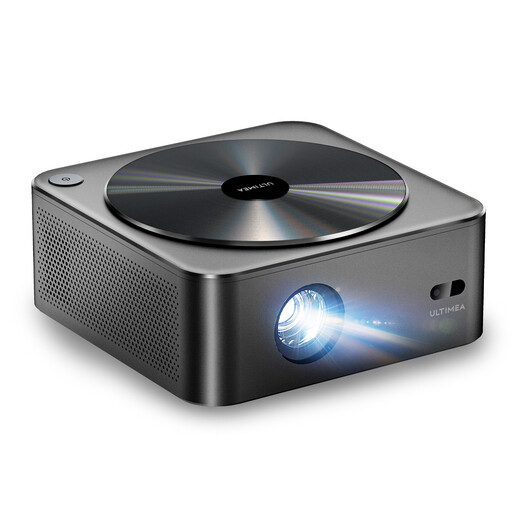 No image available
Could be suitable for portable viewing if its resolution, stated brightness and built-in sound meet the needs of your room and group size.
Native 1080p; 700 ANSI lumens; built-in 2 × 5 W speakers; autofocus and 6D keystone correction.
 No image available
An option for group viewing if its stated resolution, sound and available wired connections suit your setup.
Native 1080p; 700 ANSI lumens; 5 W stereo speakers; HDMI and USB ports; autofocus and automatic keystone correction.
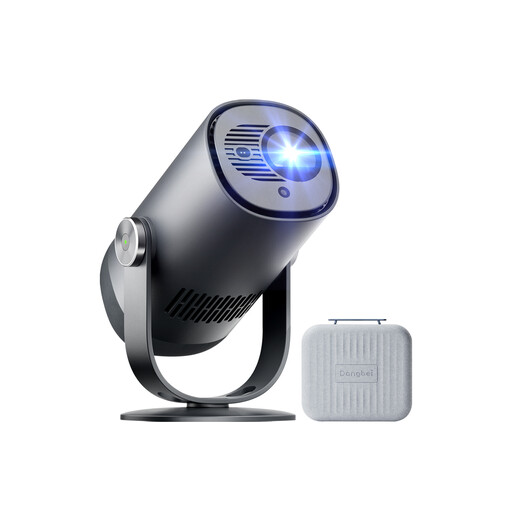 No image available
The built-in battery may be useful when moving between viewing locations, as long as your planned viewing time fits within the stated battery life.
Native 1080p; 450 ISO lumens; Dolby Audio; up to 2.5 hours of battery life. Allow for mains power if you’re planning a longer screening.
 No image available
The rotating stand can help you position the projector. Check in advance that the image size and brightness rating suit your room.
Native 1080p; 900 ANSI lumens; rotating stand; autofocus and keystone correction.
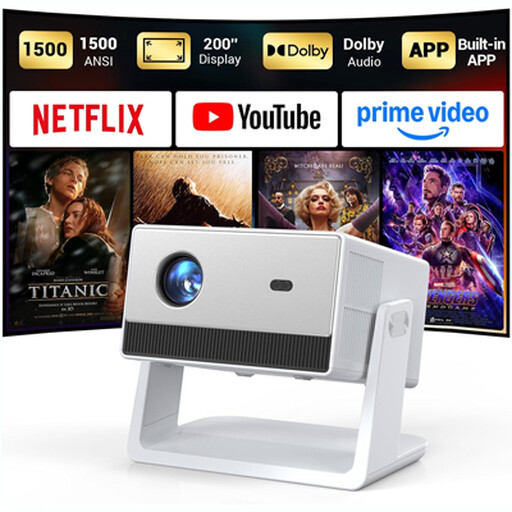 No image available
Could be suitable for family videos if its stated speakers and connections work with your playback device and listening setup.
Native 1080p; built-in 2 × 5 W speakers; HDMI, USB and 3.5 mm ports; autofocus.
Test a typical original file on the laptop or mobile phone you plan to use, and check its picture and sound output. Compare these with the inputs and transmission methods explicitly supported by the specific projector. A built-in streaming app alone doesn’t prove that local files will play.
First decide on the screen size and possible positions for the projector, then check the throw distance for the specific model. BenQ also recommends considering cable routing and lens shift or offset for a permanent installation.
If you’re choosing a lamp-based model, check whether replacement lamps are available. In Germany, the seller is generally responsible for statutory rights if a new product is faulty. These rights are separate from any voluntary manufacturer’s warranty.
For a private screening among family members, the personal relationship between those involved is relevant: § 15(3) UrhG defines public communication on that basis, so the number of viewers alone doesn’t automatically determine whether it is public. Sharing videos online or publicly showing identifiable people must be considered separately: § 22 KunstUrhG generally requires their consent, subject to statutory exceptions. Also check the rights to any music or other footage belonging to someone else.
For a standard consumer purchase online, you’ll generally have a 14-day right to cancel, although exceptions may apply. For electrical appliances, the Bundesnetzagentur recommends checking details such as product labelling, manufacturer information and whether a German instruction manual is provided.