For family videos in front of large windows, a bright, portable projector with mains power is the more obvious choice if there’s a socket within reach. A compact battery-powered projector is a better fit if you need to set it up away from a power socket and can reduce the light falling on the screen. BenQ Deutschland and Epson Deutschland use different brightness measurements and resolutions for their models, but manufacturers’ figures can’t guarantee a high-contrast picture in your room. So check the screen surface, image size, playback device and sound at the spot where you plan to use it.
Which projector is right for you?
Hosts with a bright living room
If daylight from large windows falls on the screen, the exact position of the projector and your preferred image size matter particularly. BenQ Deutschland and Epson Deutschland both highlight brightness as an important factor when choosing a projector. It’s still worth testing it in your own room.
Hosts without a socket near the screen
If you want to set up the projector somewhere without a socket nearby, check specifically for a built-in battery and make sure its runtime is long enough for your screening. Battery operation can mean a dimmer picture, as COMPUTER BILD notes for the XGIMI MoGo 4 Laser.
Hosts with several video sources
If family members are bringing clips on different devices, decide in advance which playback devices you’ll use and check their connections against the exact projector model. BenQ Deutschland, for example, lists several playback options for the GP100. That doesn’t automatically mean every file and device will be compatible.
What should you look for when buying?
Bright projector with mains power
Best if: there’s a socket within reach and you want to screen videos while some daylight remains.
The trade-off: A portable device doesn’t have to run on a battery; image size and incoming light still matter. Epson lists WXGA resolution and 4,000 lumens of white and colour brightness for the EB-W55. BenQ lists 1,000 ANSI lumens at 1080p for the GP100. These manufacturer figures aren’t directly comparable and don’t guarantee a clear picture in direct sunlight.
Compact projector with a battery
Best if: there’s no socket nearby and you can reduce the light falling on the screen.
The trade-off: Runtime doesn’t guarantee brightness. COMPUTER BILD notes that the XGIMI MoGo 4 Laser produces a significantly dimmer picture when running on battery, so test the projector in the mode you intend to use.
Compact model without a built-in battery
Best if: flexible, compact placement matters to you and there’s a suitable power supply where you plan to put the projector.
The trade-off: A compact design doesn’t mean the device can run without a socket. LG specifically states that the CineBeam Q doesn’t have a built-in battery.
| What you need |
What to check when buying |
Who it matters most to |
| A clear picture in light from windows |
Check the light falling on the screen, options for darkening the room, image size and the brightness measurement used for the specific model. |
If I want to make out faces clearly in daylight, I’ll start by looking at the screen and the light in the room. Around 39% of consumers put a clear picture in light from windows first. |
| Freedom from mains power |
Check the built-in battery, runtime conditions and planned screening duration separately. |
If there’s no socket within reach where I plan to set it up, I need a suitable way to run it without a mains cable. Around 23% of consumers prioritise being able to use their projector away from mains power. |
| Playing family videos |
Check your files, playback device, any adapters you need and the connections supported by the exact model. |
If the clips are coming from different devices, I want to know how I’ll play them before the get-together. Around 23% of consumers prioritise reliable video playback. |
| Setup and sound for a group |
Check the projection distance, obstacles, image alignment and whether people at the back can hear clearly. |
If several people are watching together, I need a practical place to set up the projector and clear sound throughout the room. Around 15% of consumers prioritise setup and sound for a group. |
Common misconceptions
-
‘Portable’ automatically means ‘battery-powered’
A compact device may still need an external power supply. LG specifically notes that the CineBeam Q doesn’t have a built-in battery.
Check what power supply you’ll need before deciding where to put the projector.
-
A brightness figure guarantees a clear picture by the window
The measurement used, operating mode, light in the room and projection surface all affect how bright the picture looks. COMPUTER BILD describes the picture on the XGIMI MoGo 4 Laser as significantly dimmer when running on battery.
Only compare brightness figures that use the same measurement, and test your planned image size in light similar to what you’ll have from the windows.
-
Similar-sounding model names refer to the same device
XGIMI lists the Elfin Flip 4K and Elfin Flip Laser as different models. The Joybuy product page for the Elfin Flip Laser lists 1080p.
Check the full model name and the specifications that matter before comparing different versions.
Relevant brands at a glance
Epson
The models mentioned take different approaches: the EB-W55 is a mains-powered WXGA projector, while the portable Lifestudio Pop EF-61W combines Full HD with built-in sound. The specifications are from Epson Deutschland.
- Epson lists 4,000 lumens of white and colour brightness and two HDMI ports for the EB-W55.
- The EB-W55 is listed with WXGA resolution and a 2-W mono speaker. The manufacturer’s figures can’t predict how the picture will look in your particular room.
BenQ
The GP100 and GV50 cater for different playback and power needs. BenQ Deutschland lists external inputs for the GP100 and a built-in battery for the GV50.
- BenQ Deutschland lists 1,000 ANSI lumens and two HDMI ports for the GP100.
- At 2.9 kg, the GP100 isn’t a particularly small pocket projector. BenQ lists 500 ANSI lumens and up to 2.5 hours of battery life for the GV50. That doesn’t guarantee a high-contrast picture in light from windows.
XGIMI
The MoGo 4 Laser is a portable model with a battery. The brightness and battery specifications refer to this specific model.
- XGIMI lists 550 ISO lumens and a built-in battery for the MoGo 4 Laser.
- COMPUTER BILD notes that the picture is significantly dimmer when running on battery. ISO lumens and ANSI lumens shouldn’t be treated as equivalent without a suitable basis for comparison.
LG
The compact CineBeam Q could suit a flexible setup, provided there’s a suitable power supply where you plan to use it.
- LG says the rotating handle also works as a stand.
- LG notes that the CineBeam Q doesn’t have a built-in battery.
Nebula by Anker
The Mars 3 Air is a portable model for which Anker Deutschland lists Full HD resolution and a brightness rating.
- Anker Deutschland lists 1080p and 400 ANSI lumens for the Mars 3 Air.
- A brightness figure alone doesn’t prove that videos will be easy to see when light falls on the projection surface. Also check that your specific files will play.
Joybuy products
These Joybuy products include compact projectors for family videos, with battery-powered options and models that can play content from different sources.
 No image available
XGIMI MoGo 4, Match Night EU Edition
If you want to screen videos without a socket nearby, battery life and your planned viewing time are important factors.
1080p; 450 ISO lumens; built-in battery with a stated runtime of 2.5 hours; Google TV; Harman Kardon Audio; EA SPORTS FC 26 Game Code.
View at Joybuy
 No image available
XGIMI Elfin Flip Laser 1080P
If you need to allow for some ambient light, take the stated brightness into account when comparing models and test the picture where you plan to use it.
1080p; 1,600 ISO lumens; RGB Triple Laser; 10,000:1 dynamic contrast; Harman Kardon; autofocus; foldable design.
View at Joybuy
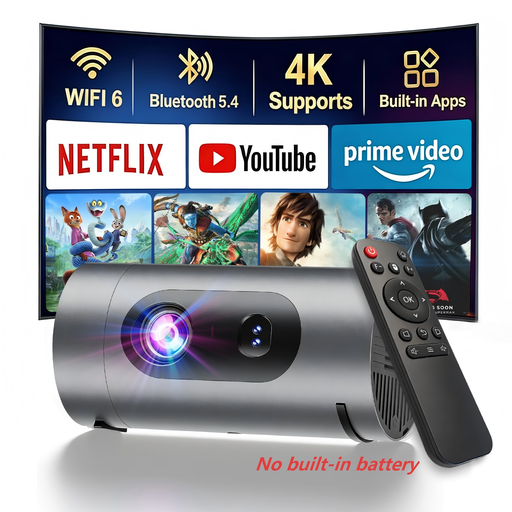 No image available
XBJ 1080P Smart Mini Projector
If you plan to set it up away from mains power, you’ll need to use a suitable power bank.
1080p; 800 lumens according to the product name; power bank operation; 8-W Dolby Digital Audio according to the product name.
View at Joybuy
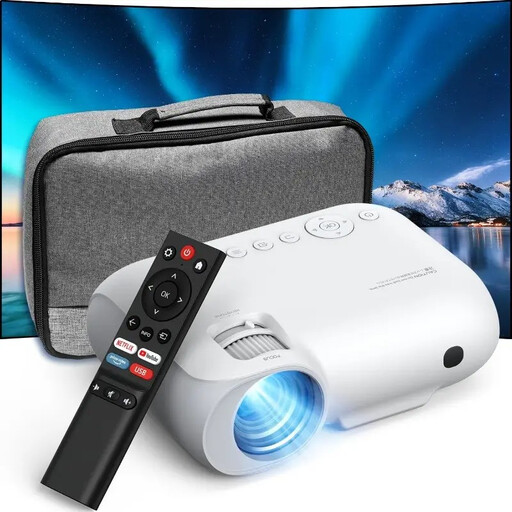 No image available
YOTON Y7 Native 1080P
If you want to play family videos from a specific device, check the connections and planned connection method in advance.
Native 1080p; 9,000 lumens according to the product name; Wi-Fi; Bluetooth.
Check which measurement is used for the lumen figure before comparing it with ANSI or ISO lumens.
View at Joybuy
 No image available
Magcubic HY350Max
If you want to connect a video source by cable, check its connection against the specifications for the exact model.
Native 1080p; 900 ANSI lumens; Android 14; Wi-Fi 6; Bluetooth 5.4; 180° rotation; automatic keystone correction.
View at Joybuy
Frequently asked questions
Can I simply choose a larger picture when screening in daylight in front of large windows?
No. A larger screen area won’t automatically solve poor picture contrast. First check whether you can move the screen out of direct sunlight or darken the room, then assess your preferred image size in lighting similar to what you’ll have during the screening. BenQ Deutschland points out that a brightness rating can’t guarantee the result in your particular room.
How should I prepare our family videos for the get-together?
Choose a playback device in advance and use it to test the actual files, picture and sound. BenQ Deutschland lists HDMI, a USB-A reader and Google Cast, among other options, for the GP100. That doesn’t mean it will work with every file format or phone.
What running costs and consumer rights should I bear in mind?
Check the power supply and any accessories needed for the specific model rather than assuming costs based on its design. If a product is faulty in Germany, the seller is generally responsible for the statutory guarantee; this is separate from a voluntary manufacturer’s warranty. Online purchases usually come with a 14-day right to cancel, subject to the relevant conditions. Verbraucherzentrale explains these consumer rights.
What should I know about product safety and disposal?
The CE marking is based on the manufacturer’s declaration that the product meets the relevant EU requirements; it isn’t an independent assessment of picture quality. Your Europe explains the manufacturer’s responsibility for meeting the applicable requirements. Umweltbundesamt recommends collecting old electrical equipment separately and not putting it in household waste.


