What should you look for when buying?
First, check whether the picture on your existing TV looks good enough from where you sit. If the main issue is accessing your videos, choose a device based on where they’re stored and the network or connection options available.
The percentages refer to each shopper’s main consideration when buying for family videos viewed from a greater distance; each consumer is counted against just one main consideration.
| Priority |
What to check when buying |
Who should pay particular attention? |
| Picture from a distance |
Watch one of your own videos from your usual seat, and take your TV’s screen size and resolution into account. |
If I want to make out faces and on-screen text from the sofa, I’ll check the TV first rather than just the player. Around 36% of consumers prioritise a picture that’s easy to see from a distance. |
| Streaming videos from a phone |
Use one of your own recordings to check whether the app you use offers your chosen TV or player as a playback destination. |
If our videos are on a phone or in a photo library, I need a suitable way to get them onto the TV. Around 29% of consumers focus mainly on streaming content from phones and photo libraries. |
| Playing a local archive |
Check the USB port or connection to a computer, as well as the app and its support for your specific video and audio files. |
If our recordings are on a USB drive or computer, I want to know in advance whether they’ll actually play using the method I’ve chosen. Around 21% of consumers prioritise local video files. |
| TV connection |
Check the Wi-Fi signal where the TV is set up; choose Ethernet only if you can use a network cable there. |
If the connection by the TV is my main concern, I’ll check whether Wi-Fi or an existing network connection suits my setup. Around 14% of consumers put a reliable connection at the TV first. |
Related products at Joybuy
The following Joybuy products are TVs with built-in streaming features, not standalone streaming players. They may suit you if you’re looking for a TV as well as a way to stream content. Before buying, check that the screen size suits your viewing distance.
 No image available
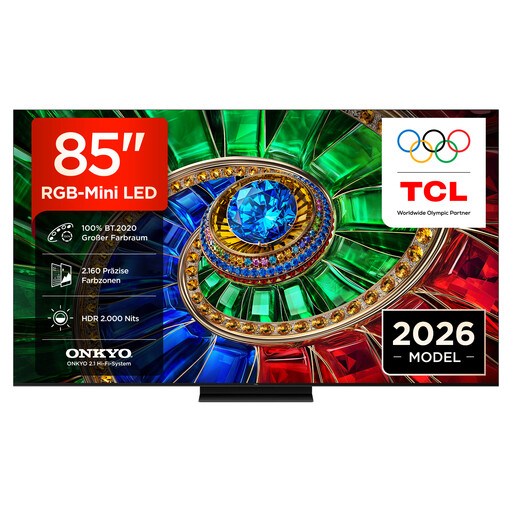
TCL 85RM7L RGB Mini LED, 85-inch, 4K Smart TV
If you’re looking for a TV with built-in streaming features, the product name lists Google TV and Apple AirPlay 2.
85 inches; 4K; Google TV; Apple AirPlay 2.
View at Joybuy
 No image available
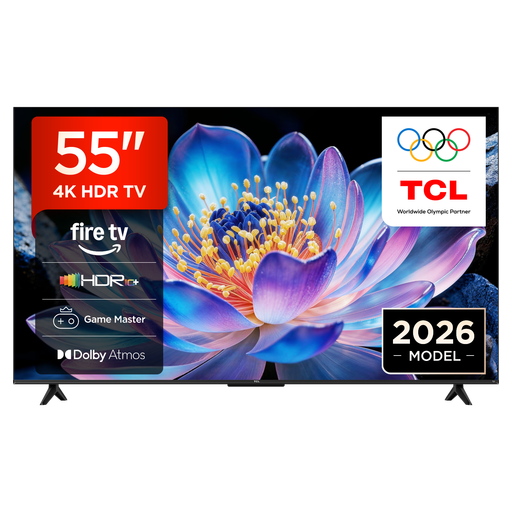
TCL 55V6D, 55-inch, 4K UHD Smart TV
If you’re looking for a TV with the listed streaming and casting features, the product name includes Fire TV and Apple AirPlay 2.
55 inches; 4K UHD; Fire TV; Apple AirPlay 2.
View at Joybuy
 No image available
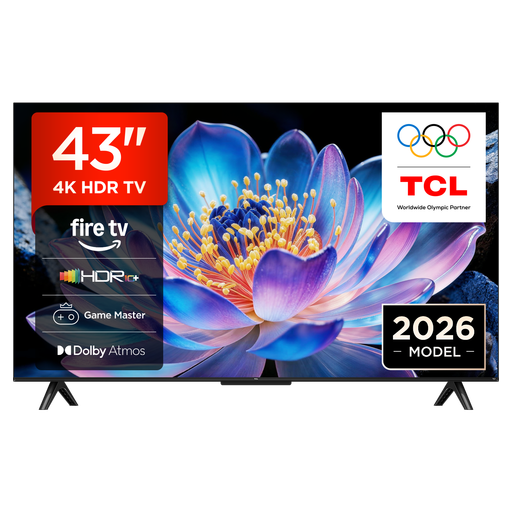
TCL 43V6D, 43-inch, 4K UHD Smart TV
If you’re looking for a TV with the listed streaming and casting features, the product name includes Fire TV and Apple AirPlay 2.
43 inches; 4K UHD; Fire TV; Apple AirPlay 2.
View at Joybuy
 No image available
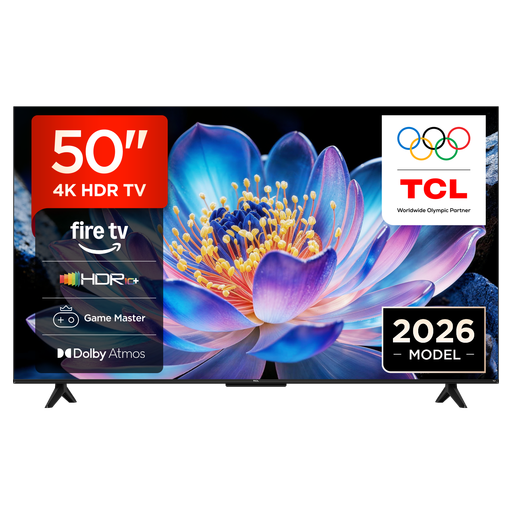
TCL 50V6D, 50-inch, 4K UHD Smart TV
If you’re looking for a TV with the listed streaming and casting features, the product name includes Fire TV and Apple AirPlay 2.
50 inches; 4K UHD; Fire TV; Apple AirPlay 2.
View at Joybuy
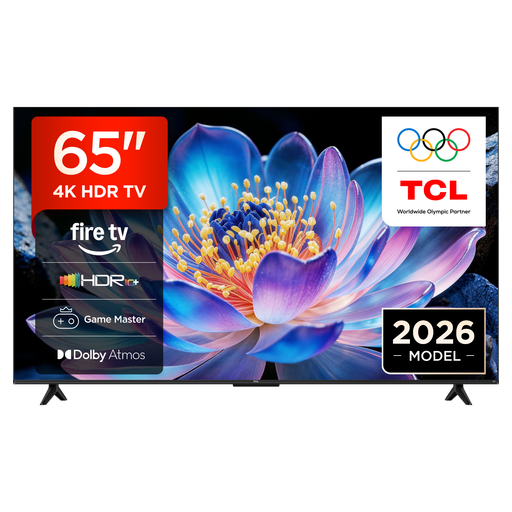 No image available
TCL 65V6D, 65-inch, 4K UHD Smart TV
If you’re looking for a TV with the listed streaming and casting features, the product name includes Fire TV and Apple AirPlay 2.
65 inches; 4K UHD; Fire TV; Apple AirPlay 2.
View at Joybuy
Frequently asked questions
Will a 4K streaming device make family videos easier to see from a distance?
Not by itself. First, check the picture on your existing TV from your usual seat. Sony Germany explains that the recommended viewing distance depends on screen size and resolution; this doesn’t guarantee that every detail will be visible from a distance. You’ll also need a suitable TV for 4K output.
How do I play iPhone videos on Apple TV 4K?
According to Apple Support, your iPhone and Apple TV 4K need to be connected to the same Wi-Fi network for AirPlay. Apple also explains how to use the Photos app on Apple TV 4K to view content from iCloud Photos.
Can I plug a USB stick into a streaming box and watch all my family videos?
The presence of a port alone doesn’t tell you that. Xiaomi Germany confirms USB 2.0 for the TV Box S (3rd Gen); for your files, also check the app you plan to use and the formats it supports.
What accessories or service requirements should I be aware of?
Google says the Google TV Streamer (4K) requires a certified HDMI 2.1 cable, sold separately. According to the provider, a package is required to use waipu.tv, even if you buy the stick on its own. If a product is faulty, remember that your statutory rights against the seller are separate from any voluntary guarantee.
What product labelling is relevant for a wireless streaming device in Germany?
The German Federal Network Agency says products covered by the relevant EU harmonisation legislation must carry a CE marking. Retailers must also check that the required accompanying information is provided, such as German-language instructions and safety information. Whether a particular product meets the requirements needs to be checked against the relevant listing or product.


