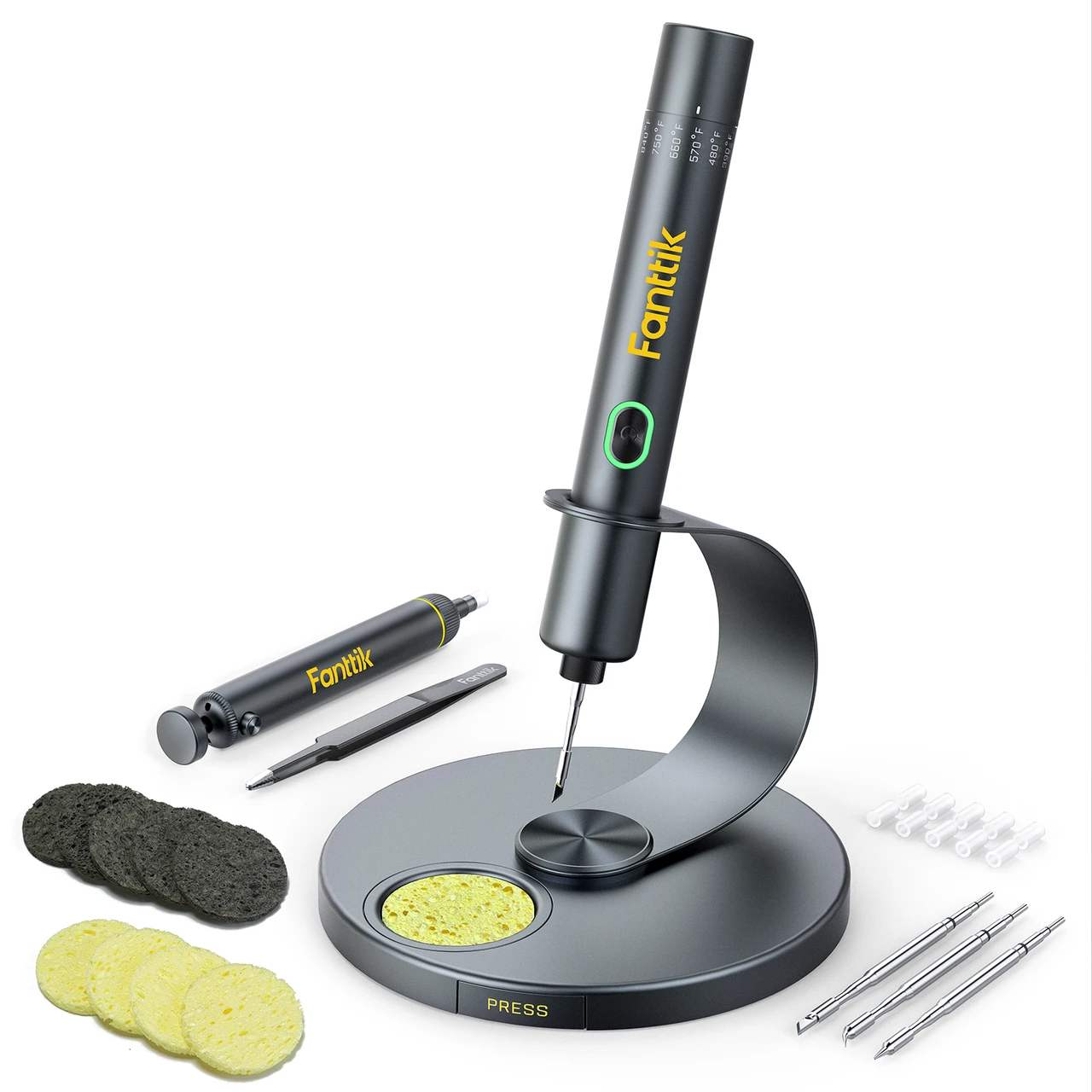
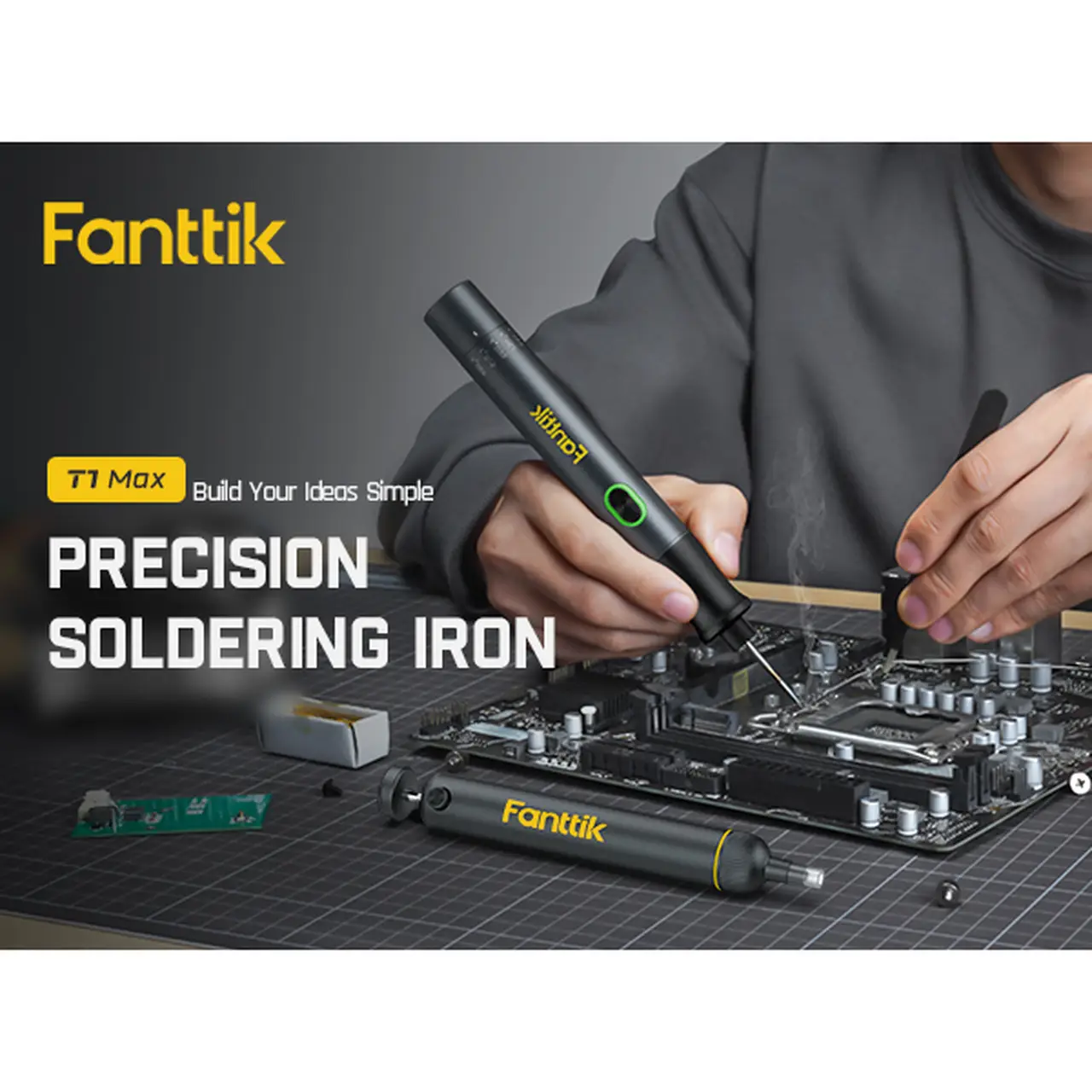
The Fanttik T1 Max Cordless Soldering Iron Kit is designed for precise soldering at home or on the go, heating up in about seven seconds. Choose from six temperature settings between 200°C and 450°C, and use it cordless or connect a USB-C charger or power bank for wired operation. With four C210 tips, automatic sleep mode and a folding stand, it suits hobbyists and home repairers working on electronics and small repairs.
How to Choose the Right Soldering iron kit
Choose a soldering iron kit based on the jobs you plan to tackle, from small electronics repairs to hobby projects. Compare temperature control, power options, included tips and safety features to find a kit that is practical for your workspace and experience level.
Key Features to Consider
These criteria can help you compare kits and choose one suited to your soldering tasks.
- Temperature control and heating: Look for adjustable temperature settings and stable heat so you can match the iron to different components and solder types. A clear display and quick warm-up can make setup and temperature checks easier.
- Power source and portability: A corded soldering iron can suit a fixed workbench, while a cordless model offers more flexibility for repairs away from a socket. For kits used in Germany, check the charging method or plug compatibility and consider whether the stated power and operating time suit your intended jobs.
- Tips, accessories and safety: Check that the kit includes interchangeable soldering tips suitable for your work, plus useful items such as a stand, cleaning sponge or brass wool, and solder. A heat-resistant stand, protective cap and clear safety instructions are practical features, especially for beginners.
Heat Up Fast, Get to Work: Soldering Made Ready for Repairs
Rapid Heat and Six Settings for Precise Soldering
The Fanttik T1 Max is ready to solder in about 7 seconds, helping you move from setup to hands-on work quickly. Choose from six temperature settings between 200°C and 450°C to suit different tasks and materials, with the selected temperature ready to match your chosen approach. The kit includes four C210 tips—one I tip, one IS tip and two K tips—so you can pick a tip style for the work in front of you. From small home repairs to detailed projects, this combination of quick heating, adjustable temperature and interchangeable tips helps make precision work feel more accessible.
Cordless Freedom with Convenient USB-C Power
Take your soldering setup to the workbench, a repair spot at home or a project on the go. The T1 Max supports cordless operation with its 2,600 mAh battery, delivering up to 60 minutes of use at 450°C on a full charge. When you prefer a powered setup, connect it to a USB-C charger or power bank for up to 16 W of power. This choice of battery-powered and wired use makes it easy to adapt the iron to your workspace and task, while the included range of C210 tips gives you more ways to approach different soldering jobs.
Smart Sleep, Easy Pick-Up and a Tidy Stand
Thoughtful features help keep each session flowing. After 30 seconds of inactivity, gravity sensing activates sleep mode; pick up the iron and it reheats to your selected temperature, ready to continue. The compact stand has a folding base that provides a handy place to store the iron and helps keep your workbench tidy between tasks. Together with its cordless option and USB-C power support, these practical touches make the T1 Max a convenient companion for repairs at home or on the go, with temperature control and a setup designed to fit naturally into your project routine.
Cordless Soldering Iron Kit: Who It Suits
Home Electronics Repairers
When you’re fixing electronics at home and want to get
straight to the repair, the iron heats quickly and works
cordless, so you can start without a long warm-up or a lead
across your work area. That makes small home repairs easier to
tackle.
Electronics Project Makers
When you’re building or refining electronics projects, choose
from six temperature settings and four C210 tips—I, IS and two
K tips—to suit the heat and tip shape to the task. That gives
you practical control for precision soldering as your project
changes.
People Making Repairs On The Go
When a repair takes you away from your workbench, use the
cordless battery and fold the compact stand to store the iron
between jobs. You can handle fixes on the go without needing a
full bench setup.
USB-C Bench Solderers
When you prefer to work at a fixed bench with a USB-C charger
or power bank close by, connect the iron for wired use instead
of relying on its battery. That gives you a convenient
plugged-in setup for bench-based soldering.
Frequently Asked Questions
How long does the Fanttik T1 Max soldering iron last on battery?
The Fanttik T1 Max works cordless for up to 60 minutes at 450°C on its 2,600 mAh battery. It heats up in about seven seconds, so you can get started quickly on small repairs without waiting for a workbench power socket. For longer sessions, it also supports wired operation.
Can I use the Fanttik T1 Max with a USB-C power bank?
Yes, the Fanttik T1 Max can run in wired mode from a USB-C charger or power bank, with up to 16 W of AC output. This gives you another way to power the iron when you are working at a bench or away from a mains socket. Its six settings cover 200°C to 450°C.
How do I use the Fanttik T1 Max safely when the soldering tip gets hot?
Treat the Fanttik T1 Max tip as hot whenever the iron has been switched on; it can reach 450°C and cause burns. The iron enters sleep mode after 30 seconds without use, then reheats when picked up, so place it on its stand between tasks and keep the tip clear of hands and the work surface.
Don't just buy, Joybuy
Discover more of your favourite brands on Joybuy with great deals.