Close-up painters
If you want to show brush tips, layers of paint and tiny surfaces, check the working distance, focus and lighting on your subject together.


For filming miniatures in a shared bedroom, your camera needs to focus at your actual working distance and capture your painting desk appropriately; a high video resolution alone won’t answer that question. A USB document camera is better suited to a fixed overhead view, a webcam to an existing PC setup, and a mirrorless camera to a carefully planned setup with the right lens. Check the framing and lighting with your miniature, and limit what the camera and microphone pick up so you don’t unintentionally record your housemates.
If you want to show brush tips, layers of paint and tiny surfaces, check the working distance, focus and lighting on your subject together.
When space is limited, consider whether you can position the camera at your workspace and put it away afterwards without filming other people or their personal space. A foldable document camera is one possible design, but that doesn’t mean it will suit every desk.
If you want to use the camera feed directly on your computer, check that the connections are compatible and that you have the control you want over focus and framing.
A good fit if: You mainly want a fixed overhead view of your painting desk and a USB connection to your computer. IPEVO describes the V4K as a USB document camera.
Bear in mind: The resolution specified by IPEVO doesn’t automatically guarantee the video frame rate or focus you want at your working position.
A good fit if: You have a PC ready for recording or streaming and want to set up an overhead view of your desk. Logitech describes the MX Brio as having a Show Mode that tilts downwards; Elgato specifies variable focus from 10 cm for the Facecam Pro.
Bear in mind: The MX Brio’s Show Mode is described as being for notes and sketches, not as a tested macro solution. For the Facecam Pro, Elgato specifies USB 3.0 or higher with Type C and a compatible computer.
A good fit if: You want to choose a lens, camera support and recording setup to suit your needs. The Sony ZV-E10 II and Canon EOS R50 V are interchangeable-lens cameras.
Bear in mind: Whether the miniature appears large and sharp enough also depends on the lens you choose and how far it is from your subject.
| What matters | What to check before buying | Who is this especially important to? |
|---|---|---|
| Close-up focus and framing | Test your miniature and brush at the planned recording position; check the focus range and framing. | If you want the brush tip and paint application to be clearly visible, test at your actual working distance; around 33% of consumers prioritise close-up focus and framing. |
| Space and privacy | Check the space required, mounting options, range of movement and the areas that will be visible and audible in your recording. | This matters especially if you want to position or put away your setup quickly in a shared bedroom and keep other people out of the picture and audio; around 27% of consumers prioritise space and privacy. |
| Lighting, colour and flicker | Record a test clip using your own lights; check the available white balance and shutter speed settings. | If you want to see layers of paint clearly under your actual room lighting, test with your own lamps; around 20% of consumers prioritise lighting and colour reproduction. |
| PC connection and recording | Check the connection, computer requirements, software compatibility and recording options for the exact model. | If you want to stream or record directly on your PC, you’ll need a compatible connection and a recording setup that works; around 20% of consumers prioritise their PC workflow. |
Resolution alone won’t tell you whether the focus and framing will work at your painting desk. A tight frame can also cut off your hands or brush.
Test the exact camera and lens combination at your actual working distance and throughout a complete painting session.
With a mirrorless camera, you may need a different suitable lens or to reposition the camera to get the close-up framing you want.
Logitech describes the MX Brio’s Show Mode as a way to show notes and sketches. That doesn’t tell you how large a miniature will appear on screen.
Test the desk view with your miniature, hands and brush before committing to this angle.
Your housemates may be visible in the frame or audible in the recording. The Berlin Commissioner for Data Protection and Freedom of Information explains the limits of the exception for recordings made exclusively for personal or family purposes; § 201 of the German Criminal Code also protects private conversations from unauthorised recording.
Limit the camera’s field of view and microphone range, and consider recording and any possible publication separately.
IPEVO lists the V4K as a USB document camera; according to the manufacturer, the DO-CAM’s camera head can be flipped over to give a webcam-style view.
Logitech describes the MX Brio as a PC webcam with a Show Mode that tilts downwards.
The Facecam Pro is a USB webcam with variable focus; Elgato specifies a focus range from 10 cm and 2160p60.
Sony describes the ZV-E10 II as a video-focused APS-C camera with interchangeable E-mount lenses and 4K 60p.
Canon describes the EOS R50 V as a video-focused mirrorless camera with interchangeable lenses and autofocus features.
The Joybuy products below are compact action and pocket cameras for video recording. Before planning to use any of them for close-up miniature filming, check the framing, focus and mounting options at your painting desk.
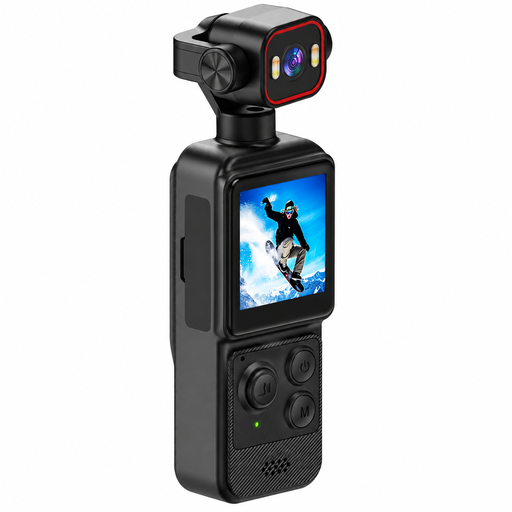 Image unavailable
The clip could be a useful mounting option in a tight space; first test whether your miniature appears close and sharp enough from the planned position.
The product title lists a 1.54-inch display, 140° wide-angle lens, app control, LED lighting and a 1200-mAh battery.
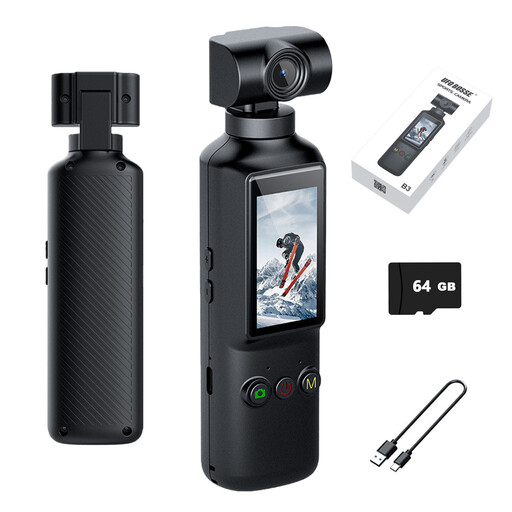 Image unavailable
The rotating lens could help when setting up your angle, but it doesn’t guarantee that the camera will focus on a miniature from the distance you need.
The title lists a 270° rotating lens, 16 MP, 4K video at 30 frames per second, a 5.1-cm HD display, Wi-Fi and USB-C.
 Image unavailable
This pocket-sized design is a compact option worth considering for a small workspace; check the framing with your brush and miniature before recording.
The title lists 2K video and a 360° rotating lens.
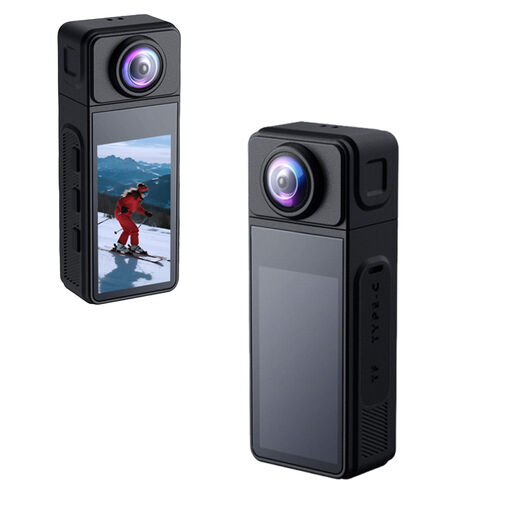 Image unavailable
The magnetic housing and 1/4-inch thread offer positioning options, depending on your planned setup. Also check whether the camera can focus sharply enough on your miniature.
The product title lists a 270° rotating lens, a 1.86-inch IPS display, Wi-Fi, app control, a Type-C connection and a TF card slot.
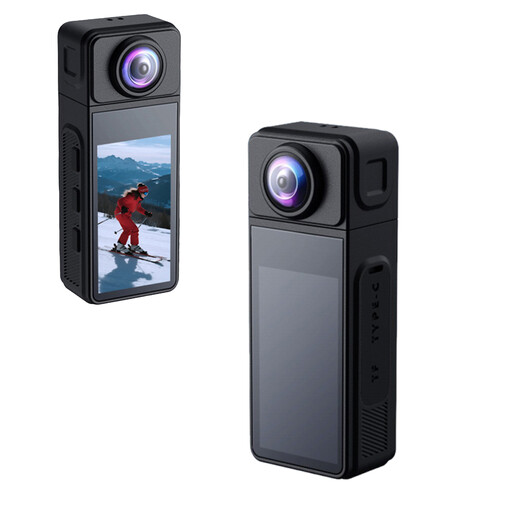 Image unavailable
The magnetic housing may be useful for positioning the camera; check at your painting desk whether the mount and framing give you the view of the miniature you want.
The product title lists a 270° rotating wide-angle lens and electronic image stabilisation.
No. Resolution alone doesn’t guarantee a sharp close-up. First, check the focus and framing at your actual working distance, then record a test clip in your own lighting. A report by Tangible Day highlights lighting, alongside camera position, as an important factor.
Record a test clip using the lamps you actually plan to use, and check whether your camera lets you adjust the shutter speed. Sony Support recommends a shutter speed of 1/50 or 1/100 second to reduce flicker in regions with a 50-Hz power supply; the available settings depend on the camera model.
Check whether you’ll need a suitable mount and lighting; with a mirrorless camera, the specific lens is also part of the setup. You can’t determine the close-up framing you’ll get from the camera body alone.
Aim the frame and microphone at your painting desk as much as possible, and check whether your housemates or their conversations are being captured. The Berlin Commissioner for Data Protection and Freedom of Information describes an exemption from GDPR rules only for recordings made exclusively for personal or family purposes that stay within your private space. § 201 of the German Criminal Code also protects private conversations from unauthorised recording; any possible publication should be considered separately.