Teachers with a dedicated painting table
If you want to show a figure, your brush and individual steps from above on your computer, look for a suitable focusing range, a practical mount and a USB recording setup.


For a fixed overhead view connected to a computer, a USB document camera can be a good fit, provided its focus, framing and recording software suit your setup. If you want to record without a computer running, consider a document camera with suitable recording features or a standalone camera. With interchangeable-lens cameras, the specific lens and mounting arrangement matter just as much as the camera body.
If you want to show a figure, your brush and individual steps from above on your computer, look for a suitable focusing range, a practical mount and a USB recording setup.
If you switch between showing the whole figure and small areas of colour, the framing from your camera position and the ability to control focus are key. A high pixel count alone won’t tell you whether the brush tip will be easy to see in your video.
If you want to film independently of a computer or output the image directly, check whether the specific model supports your preferred recording setup via HDMI, USB or a memory card.
A good fit if: you want to record or stream from above for extended periods and have a suitable computer to use.
Things to consider: a USB video feed and saved recordings require a suitable computer and compatible software. Manual focus may need adjusting during filming.
A good fit if: you want to avoid using a computer or output the image via a suitable connection.
Things to consider: HDMI output, USB operation and recording to a memory card are different signal paths, so check each one separately.
A good fit if: you want to film independently and use the camera away from your painting table, too.
Things to consider: you can’t swap the lens for another close-up option. The minimum focusing distance alone doesn’t determine the framing or depth of field.
A good fit if: you want to tailor the framing by choosing a specific lens.
Things to consider: the camera body, lens and stable mounting arrangement need to work together. A standard zoom isn’t automatically suitable for close-ups.
First decide whether you want to record on a computer or independently. Then compare the framing and how much space the camera and mount will take up on your table.
| What matters | What to check before buying | Who it matters most to |
|---|---|---|
| Fine painting details | Film the figure and brush from your planned camera height; check focus if the distance or position of your hand changes. | If I want to show small areas of colour and the tip of my brush, I need suitable framing without my hand disappearing out of shot. Around 36 % of consumers put the visibility of fine details first. |
| Overhead view and table space | Measure the clear painting area and camera height; test the entire painting process with the figure, your hands and your tools. | If I need room to move while painting, the base or mount mustn’t block the usable area. Around 29 % of consumers prioritise a clear workspace and a suitable overhead view. |
| Colour and lighting | Film with your intended table lighting; check the white balance and look for any flicker. | If I want to show each stage of the colours clearly, the footage needs to look right under my usual painting light. Around 21 % of consumers prioritise colour rendition. |
| Recording setup and sound | Decide whether you need to record on a computer, record independently or output a live feed; test picture and sound together. | If I want to record a lesson with a clear explanation, the chosen signal path needs to work all the way through to the saved video file. Around 14 % of consumers put a suitable recording setup and clear sound first. |
A figure can be in focus yet still look too small in the finished video. At very close range, other parts of the figure or the movement of your brush may also fall out of focus.
Film your model, brush and hands in video format from your planned camera position, then check the framing.
Seeing the camera image on a monitor doesn’t automatically mean the lesson is being recorded where you want it.
Before buying, decide how the image will become a finished video file.
Depending on your recording setup, you may need a suitable computer, a memory card or additional compatible equipment.
The camera body doesn’t determine the minimum focusing distance or framing of every compatible lens.
Check the exact kit name, lens specifications and required mounting arrangement against the needs of your painting table.
A different, suitable lens and a stable mount may be additional parts of your setup.
Magnification won’t create more room for your hands, while changing light can alter how the colours look on screen.
First decide on your framing and lighting, then review a short test video on the device you intend to use for playback.
The V4K PRO is a USB document camera for an overhead view connected to a computer.
The HD Pro is a compact USB document camera with an adjustable camera position.
The MX-P3 adds direct outputs and SD recording to the overhead view of a document camera.
The fixed-lens PowerShot V1 and the EOS R50 V, which takes interchangeable RF/RF-S lenses, offer different ways to record video.
The ZV-E10 II is an interchangeable-lens camera for filmmakers who want to build a table setup around a suitable E-mount lens.
The cameras below are described as being suitable for video recording. For use at a small painting table, check the framing, focus and mount from your planned camera position.
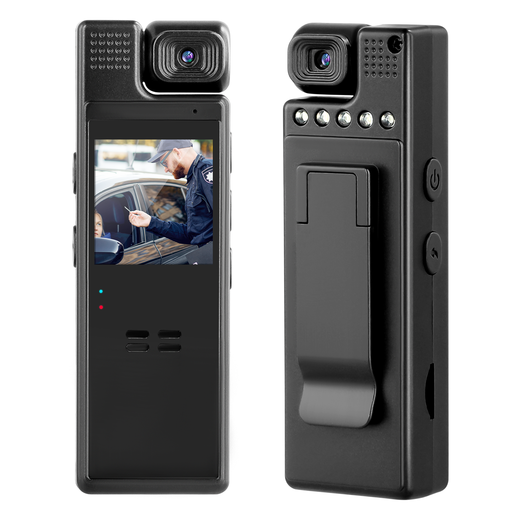 No image available
Described as a compact camera with video recording; check whether you can frame the figure, brush and hands as you want from your planned camera position.
1080P video recording and a lens that can be manually rotated by 180°.
 No image available
The product specifications list video recording and autofocus; test the focus and framing with a model from your intended camera height.
4K video recording, 64 MP, autofocus and 18× zoom.
 No image available
This vlogging camera is described as suitable for video recording; check how you can position it to get the view you want above your painting table.
1-inch CMOS sensor, 4K video at up to 120 fps, 3-axis stabilisation and a rotating 2-inch touchscreen.
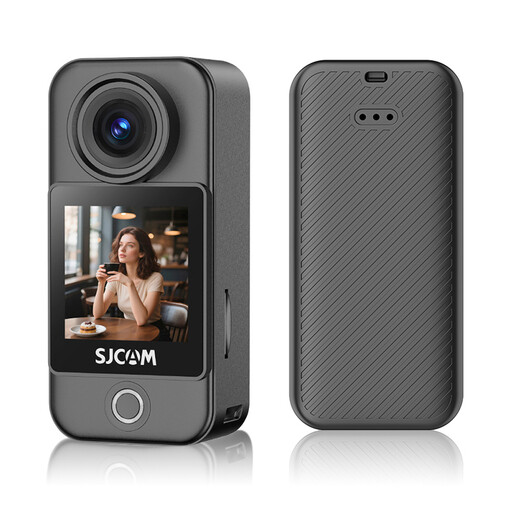 No image available
This camera is described as suitable for video recording; try out its positioning in advance to see whether it covers your painting table and the framing you want.
4K video, 6-axis stabilisation, 1.3-inch touchscreen and dimensions of 6,8 × 3,2 × 2,6 cm.
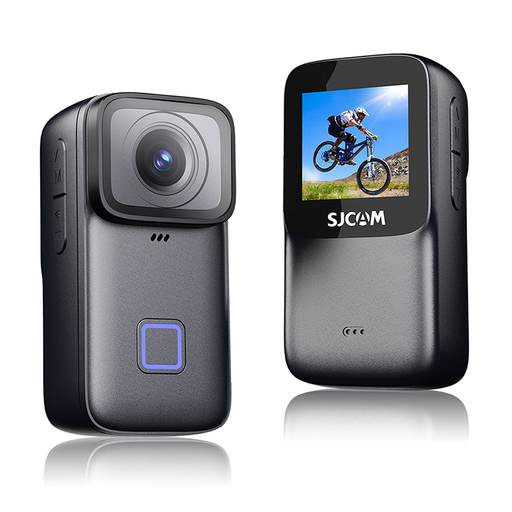 No image available
Described as an action camera with video recording; check the framing with the figure and your hands before committing to your setup.
4K video, 6-axis EIS, 1.3-inch touchscreen and dimensions of 6,8 × 3,4 × 2,7 cm.
No, resolution alone isn’t enough. Check the framing and focus with your figure from the planned camera height. The closer the shot, the smaller the area that may be in focus. Canon Academy explains how this works for close-up photography.
First check whether your computer recognises the camera as a video source. OBS Project describes a video capture source for compatible cameras. Select the device and test the picture and sound with a short recording. Support depends on the device and operating system.
Keep the lighting and camera position as consistent as possible while testing colours, check the white balance and test the sound from the position where you’ll actually be speaking. Canon Deutschland explains white balance in difficult lighting conditions. If a light flickers in your video, check the camera manual to see whether it offers a suitable feature.
For a consumer purchase, the retailer is responsible for your statutory rights under the legal guarantee; this is separate from any voluntary warranty. Verbraucherzentrale explains that the statutory guarantee period against the retailer is generally two years. Check the terms of any additional warranty separately.
Owning the camera doesn’t give you the right to publish everything you film. Under § 22 KunstUrhG, distributing or publicly displaying images of people generally requires their consent; § 15 UrhG sets out exclusive exploitation rights for protected works. Whether an exception or permission applies in a particular case depends on the material and how you plan to publish it.