What should you consider when choosing?
First, check whether your data-entry software supports the keyboard shortcuts you want to use. Then decide what matters most to you: comfortable number entry, custom key assignments, a layout that suits your posture or straightforward set-up.
| Consideration |
What to check before buying |
Who it matters most to |
| Recurring field sequences |
Software shortcuts and tab order; compatibility with the key-mapping app. |
If you often work through the same fields, the key sequence should match your data-entry form. Around 36% of consumers prioritise recurring field changes. |
| Numbers and German layout |
Numeric keypad and the DE layout of the specific version; desk space. |
If you enter lots of inventory numbers, you’ll need a suitable number pad and clearly legible German key labels. Around 29% of consumers prioritise numbers and a German layout. |
| Comfort during long sessions |
Key layout and arm position; backlighting and connection type for the specific model. |
For long periods of data entry, the layout should feel natural for your posture. Around 21% of consumers pay particular attention to personal fit. |
| Easy set-up |
Operating system and connection; which extra features you really need. |
If you want to get started without extensive key mapping, straightforward input matters more than extra macros. Around 14% of consumers prefer easy set-up to configuration. |
Joybuy keyboards for data entry
This selection includes keyboards for number entry, Logitech models and a mechanical keyboard. Before buying, check that the layout, software and key assignments suit your data-entry workflow.
 No image available
Wired keyboard with numeric keypad, QWERTY
The separate numeric keypad can be handy if you enter numbers frequently. Check that the stated QWERTY layout matches the key arrangement you want.
The product title specifies a full-size keyboard, a wired connection and plug-and-play set-up.
View at Joybuy
 No image available
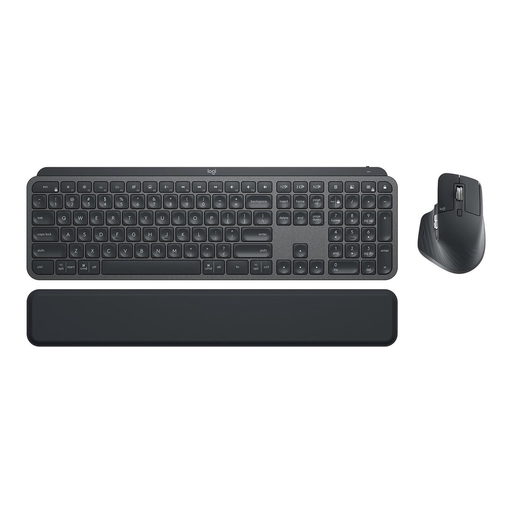
Logitech MX Keys Combo for Business Gen 2
This set could be a good fit if you’re looking for a keyboard and mouse with a German QWERTZ layout.
The product title specifies a wireless keyboard and mouse combo, Logi Bolt, backlighting and multi-device support.
View at Joybuy
 No image available
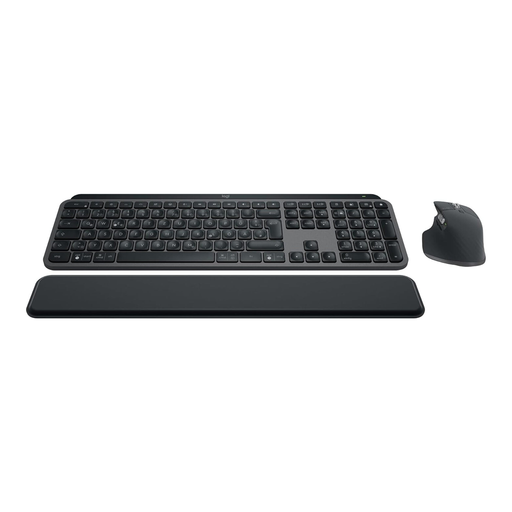
Logitech MX Keys S Combo
The MX Keys S may suit recurring workflows if its actions work with your data-entry software. Logitech lists Smart Actions in Logi Options+; test the specific field sequence before using it.
The product title specifies a wireless keyboard and mouse set with a German QWERTZ layout, backlighting, Bluetooth and Logi Bolt.
View at Joybuy
 No image available
Logitech MX Keys S Graphite
The MX Keys S may suit recurring workflows if the software actions you need work with your data-entry software. Logitech lists Smart Actions in Logi Options+; test the workflow in advance using a sample record.
The product title specifies USB-C/A, Bluetooth and a Logi Bold Adapter.
View at Joybuy
 No image available
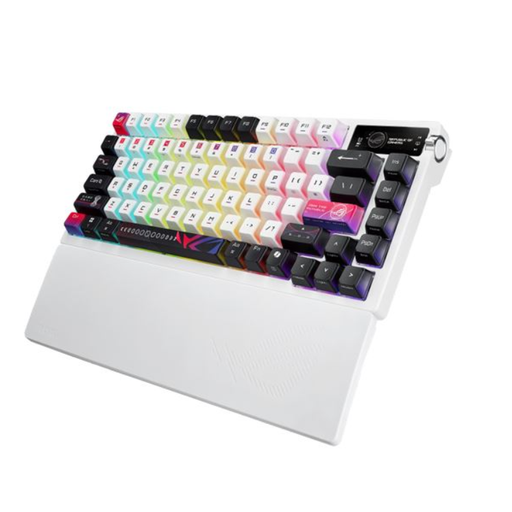
ASUS ROG Azoth X CH
This mechanical keyboard may suit you if you’re specifically looking for a mechanical model. Before buying, check the layout and make sure the key functions you want suit your data-entry workflow.
View at Joybuy
Frequently asked questions
Can a programmable keyboard create custom fossil fields in the database?
No, not by itself. Collection software can provide customised data-entry pages; key assignments or macros simply operate a data-entry workflow that has already been set up and tested.
How do I set up macros for inventory numbers and other fields?
First, set up the fields in your software, then check the navigation using a short sequence of keystrokes on a sample record. Logitech lists Logi Options+ for the MX Keys S, Keychron lists VIA for the V6 Max, and CHERRY lists CHERRY KEYS for Windows.
What should I bear in mind when cleaning and using my keyboard?
Choose a connection type that suits your workspace. If you’re considering a split keyboard, check whether the key area and gaps are easy for you to clean. F.A.Z. Kaufkompass notes that one gap on the ERGO K860 is difficult to clean.
What are my rights if a keyboard develops a fault after purchase in Germany?
For a consumer purchase, your statutory rights against the seller are separate from any voluntary guarantee. The Verbraucherzentrale explains that faults with new goods can generally be reported within two years of receipt; the first remedy may be a repair or replacement.
What should I look out for when it comes to keyboard safety?
Within its remit, the Bundesnetzagentur checks electrical and radio products for things including CE marking, manufacturer details, German instructions and a declaration of conformity. The EU rules that apply to a particular model depend on its specification; a shop listing alone doesn’t prove compliance.


