If several people regularly label individual containers, a handy device with the right tape can be useful. For containers that are already frozen, labels with a clearly stated application temperature are the more straightforward choice, provided they suit the surface and intended use. Cold resistance during storage alone does not prove that tape will stick to an icy or damp container.
Which solution is right for you?
Teams with a changing group of helpers
If different people label individual containers with their contents and date, consistent labelling can make them easier to identify. A keyboard on the device lets you enter details without sharing a mobile phone; Brother’s PT-H110 has a QWERTZ keyboard.
Kitchens preparing lots of portions
If you prepare several containers in one go, consider printable sheets with space for details that appear regularly. Avery Zweckform describes its L7970-25 freezer labels as suitable for inkjet and laser printers.
Teams with frozen food already in storage
For labelling containers after they have been frozen, the stated application temperature of the specific material is particularly important. HERMA gives an application temperature of −25 °C and above for its handwritten freezer stickers.
What should you look for when choosing?
Handheld label maker with tape
Best for: Labelling individual containers at the point of use without a mobile phone. Brother lists a QWERTZ keyboard and support for TZe tapes up to 12 mm for the PT-H110.
Consider: The tape width limits the space available for longer details. Cold-resistance tests for laminated TZe tapes do not replace a specific application temperature.
App- or PC-controlled label maker
Best for: When templates or wider tapes matter and you have a mobile phone, tablet or PC available. Brother lists support for TZe tapes up to 24 mm for the P-touch CUBE Plus (PT-P710BT).
Consider: You’ll need another device to enter details. The tape must also be suitable for the surface and the time of application.
Printable A4 freezer labels
Best for: Preparing lots of containers with recurring details, provided you have a suitable inkjet or laser printer. Avery Zweckform gives an operating temperature range of −50 to +70 °C for the L7970-25.
Consider: The manufacturer’s website gives both −25 °C and −20 °C as application temperatures. Check this before using the labels at the lower temperature limit.
Handwritten freezer stickers
Best for: Occasional labelling or when a container needs a label after it has been frozen. HERMA gives an application temperature of −25 °C and above for its freezer stickers.
Consider: Readability depends on your handwriting and pen. HERMA says its listed small packs are not intended for printers.
First, decide whether you’ll be labelling containers before or after freezing them. Then choose a format that suits your workflow and check that all the details you need will fit on the label.
| What you need |
What to check before buying |
Who is this most important to? |
| Adhesion to cold containers |
Check the application temperature for the specific label and the condition of the surface; test it first. HERMA gives an application temperature of −25 °C and above for its freezer stickers. |
If I need to label containers after they’ve been frozen, the stated application temperature matters to me. Around 36% of consumers have this as their main concern. |
| Details everyone can read |
Try a typical entry with the contents and date on the label size you plan to use. The German Federal Centre for Nutrition recommends labelling food before freezing it. |
If several people use the food in storage, I want to be able to see the contents and date at a glance. Around 29% of consumers say easily readable details for everyone are most important to them. |
| Labelling lots of containers |
Consider whether you’ll usually label containers individually or in batches, and whether you have a suitable office printer. Avery Zweckform lists the L7970-25 as suitable for inkjet and laser printers. |
When preparing lots of portions in one go, I’d want to prepare repeated details consistently. Around 21% of consumers say batch labelling is their main concern. |
| Suitable consumables |
Check that the consumables’ compatibility, format and pack contents match your expected needs. Brother lists TZe tapes from 3.5 to 12 mm for the PT-H110. |
If we label containers regularly, I want to know which materials work with the device and how much we’ll need for our workflow. Around 14% of consumers say planning their consumables is most important to them. |
Common mistakes when choosing
-
Assuming ‘cold-resistant’ means ‘sticks to icy plastic’
A stated operating temperature range does not automatically tell you the temperature at which a label can be applied. Brother reports cold-resistance and other tests for laminated TZe tapes; some freezer-label manufacturers give separate application temperatures.
Check the two temperature details separately and test the specific material on the container surface you plan to use.
If a label comes off, you’ll need to label the container again.
-
Trying to use a sheet of labels as tape for a handheld label maker
A4 labels for inkjet or laser printers and label-maker tape cassettes are different types of consumable. Avery Zweckform’s L7970-25 is designed for office printers, while the Brother PT-H110 uses TZe tapes.
Decide which printing method you’ll use before choosing, and check which materials are compatible with your device.
-
Thinking only about the label maker
Label makers and printable sheets each need compatible consumables. Formats and workflows also differ depending on whether you’re labelling individual containers or preparing labels in batches.
Check compatibility, pack contents and the expected material requirements for the same number of labels.
Brands to consider
Brother
P-touch devices include models with a built-in keyboard as well as devices that connect to an app or PC.
- Brother lists cold-resistance and other tests for laminated TZe tapes.
- These tests do not automatically prove that a specific tape will stick to a container that is already icy.
Avery Zweckform
The L7970-25 are printable A4 freezer labels for inkjet and laser printers.
- Avery Zweckform gives an operating temperature range of −50 to +70 °C.
- The product page gives both −25 °C and −20 °C as application temperatures. Check the discrepancy if the lower temperature is relevant.
HERMA
HERMA offers handwritten freezer stickers for occasional labelling or labelling after freezing.
- HERMA gives an application temperature of −25 °C and above, and an operating temperature range of −60 to +60 °C.
- According to HERMA, the small packs listed are not intended for printers.
DYMO
The LetraTag 100H is a handheld label maker for individual labels.
- DYMO lists two-line printing and LetraTag consumables.
- The product details do not confirm that the supplied paper tape is suitable for freezing.
Joybuy products
This selection includes portable label printers for individual labelling tasks. Before using one for frozen containers, check that the specific label material suits the surface and application temperature. The device specifications alone do not prove that it will stick to frozen containers.
 No image available
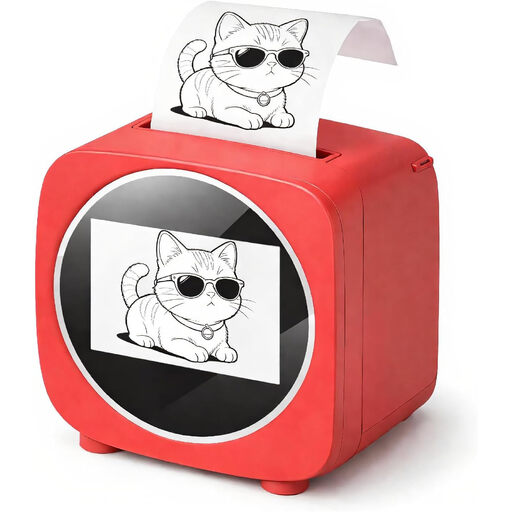
Portable Bluetooth thermal printer with ten rolls of thermal paper
May suit individual labels if designing them in a mobile app fits your workflow.
Bluetooth connection; the product name states that ten rolls of thermal paper are included.
Joybuy
 No image available
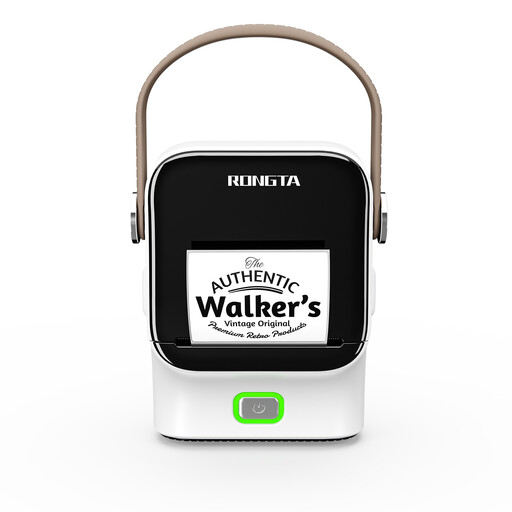
Bluetooth and Wi-Fi label printer with 2.4-inch colour display
Could suit a workflow where labels need to be designed wirelessly; check separately whether the material is suitable for freezer containers.
The product name lists Bluetooth, Wi-Fi and a 2.4-inch colour display.
Joybuy
 No image available
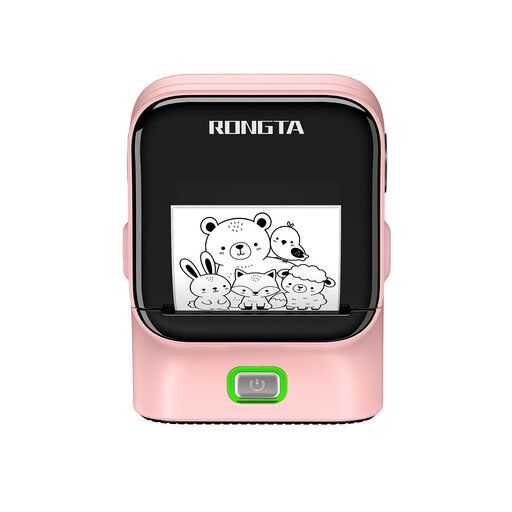
Rongta R22 Bluetooth label printer
An option for individual labels if designing them in an app fits your workflow. Check that the material you use is suitable for the containers and temperatures involved.
The product name lists NFC detection and a 1500 mAh battery.
Joybuy
 No image available
Rongta R22B label printer
Could be a good fit if you want to create labels from templates; suitability for freezer containers also depends on the label material used.
The product name lists Bluetooth, USB and NFC.
Joybuy
 No image available
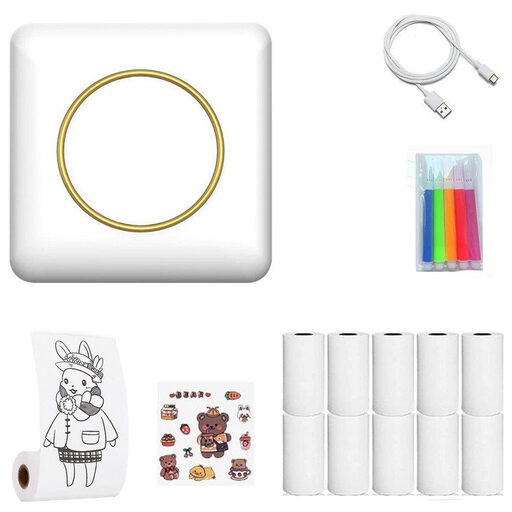
Portable Bluetooth thermal printer for labels
May suit individual labels if connecting to a mobile device fits your workflow. Check that the label material is suitable for freezer use.
Bluetooth connection; the product name describes it as a portable thermal printer.
Joybuy
Frequently asked questions
Can I apply a label after freezing a container?
Only if the application temperature is specified for the particular material. HERMA says its handwritten freezer stickers can be applied at −25 °C and above; this information cannot be applied to other tapes or labels.
How can I make sure everyone can read the labels?
Agree on a consistent place for the contents and date, then test a typical entry on the format you plan to use. This will show whether both details can be included clearly and read easily in everyday use.
Which consumables are compatible with the devices?
It depends on the device: Brother lists TZe tapes from 3.5 to 12 mm for the Brother PT-H110, and LetraTag materials for the DYMO LetraTag 100H. Before choosing, also check the format and pack contents of the specific consumable.
Can a label come into direct contact with food?
You cannot determine this solely from whether a label is suitable for freezer temperatures. Regulation (EC) No 1935/2004 applies to materials intended, or reasonably expected, to come into contact with food. Avery Zweckform specifically describes the adhesive on the L7970-25 as suitable only for direct contact with dry, non-greasy foods; an external label on a sealed container is a different situation.


