Gamers with a dead spot on one floor
If your PC or console is a long way from the router, check the signal where you actually download games and see where an additional access point could go.


Before replacing your router or mesh system, first check whether the bottleneck is your internet connection, the link between floors or the gaming device itself. If coverage is poor on just one floor, adding an access point in the right place may be enough. If there are several dead spots, mesh could be a better option, especially if you can connect the nodes via LAN. A newer Wi-Fi standard alone won’t guarantee faster game downloads: the Bundesnetzagentur offers a desktop app to test your connection, while Steam Support highlights the difference between download units and other potential bottlenecks.
If your PC or console is a long way from the router, check the signal where you actually download games and see where an additional access point could go.
Existing network cables could be useful for connecting access points. Check whether the system you’re considering supports Ethernet backhaul and how to set it up.
If you need to keep your router for your internet connection or phone service, compare suitable expansion options and operating modes rather than automatically replacing your entire network.
Start by testing the signal at your gaming device. Then check whether an extender, a multi-unit mesh system or a direct LAN connection is the right solution for your bottleneck.
| What you need | What to check before buying | Who is it especially relevant to? |
|---|---|---|
| Wi-Fi where you download games | Signal strength where your PC or console is located; possible positions for an additional access point. | If I game on another floor, I want a strong enough signal at my device without having to put a node in a dead spot. Around 36% of consumers care most about Wi-Fi coverage. |
| Connection between access points | Ethernet backhaul if you already have LAN; otherwise, check the wireless connection at the planned node location. | If several floors need coverage, the connection between the nodes and the main router needs to be up to the job too. For around 29% of consumers, this connection is the main concern. |
| Bottlenecks when updating games | Test your internet connection, ideally with a direct LAN test, and check Wi-Fi where you play. If you use Steam, make sure you distinguish Mbit/s from MB/s. | If I’m waiting a long time for an update, I want to know whether Wi-Fi is really the problem before buying a router. Around 21% of consumers mainly want to identify what’s slowing down their downloads. |
| Internet connection and overall cost | Connection type, router or access point mode, number of units required and any existing internet or telephone features. | If I want to keep using my existing devices, I only want to add the equipment I actually need. For around 14% of consumers, reusing existing equipment and overall cost are the main concerns. |
Your internet connection speed and the download speed you actually achieve are two different things. Steam often displays download speeds in bytes rather than bits per second; one byte equals eight bits.
Compare measurements taken in the same place and using the same units, rather than treating the wireless speed on the box as your download speed.
Your device might have a strong signal to the node, even if the node’s connection back to the main router is weak.
Check the connection at the planned location. If your setup allows it, consider using an existing LAN connection between floors.
Worth considering if you want to keep your existing FRITZ! router and improve your Wi-Fi coverage in specific areas.
Deco systems are an option if you need several access points working together as one network.
The ZenWiFi BT8 is worth comparing if you’re looking for a multi-unit system with different operating modes and connection options.
This selection includes access points and repeaters for expanding an existing network, as well as routers and multi-unit mesh systems if you’re replacing or upgrading your setup.
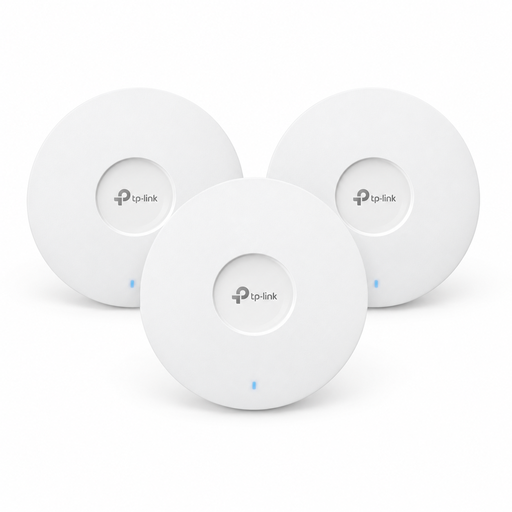 No image available
Suitable if you want to add several access points while keeping your existing router.
Wi-Fi 6; AX3000; 3-pack.
Power is supplied via PoE+ or a 12 V DC adapter, available separately.
 No image available
An option if you want several units to form a single mesh network.
Wi-Fi 5 (802.11ac); AC1200; dual-band; 3 units.
This set is specified as a dual-band system.
 No image available
Worth considering if you need to replace a DSL router and may want to extend your Wi-Fi later.
VDSL Supervectoring 35b; Wi-Fi 6; four Gigabit LAN ports; DECT base station and VoIP telephony.
For cable or fibre connections, the product description specifies an external modem connected to the WAN port.
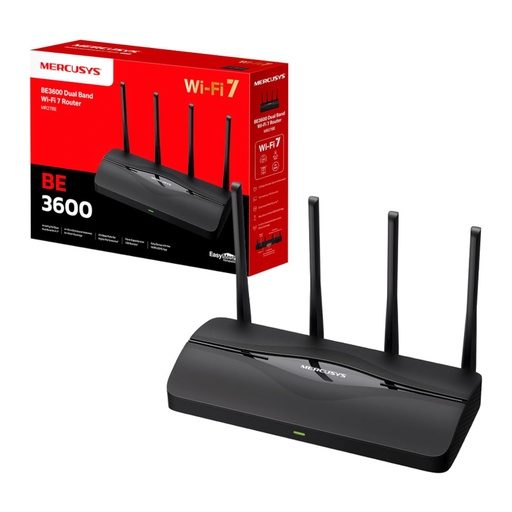 No image available
An option if you’re looking for a home router with EasyMesh compatibility and ports for wired devices.
Wi-Fi 7; dual-band; two 2.5 Gigabit and two Gigabit ports; MLO.
According to the description, the router connects to a modem via an Ethernet cable.
 No image available
For extending an existing Wi-Fi network, as long as it can still connect to the router from the planned location.
Wi-Fi 7; dual-band; 2.5 Gigabit port; MLO; EasyMesh-compatible.
According to the instructions, the extender should be placed within range of the existing router.
Compare a test of your internet connection with a download over direct LAN, if possible, and with the result where you game over Wi-Fi. The Bundesnetzagentur offers a desktop app for this. Steam Support also points to download servers and the device’s write or installation speed as possible factors.
According to TP-Link, first set up the Deco units in the app on the same network, then connect them by cable. In router mode, the satellites need to connect to the main Deco or to a switch connected to it. Check the backhaul shown in the app too.
In general, you’re free to choose a suitable router for your internet connection. The Bundesnetzagentur confirms this also applies to passive optical fibre networks, although the router must still be technically compatible with your specific connection.
Additional nodes and any network cables you need will affect the overall cost. Check whether your chosen model lists optional services too; mesh functionality alone doesn’t mean you need a subscription.