Fans of stories and sound
If you want to enjoy the dialogue, music and ambient sounds in a fantasy adventure, compare the sound of specific models rather than relying solely on a surround-sound logo.


For fantasy adventures on the big screen, the right headset is one that works with your gaming device and where you sit – screen size alone isn’t the deciding factor. Choose between a cable that’s within easy reach and a compatible wireless model that gives you more freedom to move. If you use more than one gaming system, the base station also needs to fit into your picture and audio setup. Assess sound, fit and microphone performance separately, and don’t rely solely on a platform label or a promise of 3D audio.
If you want to enjoy the dialogue, music and ambient sounds in a fantasy adventure, compare the sound of specific models rather than relying solely on a surround-sound logo.
For longer gaming sessions, a comfortable fit for you and a connection that works from where you sit are key. A manufacturer’s stated weight alone won’t tell you whether a headset will feel comfortable.
If you switch between gaming devices or use voice chat, check the full model variant and test the connection and microphone with every device you plan to use.
A good fit if: You mostly play in one place, don’t want to worry about charging, and your device has the connection needed for game audio and, if required, a microphone.
Trade-off: Cable reach and freedom of movement depend on where your controller or device is. A 3.5 mm connection doesn’t guarantee that every TV socket will also carry microphone chat.
A good fit if: You sit away from the screen or want to move around without a cable, and the exact headset version and connection type are suitable for your console.
Trade-off: Wireless means managing battery life and an additional type of connection. According to Audeze, the PlayStation version of the original Maxwell doesn’t work with Xbox over USB or in low-latency wireless mode; the 3.5 mm connection should be assessed separately.
A good fit if: You really do switch between multiple consoles or a PC connected to a big screen, and the station’s connections suit your setup.
Trade-off: The station takes up space and needs additional connections. Check the complete picture and audio setup, including the TV features you want to use.
| Buying priority | What to check when buying | Who it matters most to |
|---|---|---|
| Game sound and clarity | Listen to dialogue and busy gameplay on the device you plan to use; check the audio mode you want. | If I want dialogue, music and quiet sounds in an adventure to come through clearly, I compare specific headsets. For around 28% of consumers, game sound is the top priority. |
| Comfort during long sessions | Try the fit, padding and adjustability for as long as a typical gaming session, if possible; take glasses into account. | If I play for long stretches, I want to avoid pressure points and find a fit that works for me. Around 22% of consumers prioritise long-term comfort. |
| Audio connection compatibility | Check your gaming device, model variant and connection, along with the features you want for game audio and chat. | If game audio and chat need to work with my specific console, I check the model version and connection together. Around 22% of consumers put device compatibility first. |
| Freedom to move around the screen | Check your seating distance and connection point; for wireless models, consider the receiver, charging and controls. | If I sit away from the screen, I want to play without an annoying cable while still using a suitable wireless connection. For around 17% of consumers, freedom of movement is the main priority. |
| Clear voice chat | Test the microphone and chat output on the gaming device you plan to use, with typical background noise. | If I talk to others in co-op games, my voice needs to be clear on the device I actually use. For around 11% of consumers, voice chat comes first. |
According to Audeze, the PlayStation version of the original Audeze Maxwell doesn’t work with Xbox over USB or in low-latency wireless mode. An analogue 3.5 mm connection should be assessed separately.
Before deciding, compare the full model variant and intended connection with your gaming device.
The PS5 has separate audio output options for TV, headset and AV system. A base station adds more connections and needs to fit into the picture and audio setup.
Before buying, map out your gaming device, picture path, audio output, chat and seating position. Also check that the station works with the TV features you want to use.
COMPUTER BILD praised the noise isolation and spatial sound of the Sony INZONE H9 II it tested, but criticised the microphone sound on PS5.
Assess noise isolation while listening and voice pickup on your platform separately.
The INZONE H9 II is a wireless option with noise cancelling for a compatible setup. You can adjust audio output on PS5 in the console settings.
The Arctis Nova Elite with GameHub is worth considering if you want to connect multiple gaming systems.
The different versions of the original Maxwell show why the exact platform version and connection matter. These notes don’t apply to the Maxwell 2.
The MMX 300 PRO is a closed-back, wired option for a compatible console or PC connection.
The Astro A50 X with base station is an option to compare for a fixed setup with Xbox, PS5 and PC or Mac.
The Joybuy products below are wireless gaming headsets. Before deciding, check the specific model variant and connection for your console.
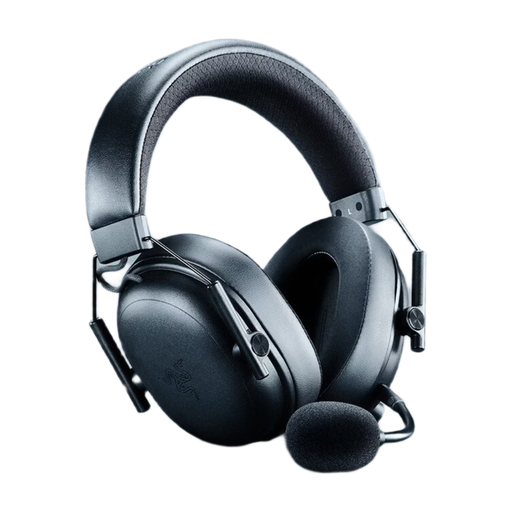 No image available
A wireless option if you don’t want to be tethered by a cable while gaming.
Colour: Black.
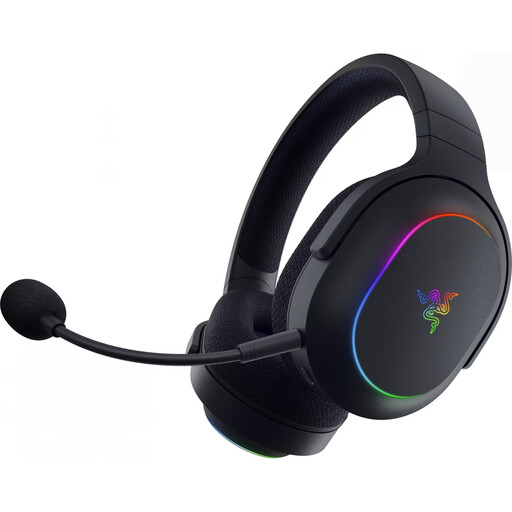 No image available
A wireless option for players who want to switch between the devices listed in the product name.
SmartSwitch Dual Wireless: 2.4 GHz and Bluetooth 5.3; up to 70 hours of battery life; 285 g; PC, PS4, PS5 and Switch.
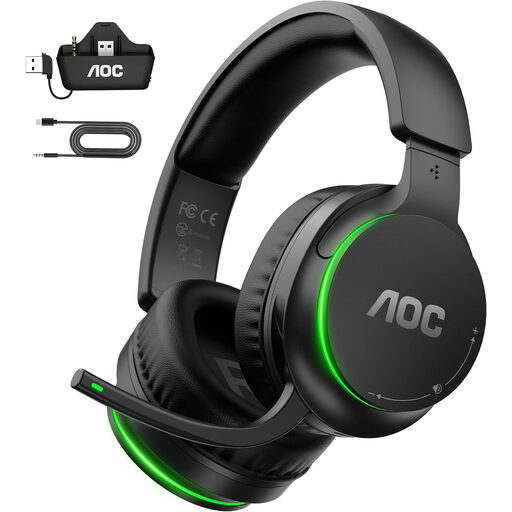 No image available
A wireless option if you use one of the gaming devices listed in the product name.
Devices listed: Xbox Series X|S, Xbox One, PS5, PC and Switch.
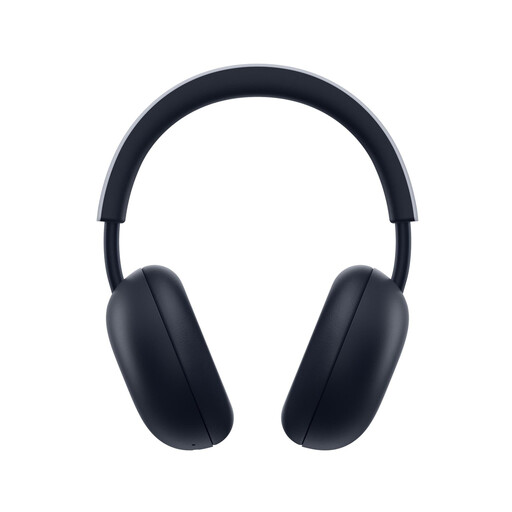 No image available
A wireless option for players looking for a PlayStation headset for the consoles listed.
PlayStation Link and Bluetooth; up to 30 hours of battery life; compatible with PS5 and PS4.
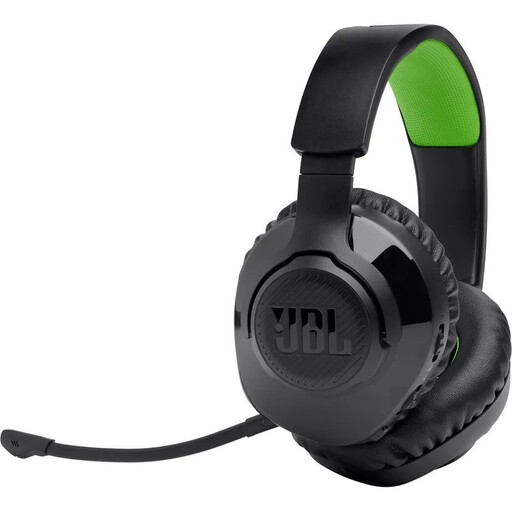 No image available
A wireless over-ear option for players looking for a headset for Xbox.
2.4 GHz digital wireless or Bluetooth; over-ear design; black and green.
Go to Settings > Sound and check the output device and the ‘Output to Headphones’ setting. PlayStation Support explains which audio content is sent to compatible headphones. If you’re using a wireless model, also check that you’re using the recommended receiver.
No, not for that alone: PlayStation describes 3D audio on PS5 for both TV speakers and headphones. You can set up each mode and compare it with stereo.
Keep the volume low and take listening breaks. The World Health Organization’s guideline is up to 40 hours per week at an average of 80 dB; at higher levels, the recommended time is considerably shorter. This is health guidance, not a general indication of product suitability or a legal limit for headsets.
For a standard distance purchase from a trader, you generally have a 14-day right to cancel from the date of delivery. According to Your Europe, you’re usually responsible for return costs unless the trader agrees to cover them and has properly informed you in advance. Check the seller’s status and the specific terms.
The Bundesnetzagentur lists checks including correct CE marking, product identification, manufacturer details, instructions in German and a declaration of conformity. A CE marking shown in a listing does not, by itself, prove that an individual item is compliant or compatible with your console.