Console players who use team chat
If you play on PS5 or Xbox in front of the TV, the connection needs to support both game audio and the microphone. HP, Sony and Microsoft each list compatibility for specific models and connection methods.


Start by choosing a headset that suits your console or PC, then check that the connection you’ll use carries both game audio and microphone input. Plugging into a controller saves you from dealing with a battery or wireless receiver, but limits your movement. Wireless gives you more freedom, but requires a compatible connection and a charging plan. For longer matches, comfort, an easy-to-reach mute control and a sensible volume level matter too.
If you play on PS5 or Xbox in front of the TV, the connection needs to support both game audio and the microphone. HP, Sony and Microsoft each list compatibility for specific models and connection methods.
If you switch between console and PC, check which connection actually works with each device. SteelSeries and HP list different platforms and connection options for their respective models.
For longer sessions, comfort, an easy-to-reach mute control and charging breaks for wireless models are all worth considering. Specifications from HP, Sony and beyerdynamic apply to specific models and can’t replace checking what fits you personally.
First, work out which device you’ll be playing on and how it will carry both audio and microphone input. Then weigh up wired or wireless, along with the features that matter to you, such as a mute control, comfort and charging.
| Buying priority | What to look for | Who is it important for? |
|---|---|---|
| Connection and platform | Check the console or PC, the exact model variant and its intended connection. Make sure the microphone works through that connection too. | If I switch between devices, I want to know before buying which connection will carry game audio and team chat on each one. Around 25% of consumers put getting the right connection first. |
| Responsive game audio | For wireless models, check for the intended gaming receiver rather than relying on a Bluetooth listing alone. If possible, test it with the game you play. | If quick match cues matter, I want a suitable connection without relying solely on terms such as “surround”. Around 25% of consumers prioritise responsive game audio and positional awareness. |
| Team chat | Check the microphone connection and mute control, then test voice chat in the app or service you actually use. | When coordinating with my team, I want to be heard clearly and be able to mute the microphone quickly. Around 19% of consumers prioritise team chat and muting. |
| Comfort and hearing | Where possible, check the ear cushions and clamping force over the length of a typical gaming session. Keep the volume at a sensible level and take breaks. | If I play for longer periods, I want a headset that feels comfortable and don’t want to compensate for poor positional awareness by turning up the volume. Around 19% of consumers prioritise comfort and listening at a sensible level. |
| Battery and convenience | Check what’s included, which connection you’ll need and how to charge the exact variant. Treat battery-life figures as manufacturer claims. | If I want to keep charging and accessory planning to a minimum, I compare the extra upkeep of a wireless model with a wired connection. Around 12% of consumers focus mainly on the purchase and ongoing costs. |
Sony says Bluetooth audio devices are not compatible with PS5. So a general Bluetooth listing on a product page doesn’t confirm that the headset will connect directly to the console.
Check PS5 compatibility against the full headset model name and its intended connection method.
Depending on the model, you may need a different compatible connection or a dedicated receiver.
The wired HyperX Cloud III and the Cloud III S Wireless use different types of connection. The manufacturer also lists Xbox under wired compatibility for the beyerdynamic MMX 150 wireless.
Check the full model name and which features are available through each connection.
If the connection isn’t suitable, you may need to use another connection method or buy an additional receiver.
The World Health Organization points out that both volume and listening time matter for your hearing. Turning the volume up won’t make up for unsuitable game settings or a poor fit.
Start at a moderate volume and take breaks rather than turning it up to improve positional awareness.
According to SteelSeries, the Arctis Nova 7X Wireless is designed for players looking for a wireless connection for Xbox, PlayStation and PC.
HP lists the wired Cloud III as compatible with PS5 and Xbox. The Cloud III S Wireless is a separate model with 2.4GHz wireless.
PULSE Elite is designed for PlayStation Link and compatible PlayStation devices.
According to Microsoft, the Xbox Wireless Headset, updated in 2024, is designed in particular to pair directly with Xbox.
According to beyerdynamic, the MMX 150 wireless combines wired connections with Bluetooth.
This selection includes wired and wireless headsets for gaming and team chat on console or PC. Before buying, check the connection and compatibility with your specific device.
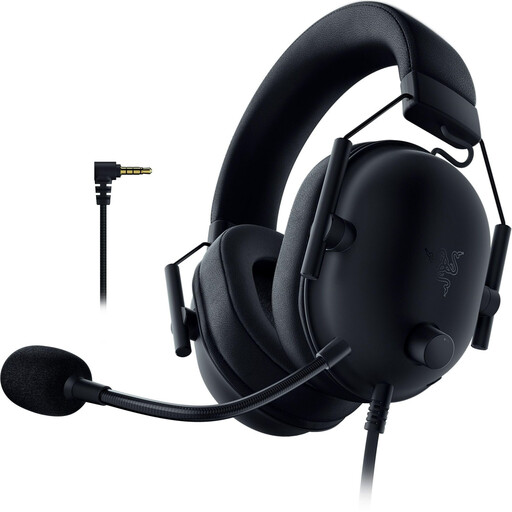 No image available
If you’re looking for a wired headset for PlayStation, check the intended connection on the controller and make sure the microphone works with your team chat. The product description lists PS5 compatibility; for Xbox, it specifies that an adaptor is required.
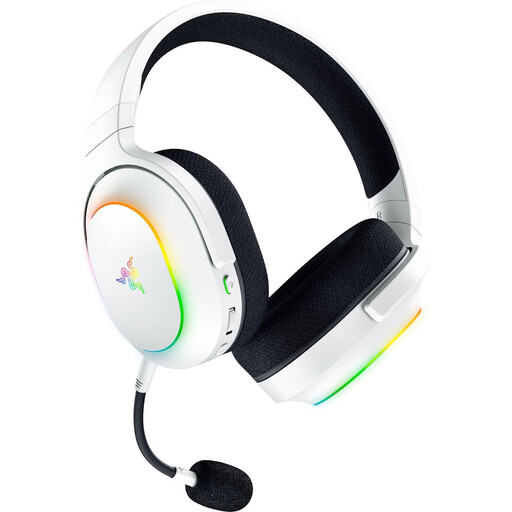 No image available
If you want to play wirelessly and also connect a mobile device, check which wireless connection is intended for each of your devices. The product name lists 2.4GHz wireless, Bluetooth 5.3, up to 70 hours of battery life and a weight of 285 g.
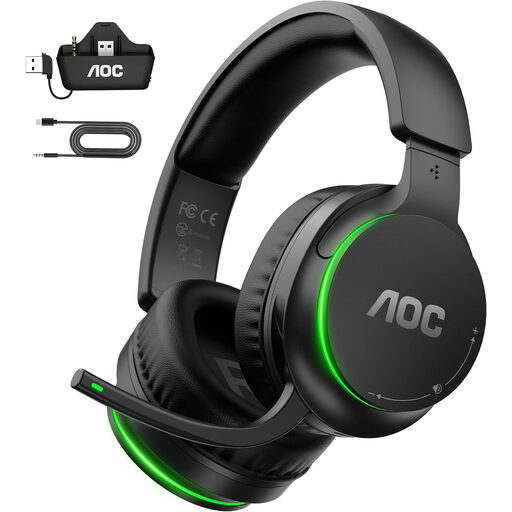 No image available
If you’re looking for a wireless headset for several devices, check the intended wireless connection for each one. The product description specifies a transmitter connected to the controller for Xbox, and a USB-A adaptor for PS5 and PC.
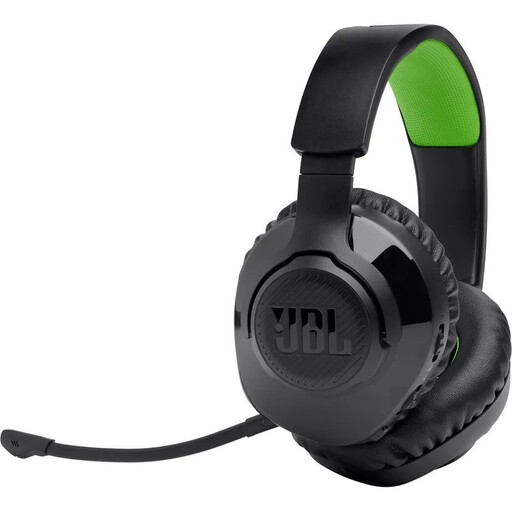 No image available
If you’re looking for a wireless headset for Xbox, check which of the listed connection methods is intended for your gaming device and team chat. The product name lists 2.4GHz wireless or Bluetooth; the description also mentions a detachable microphone with a mute function.
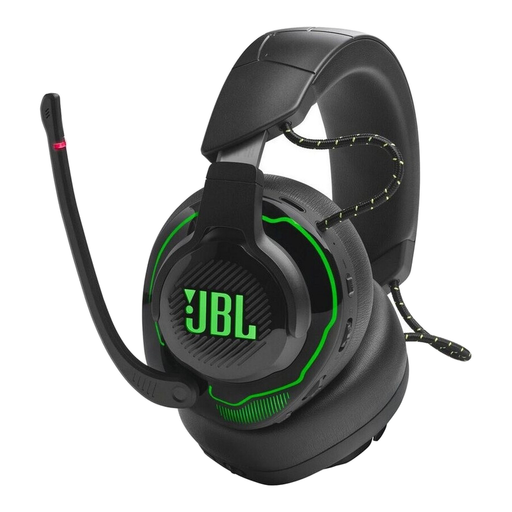 No image available
If you’re looking for wireless game audio and team chat, check the intended connection on your gaming device. The product description lists a USB-C dongle for the 2.4GHz wireless connection, as well as the option to play audio over 2.4GHz and Bluetooth at the same time.
Not as a general direct Bluetooth audio connection: Sony’s PS5 support information says Bluetooth audio devices are not compatible. For PULSE Elite, Sony describes using a PlayStation Link USB adaptor. For other brands, check the intended connection for the specific model.
Follow Sony’s instructions to connect the supplied USB adaptor to the PS5, then switch on the headset. For other brands and models, follow the relevant manufacturer’s instructions.
The World Health Organization recommends limiting volume and listening time, and taking regular breaks. As a practical setting, it suggests no more than 60% of your device’s volume; this setting won’t produce the same sound level on every headset.