Podcasting without a desk microphone
You want to talk and record while gaming, without having to make space for a microphone arm. Check the position of the mic boom, whether the input matches your recording device and how a voice test sounds.


For podcast recording at a small desk, a gaming headset should above all let you capture clear speech and work with the recording equipment you already have. A USB model can make connecting to a PC easier, while analogue options require suitable jack and XLR inputs or an interface. Wireless avoids a cable, but brings a battery and receiver with it. Also check how you’ll monitor your voice and separately control game audio and speech in the recording.
You want to talk and record while gaming, without having to make space for a microphone arm. Check the position of the mic boom, whether the input matches your recording device and how a voice test sounds.
You want to connect your headset to your recording software in a compact space, while keeping game audio and speech separate. Check both the connection on the exact headset model and the audio settings in your recording software.
Comfort and freedom of movement matter during longer conversations. With a wireless model, weigh the freedom from cables against the battery and receiver. A weight specification alone won’t tell you how comfortable a headset will feel.
First, decide how you want to record and monitor your voice. Then check that the signal path works with your devices, and test a recording in the same conditions you’ll be gaming in.
A good fit if: You want to record at a small desk without a separate interface and connect your headset directly to a compatible PC. Audio-Technica describes the ATH-M50xSTS-USB as a USB-A option; the wired SteelSeries Arctis Nova 3 uses USB-C.
Keep in mind: Check your PC’s connection and listen to a voice test. A USB connection alone doesn’t guarantee podcast-quality recording or interference-free monitoring.
A good fit if: You already have an interface or mixer with the required inputs. The headphones on the Audio-Technica ATH-M50xSTS connect via jack, while the microphone uses XLR; the beyerdynamic MMX 300 PRO is an analogue gaming headset with jack connections.
Keep in mind: The signal path, sockets and any adapters must match the exact model and your device. Additional audio equipment can take up desk space.
A good fit if: A cable gets in the way at your small workstation and your recording device supports the receiver for the model you’re considering. Sony says the INZONE H9 II uses a USB-C dongle for a 2.4 GHz connection.
Keep in mind: Factor in the battery and dongle as additional requirements, and test the voice recording with your intended platform before recording a longer episode.
| Priority | What to check before buying | Who will find this especially important? |
|---|---|---|
| Clear voice recording | Check the microphone position and mute function, and make a test recording with keyboard and game sounds. | If I’m recording without a desk microphone, I want to hear how my voice sounds in my usual surroundings. Around 33% of consumers say voice recording is their main priority. |
| The right connection | Check the exact model and compare its required inputs and outputs with those on your PC, console or interface. | I want to connect the headset to the device I already have, without needing to fit extra equipment on my small desk. Around 27% of consumers say easy connectivity is their main priority. |
| Comfort during long recording sessions | Check the fit and ear cushions; with wireless models, consider the battery and dongle too. | During longer conversations, I want to wear the headset comfortably and choose whether a cable or wireless receiver is better suited to my workspace. Around 20% of consumers put wearing comfort first. |
| Monitoring voice and game audio | Set up monitoring and recording paths separately, then listen to an exported test recording. | I want to monitor my voice through the headset and be able to edit game audio separately if needed. Around 20% of consumers say control over the recording is their most important priority. |
A voice recording made while gaming won’t necessarily sound the way you want it to for a podcast. Background noise and the specific platform can affect the result.
Before a longer recording session, listen to a voice test with your usual game audio and the typical sounds around your desk.
Depending on the result, you may need additional editing or a different microphone solution.
Audio-Technica describes different signal paths: on the ATH-M50xSTS, the headphones and microphone connect via jack and XLR respectively; the USB version uses USB-A.
Check the full model name and connections against your PC or audio equipment. For the analogue microphone connection, you’ll need a suitable XLR input.
The analogue model may require a compatible interface or mixer, which will take up extra space.
Sidetone plays your own microphone voice back through the headset; monitoring in your recording software is a different playback path. OBS notes that capturing desktop audio at the same time as application-specific audio sources can cause echo.
Set up playback and recording paths separately, then listen to a short exported recording. In OBS, you can disable the global desktop audio source when using application-specific audio sources, following the OBS instructions.
The StreamSet ATH-M50xSTS and ATH-M50xSTS-USB models are aimed at buyers considering a headset for voice production.
The MMX 300 PRO is an analogue gaming headset option for devices with a compatible jack signal path.
The wired Arctis Nova 3 is a USB-C option for compatible devices. Sidetone is worth considering on models that play your own voice back through the headset.
The wired Cloud III is worth considering if connections for several devices are important to you.
The INZONE H9 II is a wireless option for buyers who want to use a 2.4 GHz USB-C dongle.
This selection from Joybuy includes wired gaming headsets with a 3.5 mm connection, as well as a USB option. Before buying, check the sockets on your recording device and, if necessary, which adapter you’ll need.
 No image available
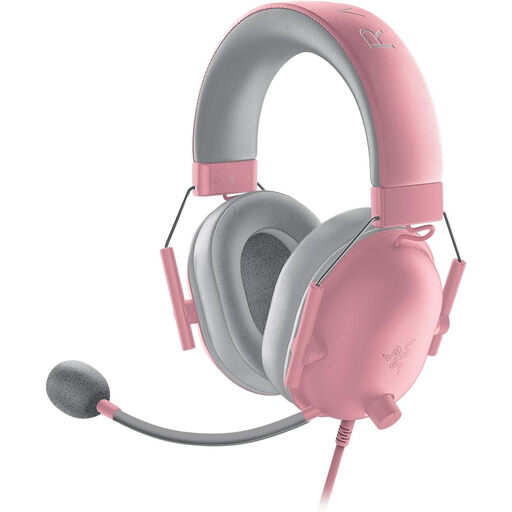
The flexible cardioid microphone is attached to the headset, making it suitable for a voice test without a separate desk microphone.
Wired 3.5 mm connection; your recording device needs to be compatible.
240 g; microphone mute function.
 No image available
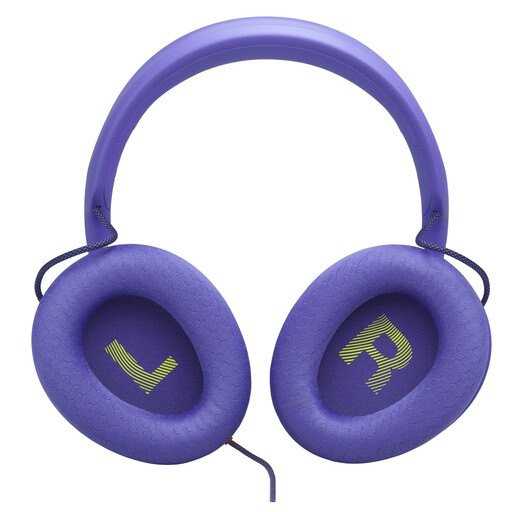
The detachable microphone is attached to the headset; test the voice recording before a longer session.
3.5 mm connection. According to the product description, a Y-splitter (not included) is required for a PC with separate headphone and microphone sockets.
 No image available
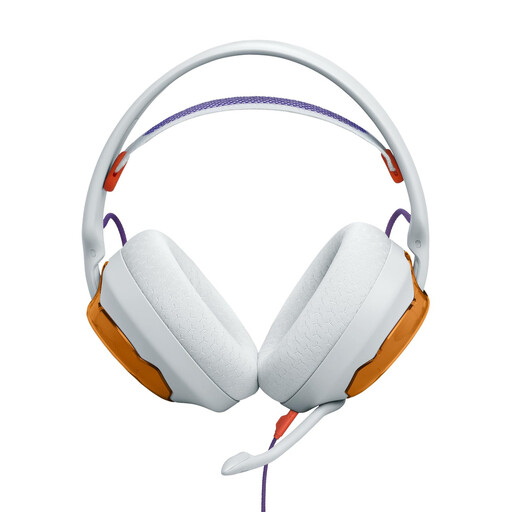
The detachable cardioid microphone is attached to the headset; the description lists QuantumENGINE features for monitoring your voice on a PC.
3.5 mm connection. According to the product description, a Y-splitter (not included) is required for a PC with separate headphone and microphone sockets.
 No image available
The detachable microphone is attached to the headset and can be used for a voice test without a desk microphone.
3.5 mm connection; your recording device needs to be compatible. The description lists memory foam ear cushions.
 No image available
The detachable cardioid microphone is attached to the headset; the USB sound card and Blue VO!CE microphone filters are relevant for voice recording on a PC.
According to the product description, the advanced Blue VO!CE features require USB and Logitech G HUB on a PC.
Two ear cushion options.
No, not with every connection option. Audio-Technica describes the ATH-M50xSTS-USB as a USB-A solution for PC or Mac. With the analogue ATH-M50xSTS, the microphone connects via XLR and needs a suitable input, such as one on an interface or mixer. Check the exact model name and your recording device.
If you use application-specific audio sources in OBS, the OBS guide recommends disabling the global desktop audio source to avoid echo. If needed, assign speech and game audio to separate recording tracks, then listen to a test recording.
No. SteelSeries describes sidetone as playing your own microphone voice back through the headset. Set up separate recording tracks in your recording software; OBS explains how to assign audio sources.
You must not record other people’s private conversations without authorisation. Section 201 of the German Criminal Code (StGB) makes unauthorised recording a criminal offence. Before recording, check that everyone involved agrees to be recorded.