Ranked players focused on pinpointing sounds
You want to distinguish subtle, directional cues in familiar game scenarios, rather than relying on surround-sound claims alone.


Start by choosing a headset that works with your gaming device and connection, then check that you can pick out in-game cues, communicate clearly and stay comfortable during longer sessions. A wired model means you won’t need to charge it, while a compatible wireless model gives you more freedom to move. An open-back design is only suitable if you don’t mind sound travelling in and out of the room.
You want to distinguish subtle, directional cues in familiar game scenarios, rather than relying on surround-sound claims alone.
You need clear call-outs and an easy-to-reach mute control. The microphone and connection must work with your gaming device.
You want to assess the fit and ear cushions over longer periods, and weigh up a cable at your gaming setup against charging a wireless model.
First, check that the headset works with your gaming device and chat setup before judging its sound features. Then test how well you can pinpoint sounds and how comfortable it feels, ideally using familiar game scenarios at a moderate volume.
| What matters | What to check before buying | Who is this important to? |
|---|---|---|
| Picking out in-game sounds | Compare familiar game scenarios; check which sound features are available for your platform. | If I want to pick out important cues in ranked matches, I test the sound in the game I actually play instead of relying on surround-sound claims. Around 29 % of consumers put sound positioning first. |
| Understanding team call-outs | Test the microphone position and mute control; check the microphone input on your gaming device. | If clear team chat matters, I want to test voice quality and muting through the chat setup I actually use. Around 23 % of consumers prioritise voice transmission. |
| Comfort during long matches | Try the headband and ear cushions for a longer period if possible; check whether the specific model has replaceable ear cushions. | If I play for long sessions, I want to judge whether the headband and ear cushions feel comfortable. Around 18 % of consumers put wearing comfort first. |
| Connection and freedom of movement | Check that the model and connection match your gaming device; for wireless headsets, also consider the receiver and charging. | If I need a particular connection or want to move freely while gaming, I check that the headset suits my setup. Around 18 % of consumers prioritise connection or freedom of movement. |
| Buying and ongoing use | Decide in advance which connection type you need; check the cable and replaceable ear cushions on specific models. | If I want to keep the effort involved in buying and using a headset to a minimum, I check which features and parts I actually need. Around 12 % of consumers put this first. |
A promoted sound feature doesn’t prove that you’ll pick out cues in your game more easily. Some features may also only work with specific platforms.
Check the platform requirements and compare familiar game scenarios at a moderate volume.
Receivers, USB connections and console-specific versions aren’t automatically compatible with every gaming device and chat setup.
Check the full model name, version, receiver and microphone connection against your setup.
The design affects how much sound from the room is blocked out. It doesn’t, by itself, guarantee a tactical advantage.
If possible, try both designs in your gaming environment and consider whether you share the room with anyone else.
The Cloud III is a wired option if you want to choose between compatible analogue and USB connections.
The Arctis Nova 7 Wireless Gen 2 is an option for a compatible wireless setup with additional audio from your mobile phone.
The closed-back MMX 300 PRO and open-back MMX 330 PRO are wired models for different room environments and listening preferences.
The BlackShark V2 X is a closed-back model with a 3.5 mm connection for a compatible analogue setup.
The INZONE H9 II is a wireless option if you’re looking for noise cancelling and have a compatible PC or console setup.
These Joybuy gaming headset options include both wireless and wired models for tactical ranked matches. For each one, check the connection, microphone setup and gaming device.
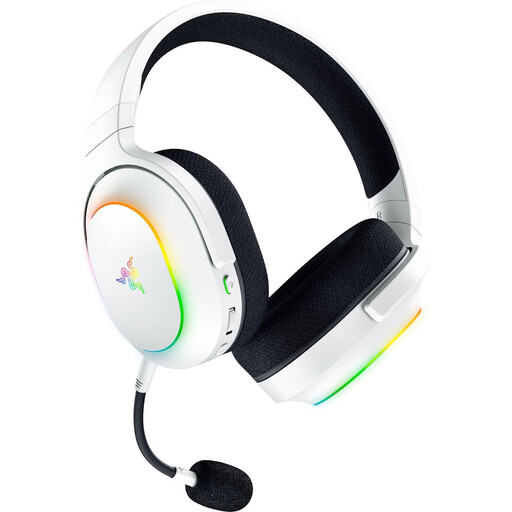 No image available
For a wireless setup with additional audio from your mobile phone; check that it works with your gaming device before buying.
The product name lists 2.4 GHz wireless and Bluetooth 5.3, up to 70 hours of battery life, 40 mm drivers, a weight of 285 g, six-zone Chroma RGB lighting and a detachable microphone.
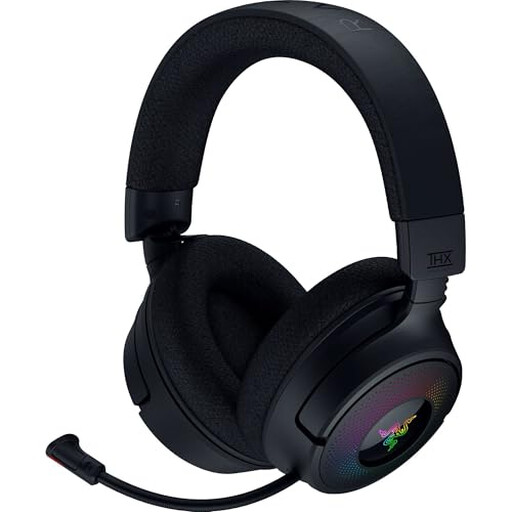 No image available
For a wireless gaming setup; before buying, check that the connection and chat setup work with your gaming device.
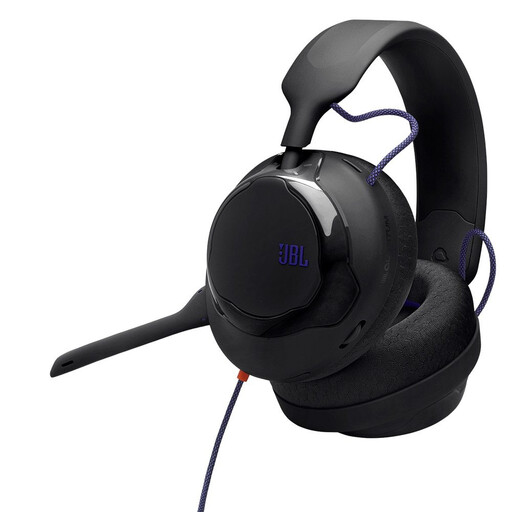 No image available
For a wired setup; check that the connection and microphone setup you need work with your gaming device.
The product name describes a wired, black over-ear headset.
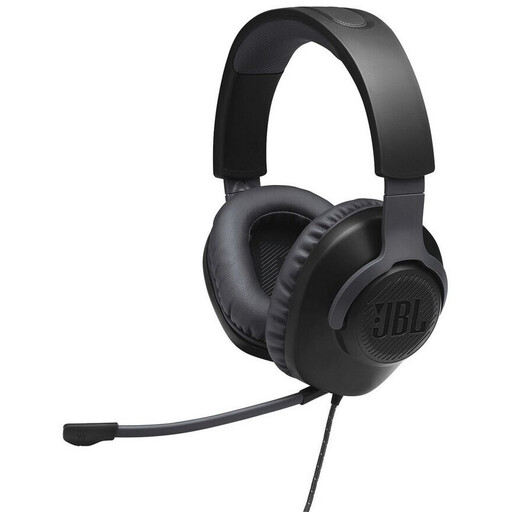 No image available
For a wired setup; check that the connection works with your gaming device and preferred chat setup.
The product name describes a wired, black over-ear headset.
 No image available
For a wired setup with separate game and chat volume controls; check compatibility with your device.
The product name lists USB and 3.5 mm connections, as well as a flip-up microphone. If QuantumSURROUND matters to you, note that according to the product description, this feature is only available on PC.
On your gaming device and in your chat app, select the audio output and microphone input you’ve actually connected. Test a recording, the mute control and a familiar game scenario. For wireless models, also check the connection through the supplied receiver and make sure you have the right console version.
Keep the volume low enough that you don’t need to keep turning it up to hear quiet cues, and take listening breaks. The World Health Organization points out that both volume and duration matter for your hearing.
For a typical online purchase by a consumer, Verbraucherzentrale says you generally have 14 days from receiving the goods to withdraw from the contract; exceptions and the specific contract terms must be taken into account. Your statutory rights against the seller for faulty goods are separate from any voluntary guarantee. Check the seller’s returns information before buying.
No. The German Environment Agency explains that waste electrical equipment must be collected separately from unsorted household waste. Removable batteries must be handed in separately.