Team players who use voice chat
If you give quick call-outs in ranked matches, check that the microphone and mute function work through the connection to your gaming device. HyperX lists a mute indicator among the features of its wired Cloud III.


For ranked play on a big screen, a gaming headset is right for you if it supports both game audio and team chat on your particular PC or console. Screen size alone isn’t the deciding factor. A wired model means no battery to charge or wireless receiver to worry about, but you’ll need a suitable connection and a safe way to route the cable. Wireless keeps your seating area cable-free, but you’ll need the right version for your platform, a compatible receiver and regular charging.
If you give quick call-outs in ranked matches, check that the microphone and mute function work through the connection to your gaming device. HyperX lists a mute indicator among the features of its wired Cloud III.
If you sit further from your gaming device in front of a big screen, compare a safely routed cable with a wireless connection that suits your platform. Sony lists a USB-C transceiver and a headphone cable for the INZONE H9 II.
If you play several matches in a row, consider the fit, ear cushions and, for wireless models, how often you’ll need to charge them. Logitech quotes up to 50 hours of battery life for the PRO X 2 LIGHTSPEED. This is a manufacturer’s figure and doesn’t automatically mean the headset will be comfortable to wear.
First, check the connection and chat support. Then consider how clearly you can hear in-game cues and how comfortable the headset is. That way, compatibility with your device stays more important than one particular sound feature or choosing between wired and wireless.
| What matters | What to check before buying | Who should consider it? |
|---|---|---|
| The right connection | Check your gaming device, the exact headset version, the receiver connection, and that both audio and microphone functions work. | If you play on a big screen, you’ll want to know whether the cable or receiver will reach your seat and carry both game audio and chat. Around 31 % of consumers put a suitable connection first. |
| Clear team call-outs | Check that the microphone connection and mute function work with your device and the chat service you use. | If your team relies on quick call-outs, you’ll want your voice to come through clearly and to be able to mute the microphone quickly when needed. Around 25 % of consumers prioritise team chat. |
| Clear in-game cues | Compare familiar sounds with your own game and audio settings. | If you want to distinguish voices from in-game events in strategy games, focus on how clearly you can hear them rather than just powerful bass or advertised surround sound features. Around 25 % of consumers prioritise in-game cues. |
| Comfort over several matches | Check the fit and ear cushions. For wireless models, consider battery life and charging options. | If you wear your headset for several matches, you’ll want a fit and ear cushions that feel right for you. With wireless models, you’ll also need to factor in charging. Around 19 % of consumers prioritise long-term comfort and charging. |
For its SteelSeries Nova 7 range, SteelSeries distinguishes the Xbox-compatible 7X version from the Nova 7 and 7P. PlayStation advises checking the instructions for headsets made by other manufacturers.
Before buying, check the full model name, receiver and microphone function against your console.
The cable needs to reach the intended port on your gaming device or controller safely. Sony lists a headphone cable of approximately 2.0 m for the WH-G910N.
Measure the actual cable route and check that the connection supports both audio and the microphone.
Virtual surround sound or advertised drivers don’t prove that a headset will give you an advantage in every game. A review of one model won’t necessarily apply to other headsets.
For your own setup, prioritise clear in-game cues, team chat and comfort over one particular sound feature.
The Cloud III and Cloud III Wireless use different connections, so choose the model that suits your gaming device.
The Nova 7 versions differ in which console connections they support.
According to Sony, the INZONE H9 II supports wireless and wired connections, as well as noise cancelling.
The MMX range includes wired and wireless models, as well as different designs.
The PRO X 2 LIGHTSPEED is a wireless option with several connection methods listed by Logitech.
The Joybuy products below include both wired and wireless headsets. Check that the connection, game audio and microphone function all work together with your particular platform.
 No image available
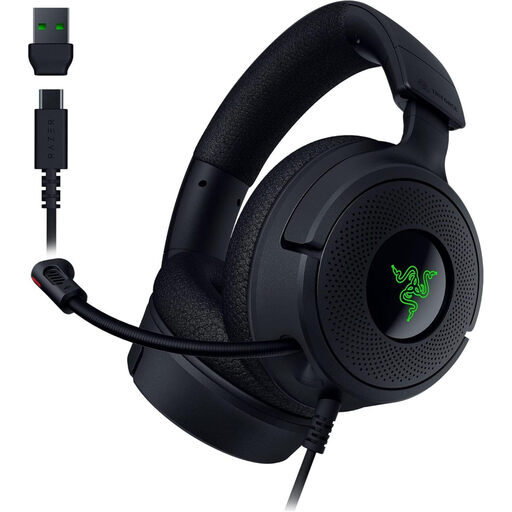
A wired option if your gaming device supports USB-C or USB-A and you’d rather not charge a wireless headset.
40 mm drivers and virtual 7.1 surround sound; weighs 250 g and has memory foam ear cushions. The retractable microphone can be muted.
 No image available
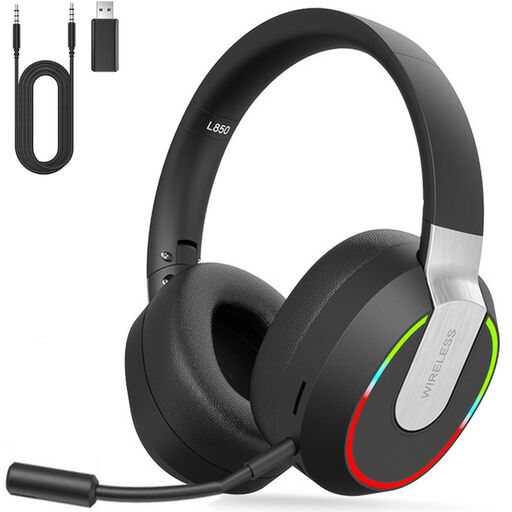
A wireless option if your gaming device supports the USB dongle and you don’t want to run a cable to your seat.
2.4 GHz wireless, Bluetooth 5.1 and wired connection; up to 9 hours of playback. The microphone is detachable, so remember to charge the headset before longer sessions.
 No image available
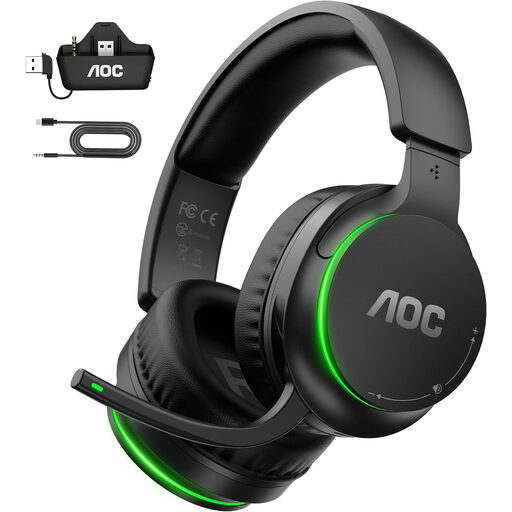
A wireless option for the platforms listed in the product name. Before buying, check which connection works with your device and team chat.
50 mm drivers and up to 75 hours of battery life. The description mentions a USB adapter or a connection via the Xbox controller, plus a microphone with a mute function.
 No image available
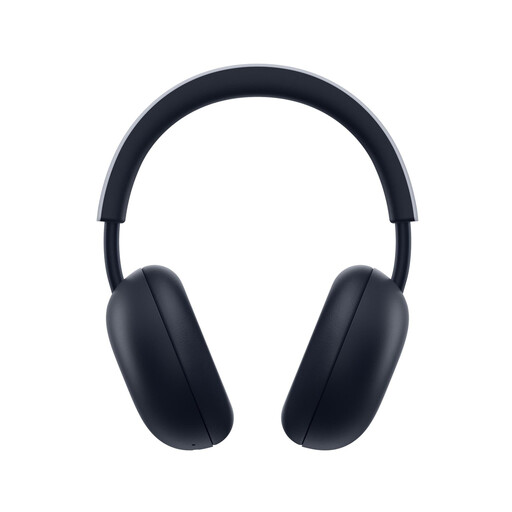
A wireless option for PS5 and PS4 if PlayStation Link via the USB adapter works with your gaming device.
PlayStation Link and Bluetooth; up to 30 hours of battery life. The description mentions an integrated microphone with noise reduction and flat-folding ear cups.
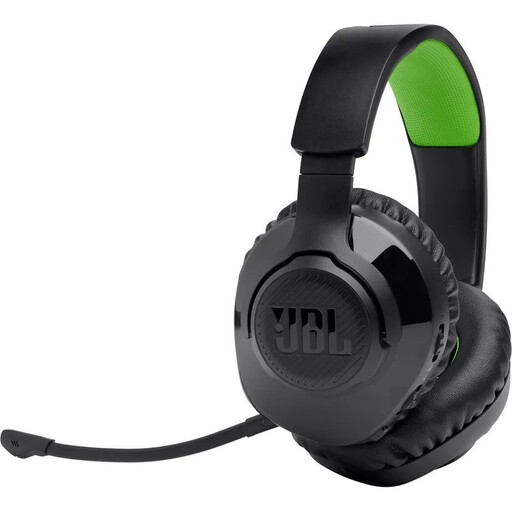 No image available
A wireless option for Xbox. The product description also lists PlayStation, Switch and PC, but check the connection on your particular gaming device.
2.4 GHz wireless and Bluetooth; up to 22 hours of battery life. The detachable microphone can be muted, and memory foam ear cushions are listed.
You can’t tell from the presence of an audio port alone. Check separately where your gaming device outputs audio and which microphone it recognises as the input for the chat service you use. Manufacturers list supported platforms and connection types for each model.
For compatible wireless headsets, PlayStation says to connect the USB adapter to the console and switch on the headset. For headsets made by other manufacturers, PlayStation advises checking their instructions. Compatibility should be checked separately.
Select the connected audio output and microphone input on your gaming device, then check the sound, microphone and mute function before a match. If the connection drops, PlayStation lists the charge level and making sure the USB adapter is firmly connected among the things to check on its models.
According to consumer information from the European Union, distance purchases generally come with a 14-day cancellation period starting from the day the goods are delivered. If goods are faulty, you have a statutory guarantee of at least two years against the seller. This is separate from any voluntary manufacturer’s guarantee. Also check the terms and exceptions that apply to your specific purchase.