Players training with time-critical audio cues
You want to hear in-game or practice cues in sync with your gaming device as closely as possible. However, choosing a suitable connection does not guarantee faster human reactions.


For time-critical audio cues, a compatible wired headset or a model with a 2.4 GHz USB receiver is a sensible starting point; standard Bluetooth is not the same as either of these connection types. RTINGS.com describes differences in audio latency between connection types. In a shared bedroom, also check how much game audio leaks out and whether the microphone picks up your voice clearly amid typical room noise. Lower audio latency does not prove that human reaction times improve.
You want to hear in-game or practice cues in sync with your gaming device as closely as possible. However, choosing a suitable connection does not guarantee faster human reactions.
You play in the same bedroom as someone else and want to minimise distractions for yourself as well as the amount of game audio they can hear.
You use voice chat while practising and want to check that your voice comes through clearly despite the usual room noise.
First compare the connector and connection mode. Then check sound leakage, microphone performance and fit for a shared room.
| Buying consideration | What to check | Who it matters to |
|---|---|---|
| Timely audio cues | Check for a wired connection or 2.4 GHz mode, and make sure your gaming device supports it. If available, consider latency measurements for the specific model. | If I need to react to short audio cues during training, I want a connection that works with my device. Around 31% of consumers put hearing in-game cues in time first. |
| Being considerate in a shared bedroom | Assess the fit and closed-back ear cups; at a moderate volume, check what can still be heard from the other person's side of the room. | If someone else is sleeping or relaxing in the same room, I want to limit disruptive game audio leaking out, rather than relying on claims about sound isolation alone. Around 25% of consumers prioritise being considerate in a shared room. |
| Clear voice chat | Test the microphone position and recording in your own room. Don’t confuse microphone noise reduction with ANC for your ears. | When using voice chat, I want my teammates to understand me despite the usual room noise. Around 19% of consumers put clear voice chat first. |
| Fit for longer sessions | Check the fit with your usual glasses and over a realistic period of wear; weight and padding are no substitute for trying a headset on. | If I’m training for longer, I want a headset that feels comfortable and doesn’t become loose, changing how well it blocks sound passively. Around 13% of consumers prioritise comfort. |
| Device compatibility | Check the specific model variant, platform, connector or USB receiver, and whether the microphone works with your device. | If game audio and chat need to work on my console or PC, I want to check the exact connection before buying. Around 12% of consumers put device compatibility first. |
These features affect different parts of the audio signal path. ANC can reduce the ambient noise you hear, but it doesn’t prove that the other person can’t hear your game audio.
Check separately what you can hear in the room, how much game audio leaks out and how a voice recording sounds amid typical room noise.
Bluetooth and gaming wireless via a USB receiver are not the same. Latency also depends on the specific connection mode and test setup.
Check whether a 2.4 GHz mode is available and supported by your device. If possible, look for measurements of the exact model in the mode you’ll use.
A sound feature or claim about making in-game cues easier to hear does not prove that human reaction times will improve, or that the feature is available on every platform.
Check the platform requirements and assess the cues using the games and settings you actually play with.
The BlackShark V2 X is a wired option with closed-back ear cups for a dedicated training setup.
The Arctis Nova 5 Wireless is designed for people who want to switch between a USB-C receiver for gaming and Bluetooth.
According to the manufacturer, the Cloud III S Wireless has a 2.4 GHz receiver as well as a Bluetooth mode.
The INZONE H9 II is an option for people who also want ANC to reduce distracting background noise while listening.
The PRO X 2 LIGHTSPEED is a wireless option with different ear cushion materials.
This selection includes wired headsets for a dedicated setup, as well as models with a 2.4 GHz USB receiver for wireless gaming. Before buying, check that the connector and microphone will work with your specific gaming device.
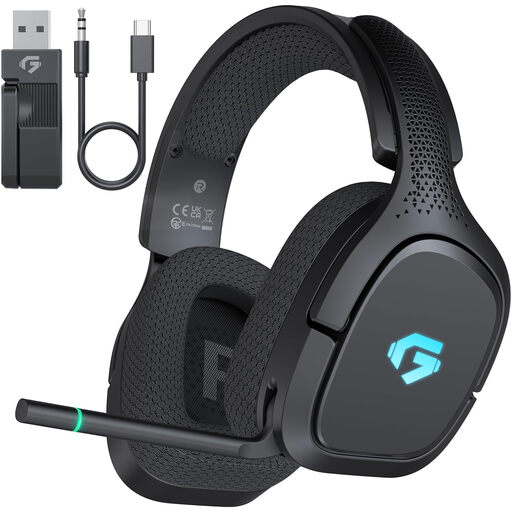 No image available
For wireless gaming with a USB receiver, with a wired option as well.
The product description lists Bluetooth 5.4, a 3.5 mm cable connection, 30 hours of battery life and a microphone with flip-to-mute functionality. Xbox is listed for wired use only.
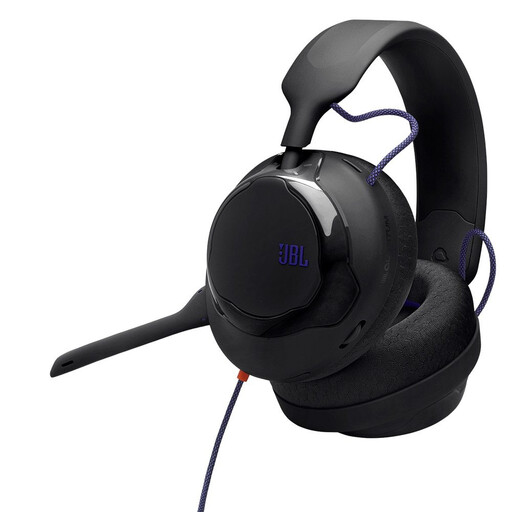 No image available
For a dedicated training setup if you’re looking for a wired over-ear headset with a 3.5 mm connection.
The product description lists a 3.5 m cable, a silicone headband, breathable fabric ear cushions and a detachable cardioid directional microphone. Compatible devices listed include PC, PlayStation, Xbox and Switch.
 No image available
For training in a dedicated setup if you prefer a wired, closed-back headset.
The product description lists a 3.5 mm connection, detachable microphone, dual-chamber 50 mm drivers and memory foam ear cushions. It also lists a 1.3 m cable and a 2 m extension. Use requires a suitable 3.5 mm connection or the specified adapter.
 No image available
For wireless gaming with a 2.4 GHz USB receiver, with an alternative wired mode.
The product description lists Bluetooth 5.4, up to 60 hours of battery life, a detachable microphone and soft, breathable ear cushions. Supported platforms listed include PS4, PS5, Switch, Windows and MacOS.
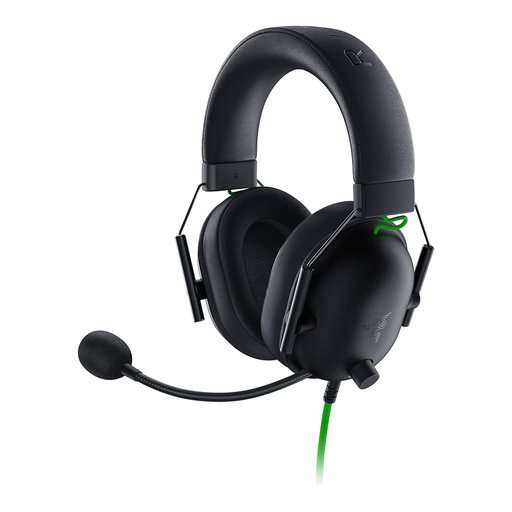 No image available
For a dedicated training setup with a wired connection and closed-back ear cups.
The product description lists a 3.5 mm connector, passive sound isolation and a cardioid microphone. Compatible devices listed include PC, Mac, PS4, Xbox One, Switch and mobile devices. For PCs with separate audio and microphone sockets, the description says to use the supplied Y-splitter for the microphone.
A suitable connection can reduce the delay before audio is played, but that doesn’t mean your human reaction time will improve. Where possible, compare measurements for the specific headset in the mode you’ll actually use.
Connect it using the intended mode and test the game audio and, where relevant, the microphone on the device you’ll actually use. At a moderate volume, check from the other person’s side of the room whether any game audio leaks out. Position a flexible microphone in front of your mouth and try a test recording amid typical room noise.
No. The German Environment Agency warns that excessive sound levels and prolonged exposure can damage your hearing, and recommends listening through headphones at a moderate volume. A workplace exposure limit is not a general limit for gaming at home.
According to the consumer advice centre, you can generally cancel an online purchase within 14 days of receiving the goods. If an item is faulty, your statutory rights are against the seller; a voluntary guarantee is separate. Check the specific returns information before placing your order.
An old headset should be taken to an electrical waste recycling point, not put in your general household rubbish. According to the ear Foundation, a retailer’s take-back obligation depends, among other things, on the size of its sales area and the return circumstances. Check which collection point is right for you.