Start by choosing a headset that suits the device you actually play on and the connection it supports. Make sure game audio and the microphone both work as needed. Sony points out that standard Bluetooth headphones cannot be paired directly with the PS5, so Bluetooth alone doesn’t guarantee a direct connection to your console. Next, consider clear dialogue, comfort during long gaming sessions, and whether a cable or battery-powered headset better suits your setup in front of the big screen.
Who should consider these questions?
RPG sound explorers
If you want to follow dialogue and immerse yourself in a game world for hours, compare sound profiles rather than relying on a surround-sound label alone. PlayStation Support also explains that the PS5 has a dedicated 3D audio setting for headphones.
Players who enjoy long sessions
For extended RPG sessions, fit, padding and adjustability matter. COMPUTER BILD notes that some models it tested have limited adjustment options, while beyerdynamic lists replaceable ear pads and a replacement headband for the MMX 300 PRO.
Sofa gamers with multiple devices
If you switch between a console and PC on the big screen, check which device carries the game audio and whether chat works through it too. Microsoft, SteelSeries Support and Sony Support document different connection options for their respective devices and models.
What to look for when buying
First, check the connection and microphone support for the device you’ll be playing on. Then compare sound and comfort for a typical gaming session.
| Priority |
What to check before buying |
Who it matters most to |
| Dialogue and atmosphere |
Compare the same dialogue and ambient sound scene at the same volume and with the same settings. According to PlayStation Support, you can compare headphone 3D audio with stereo on the PS5. |
If I want to follow dialogue and ambient sounds clearly in an RPG, I first look for a sound profile that suits me. Around 33 % of consumers put this priority first. |
| Comfort during long sessions |
Check the adjustment range and padding on the specific version. Replaceable parts don’t guarantee a personal fit. |
During long gaming sessions, I want to avoid pressure points and adjust the headset to fit. Around 27 % of consumers prioritise comfort over long periods. |
| Connection and freedom of movement |
Make a note of your gaming device, controller socket and required USB connection. Check that both game audio and the microphone work with the exact model version. For Xbox, Microsoft documents a 3.5-mm connection via compatible controllers. |
When I play from the sofa or switch between devices, the connection needs to suit my gaming device without an awkward cable getting in the way. Around 27 % of consumers prioritise connection and freedom of movement. |
| Clear co-op chat |
Test the microphone and mute function on the platform you’ll actually use. COMPUTER BILD criticised voice transmission on the PS5 when testing the INZONE H9 II. |
When I play co-op, I want to be heard clearly and be able to use the microphone easily. Around 13 % of consumers put chat first. |
Avoiding common misconceptions
-
Bluetooth doesn’t automatically mean a direct console connection
A Bluetooth specification alone doesn’t confirm that game audio or chat will connect directly to your console.
Check the exact model, your console and the connection method specifically supported for game audio and microphone use.
-
The PlayStation and Xbox versions of the original Maxwell aren’t interchangeable
According to Audeze, the PlayStation version of the original Maxwell doesn’t work with Xbox via USB or low-latency wireless; 3.5 mm is a separate connection option.
Choose the version that suits your console and check that its intended connection works with your setup.
-
A good overall rating doesn’t guarantee a good fit or chat quality
COMPUTER BILD notes that the Arctis Nova Elite has limited adjustability and criticises the microphone’s voice quality on the PS5 when testing the INZONE H9 II.
Try the fit and test chat on your platform rather than assuming an overall rating covers both.
Relevant brands and model ranges
Sony INZONE
The INZONE H9 II is a wireless option for PC and PS5, provided its intended USB connection suits your setup.
- Sony lists noise cancelling and a weight of 260 g without the microphone for this model.
- COMPUTER BILD praised the spatial sound but criticised the bass in games and the thin-sounding microphone on the PS5.
SteelSeries
The Arctis Nova Elite with GameHub is designed for setups with multiple gaming systems; the connection requirements apply to this model.
- SteelSeries documents several USB inputs and a swappable auxiliary battery.
- According to SteelSeries, USB 3 is the only GameHub input compatible with Xbox. COMPUTER BILD criticised the limited headband adjustment on the model it tested.
Audeze
The original Maxwell comes in separate PlayStation and Xbox versions. Audeze lists this model as discontinued and no longer available to buy directly.
- Audeze rates the sound and microphone of the original Maxwell highly; 3.5 mm is a separate connection option.
- COMPUTER BILD notes its heavy weight. According to Audeze, the PlayStation version doesn’t work with Xbox via USB or low-latency wireless; don’t assume these details also apply to the Maxwell 2.
beyerdynamic
The wired MMX 300 PRO is worth considering if your setup has a suitable 3.5-mm socket and a practical cable route.
- beyerdynamic lists a console adapter and replacement parts for the ear pads, headband and cable.
- COMPUTER BILD praised the sound of the model it tested, but noted that the bass can be strong and the microphone is sensitive to background noise.
Xbox
The updated 2024 Xbox Wireless Headset offers direct pairing for Xbox players.
- Xbox Wire DACH lists up to 20 hours of battery life and automatic microphone muting for the updated version.
- According to Microsoft, Bluetooth is also used to connect to other devices; this doesn’t mean you can connect game audio directly to an Xbox console via Bluetooth.
Headset options at Joybuy
This selection includes wireless gaming headsets for consoles and PC. Before buying, check the connection options supported by your specific devices.
 No image available
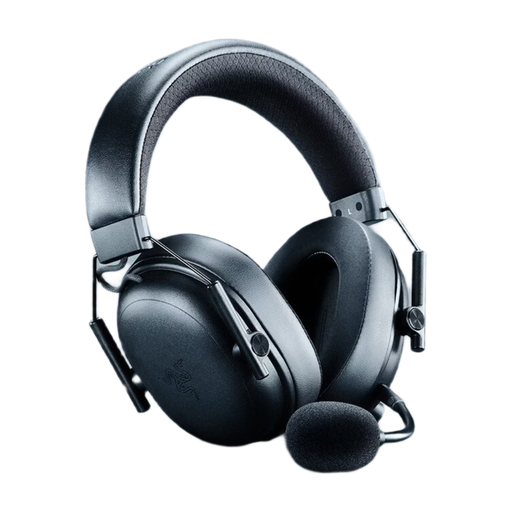
Razer BlackShark V3 Wireless, Black
For anyone looking for a wireless gaming headset.
View at Joybuy
 No image available
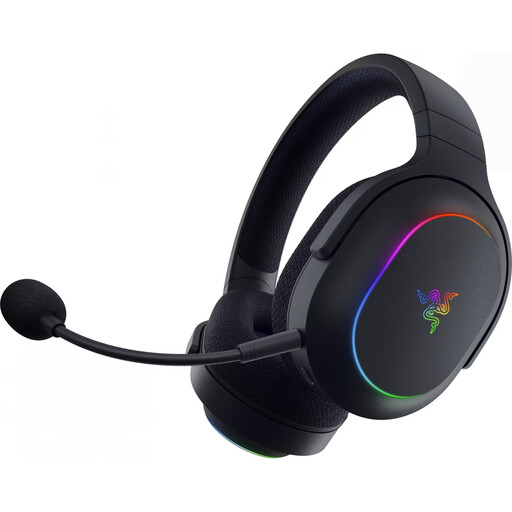
Razer Barracuda X Chroma Wireless, Black
For anyone comparing different connection types and the gaming platforms listed in the model name.
The product name lists 2.4-GHz wireless and Bluetooth 5.3, 40-mm drivers, up to 70 hours of battery life, a weight of 285 g, and compatibility with PC, PS4, PS5 and Switch.
View at Joybuy
 No image available
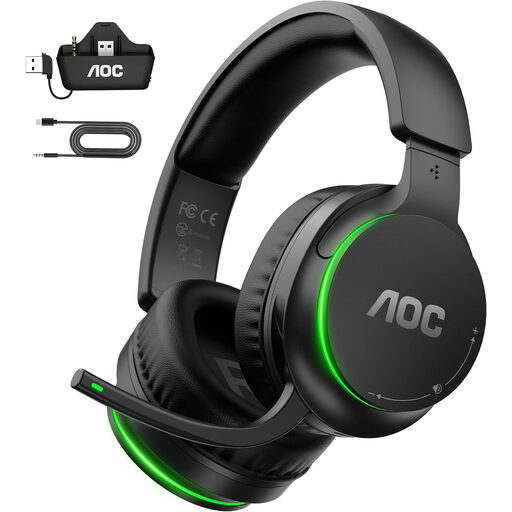
AOC Wireless Gaming Headset for Xbox Series X|S, Xbox One, PS5, PC and Switch
For anyone looking for a wireless headset for one of the platforms listed in the product name.
The product name lists Xbox Series X|S, Xbox One, PS5, PC and Switch. Check the intended connection for your device.
View at Joybuy
 No image available
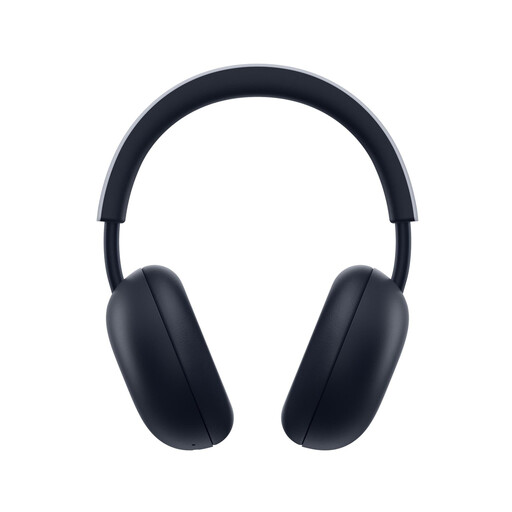
PlayStation PULSE Wireless Headset, White
For anyone considering a wireless headset for PS5 or PS4.
The product name lists PlayStation Link, Bluetooth, a built-in microphone and up to 30 hours of battery life. According to the product description, a PlayStation Link USB adapter is required for the PS5 game audio connection described.
View at Joybuy
 No image available
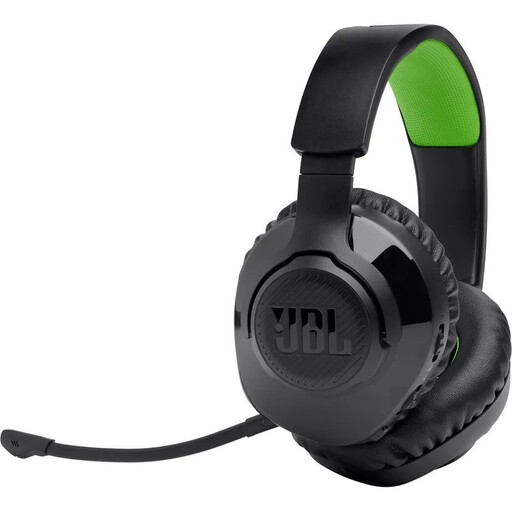
JBL Quantum 360X for Xbox, Black and Green
For anyone comparing wireless over-ear gaming headsets for Xbox.
The product name lists digital 2.4-GHz wireless and Bluetooth. Check which connection is intended for game audio.
View at Joybuy
Frequently asked questions
Should I connect the headset to my TV or gaming device?
Choose the connection that gives you the signal you need. Microsoft documents connecting compatible headsets to an Xbox via the 3.5-mm socket on a suitable controller; a TV connection alone doesn’t guarantee that console chat will work too. Test game audio and the microphone on the device you’ll actually use.
Can I pair a Bluetooth headset directly with a PS5 or Xbox?
Not just because Bluetooth is listed. Sony explains that standard Bluetooth headphones cannot be paired directly with the PS5. Microsoft describes a direct wireless Xbox connection for the Xbox Wireless Headset; for other models, check the connection method specifically intended for your console.
Do I need a headset specifically marketed for surround sound to get 3D audio on PS5?
No. The PS5 has a dedicated 3D audio setting for headphones. PlayStation Support describes a personalised profile or presets. Compare the setting with stereo rather than treating it as proof of the quality of any particular headset.
What should I test before a long RPG session?
Set the audio output on your gaming device, then check game audio, microphone, volume and mute separately. Also test the fit and the connection method intended for your exact platform. According to SteelSeries, an Xbox must be connected to the USB 3 GameHub input when using the Arctis Nova Elite.


