Anyone practising team chat
If you’re practising short callouts, clear voice transmission and a mute button that’s easy to reach are important. Discord Support describes voice activation and Push-to-Talk as input modes.


For team communication practice, a microphone that works with your gaming device and an easy-to-reach mute button are essential. Check how clearly you come through in the voice chat you actually use. A wired headset saves you having to charge it, but limits your freedom to move; with a wireless model, make sure it’s compatible with your particular gaming device. For longer practice sessions, a comfortable fit and the right balance between game and chat volume also matter.
If you’re practising short callouts, clear voice transmission and a mute button that’s easy to reach are important. Discord Support describes voice activation and Push-to-Talk as input modes.
If you switch between PC and console, check the connection and microphone function for every device you actually use. A headset with several connection options won’t necessarily support every combination.
If you wear your headset for longer periods, look for an adjustable fit and check whether you can hear your teammates clearly and, if needed, hear your own voice too. Sidetone is the playback of the microphone signal through the headset, as SteelSeries Support explains.
A good fit if: you practise in one place and don’t want to charge a battery.
Bear in mind: the cable limits your freedom to move, and the connection must be compatible with your gaming device.
A good fit if: you want to move around freely while practising and your gaming device is explicitly supported.
Bear in mind: you’ll need to charge the battery and check that the specific connection and microphone function are supported.
When choosing a gaming headset for practising team communication, first check the microphone and connection for your device. Then consider fit, controls and any additional features you actually need.
| What matters when buying | What to check | Who it matters most to |
|---|---|---|
| Clear callouts | Microphone position and mute function; test voice transmission in the chat you use. | Anyone practising team callouts will want to speak clearly and be able to mute the microphone quickly during practice. Around 31% of consumers with this use in mind put clear callouts first. |
| Connection to your gaming device | Check the specific connection and microphone input for your PC or console. | If you switch between devices, voice chat should work on each one. Device compatibility is the top priority for around 25% of consumers. |
| Fit and listening balance | Check adjustability and ear cushions; consider sidetone or chat mix only if they’re supported and suitable. | A comfortable fit and being able to hear your teammates clearly matter during longer practice sessions. Around 19% of consumers prioritise comfort and audibility. |
| Freedom to move | Choose wired or wireless; for a wireless connection, check compatibility and charging requirements. | If you want to move away from your desk while practising, a cable may get in the way. Remember to consider battery life and connectivity too. Freedom to move comes first for around 13% of consumers. |
| Cost of the features you need | Make sure the microphone and connection are right for you first; only consider extras if you plan to use them. | If you mainly need team chat, extra audio or software features don’t have to be deciding factors. Around 12% of consumers put the cost of the features they actually need first. |
A general Bluetooth specification doesn’t confirm that a particular headset can transmit audio and microphone input to the PS5. Sony warns that Bluetooth audio devices may have compatibility issues.
Check the headset model and connection method for PS5, and make sure the microphone works through that connection too.
A list of platforms or connections doesn’t automatically mean that every combination of console, connection and microphone is supported.
Check that the connection you intend to use works with your gaming device, then test both audio input and output.
SteelSeries describes how to set up Sonar ChatMix for a PC configuration. Razer states that Windows 11 is required for the 7.1 feature advertised for the BlackShark V2 X.
Check the operating system and software requirements before factoring these extra features into your choice.
The wired Cloud III is an option for voice chat, with several connection types listed by the manufacturer.
The G335 is aimed at anyone looking for a wired headset with an adjustable fit and simple microphone controls.
The Arctis Nova 1 is an analogue headset for multiple platforms. SteelSeries describes separate game and chat channels for a compatible PC configuration.
According to the manufacturer, the MMX 150 wireless has a detachable microphone, sidetone and replaceable ear cushions.
The BlackShark V2 X range includes headsets with a positionable microphone for gaming and voice chat.
The wired and wireless gaming headsets below are suited to voice chat and team communication. Check that each one’s connection and microphone function work with your gaming device.
 No image available
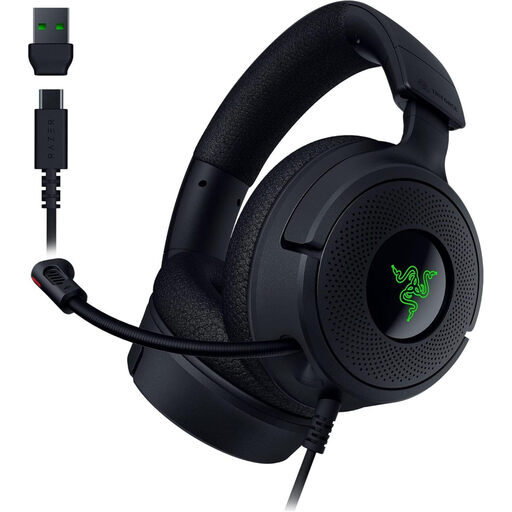
The retractable microphone is useful for team chat; check that the connection is compatible with your device.
USB-C to USB-A connection; retractable HyperClear cardioid microphone; stated weight: 250 g; memory foam ear cushions.
 No image available
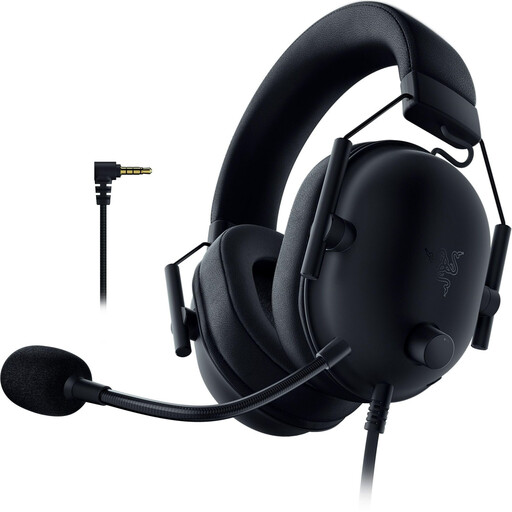
For voice chat using a compatible 3.5 mm connection, the product description lists a flexible microphone.
3.5 mm connection; volume controls on the headset; flexible cardioid microphone; stated weight: 240–260 g; memory foam ear cushions. The description lists an adapter for Xbox.
 No image available
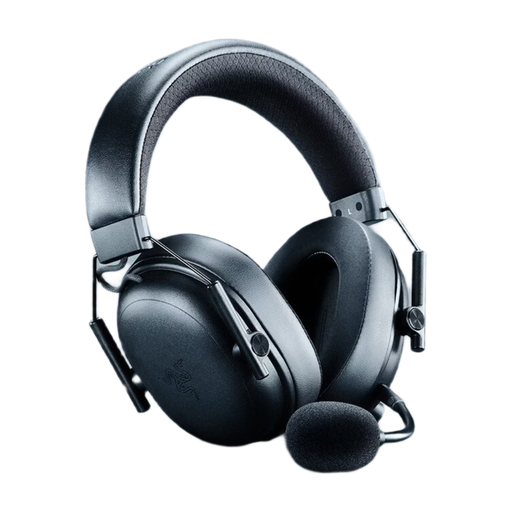
For wireless team communication, the product description lists a detachable microphone and mute function. Check that the connection works with your gaming device.
Listed features include 2.4 GHz, Bluetooth and USB connections, game/chat balance, a weight of 270 g and battery life of up to 70 hours.
 No image available
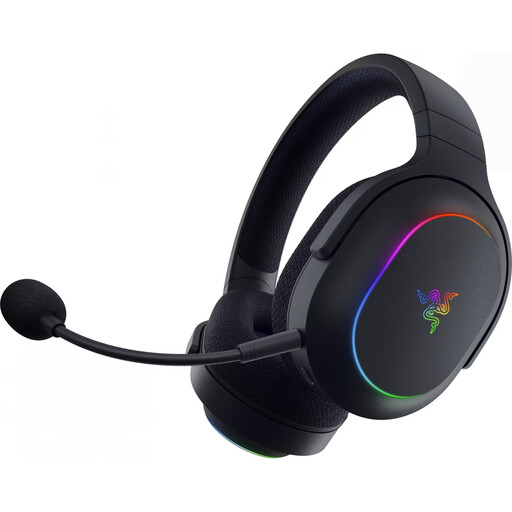
For voice chat while gaming, the product description lists a built-in microphone with a mute function. Check that the connection is compatible with your device.
Listed features include 2.4 GHz and Bluetooth 5.3, a weight of 285 g, memory foam ear cushions and battery life of up to 70 hours. Compatible devices listed include PC, PS4, PS5 and Nintendo Switch.
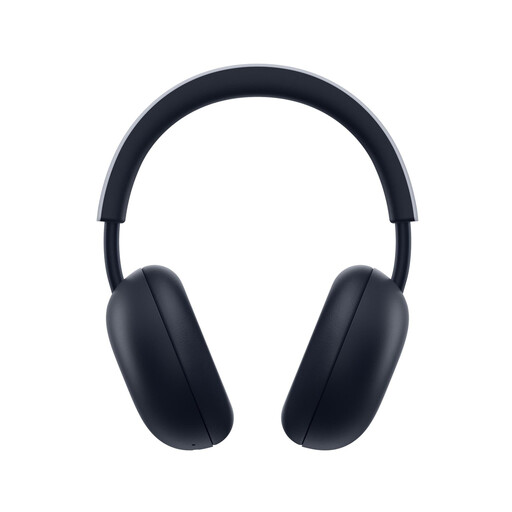 No image available
For team chat on PS5 or PS4, the product description lists a built-in microphone. Check the recommended connection method for your device.
PlayStation Link and Bluetooth; game/chat balance at the touch of a button. According to the instructions, the PlayStation Link USB adapter is used for PS5 game audio. Battery life figures vary across the product information, so they aren’t included here.
Select the right input device in the voice chat you use and make a short test recording. Discord offers voice activation and Push-to-Talk. For the analogue Arctis Nova 1, SteelSeries also recommends checking the cable, mute function and selected input device.
No. A Bluetooth specification alone doesn’t confirm compatibility. Sony lists Bluetooth audio devices as a possible cause of PS5 compatibility errors. For the specific model, check for an explicitly supported PS5 connection or adapter, and make sure the microphone works too.
According to the Verbraucherzentrale, online purchases generally come with a 14-day right to cancel; you have to notify the seller that you’re cancelling. If there’s a fault, your statutory rights are against the seller and are separate from any voluntary guarantee. Check the terms of your specific purchase.
The German Environment Agency advises that old electrical equipment must not go in household waste. Take the headset to a suitable collection point. If the batteries can be removed, separate and dispose of them before handing it in, where possible.