Detail-focused listeners
If you listen to scenes more than once, check whether you can clearly distinguish sounds from speech. Sound ratings in COMPUTER BILD’s gaming headset test are not specifically based on reviewing tournament footage.


Start by checking the device you’ll use to play the recordings and which connection it has available. For longer viewing sessions, a comfortable fit and sound that lets you assess details repeatedly also matter. A wired headset means no charging or wireless receiver, but you’ll need to manage the cable on a small desk. Wireless keeps the cable away from your headset, but requires a compatible receiver connection and regular charging.
If you listen to scenes more than once, check whether you can clearly distinguish sounds from speech. Sound ratings in COMPUTER BILD’s gaming headset test are not specifically based on reviewing tournament footage.
For longer sessions, fit and cushioning matter; a model’s stated weight is no substitute for trying it on. Sony and beyerdynamic list weights for specific models, but that alone doesn’t tell you how comfortable one will feel to wear.
If desk space is limited, choose based on the device you actually use and the connections it has. Sony, SteelSeries and beyerdynamic offer different dongle, multi-source and wired solutions.
First check your playback device and its connections. Then assess the sound, fit and microphone based on how long you watch the recordings and who you watch them with.
| What matters | What to check when buying | Who should consider it? |
|---|---|---|
| Sound details | Listen to recordings you know at the same volume and compare sound profiles under controlled conditions. | If I want to distinguish short sounds from speech when listening again, this is my priority. Around 31% of consumers would put sound details first. |
| Fit during longer viewing sessions | Assess the fit with glasses, clamping force and cushioning during a typical session. | If I’m sitting at my desk for a long time, I want to avoid pressure points and check that the cushions feel comfortable. Around 25% of consumers would prioritise comfort. |
| Space and cables | Plan for available connections, cable routing, a charging spot and space for a receiver or base station. | If there’s little room on my small desk, I pay attention to how the cables and accessories fit. Around 19% of consumers would prioritise space requirements and connection layout. |
| Device compatibility | Check your playback device and available connections. For consoles, confirm the exact model and wireless support. | If I want to use the headset with a particular console or device, the connection needs to work properly with it. Around 13% of consumers would put compatibility first. |
| Voice chat | Check the microphone connection and mute function, then test the microphone on the device you plan to use. | If I discuss scenes with other people while watching, a microphone that works with my device is important. Around 12% of consumers would prioritise voice chat features. |
Support for USB and wireless connections can vary between versions of the same headset family. The Xbox and PlayStation versions of the Audeze Maxwell are not interchangeable.
Decide which playback device and connection type you need before choosing. For the Maxwell, check the full model name and the stated console compatibility for that version.
A wireless headset avoids a cable running to your head, but may still need a dongle, a charging spot or an additional base station. A GameHub is most useful if you’ll actually use its features with multiple sources.
Compare the connections and devices you need, and allow space only for accessories that suit your viewing setup.
The World Health Organization identifies volume and listening time as factors that can put strain on your hearing.
Listen to recordings at a moderate volume and take breaks, rather than trying to pick out details by listening for longer or turning the volume up.
According to Sony Germany, the INZONE H9 II combines a USB-C wireless receiver, noise cancellation and a boom microphone. This is worth considering if your playback device has a compatible USB port available.
With its GameHub and multiple audio sources, the Arctis Nova Elite is better suited to setups where you genuinely use several devices as audio sources.
With the Maxwell, choosing the Xbox or PlayStation version is particularly important if you want to listen to recordings wirelessly through a console.
The closed-back, wired MMX 300 PRO is an option for a dedicated viewing setup with compatible 3.5 mm connections.
According to HyperX, the wired Cloud III offers 3.5 mm, USB-C and USB-A connections for different playback devices.
This selection includes wired models for dedicated playback setups, as well as wireless headsets if you’d rather not have a cable attached while watching.
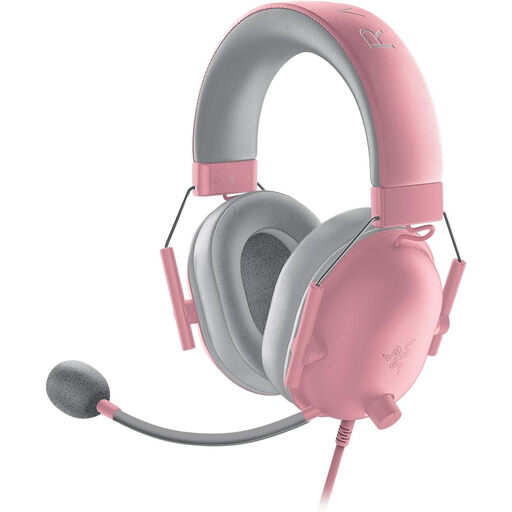 No image available
The wired version suits a dedicated viewing setup if your playback device has a free 3.5 mm connection.
Make sure you have room to route the cable on a small desk.
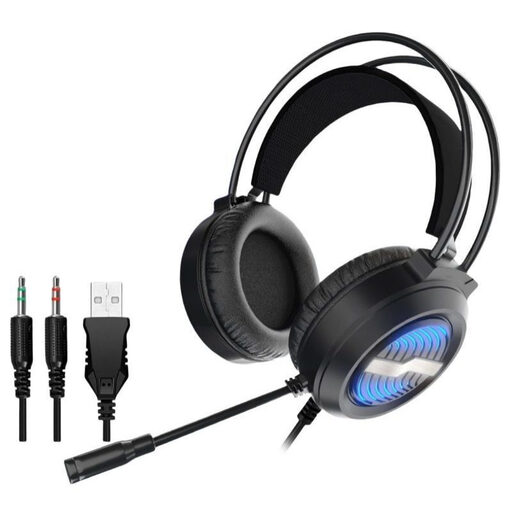 No image available
For a dedicated viewing setup, check whether your playback device has the USB or 3.5 mm connection required by this headset.
It’s wired, so remember to allow space for the cable on a small desk.
 No image available
Wired and wireless use offer different connection options for your viewing setup; check which one works with your playback device.
The product name lists up to 22 hours of battery life, a boom microphone, ANC and Bluetooth 5. The battery needs charging for wireless use.
 No image available
If you want a dedicated viewing setup without a wireless receiver, a wired connection is an option as long as your device has a compatible 3.5 mm port.
An extension cable may be required for a PC, according to the product description.
 No image available
If a headset cable gets in the way while you’re watching, the product name lists 2.4 GHz wireless connectivity; you’ll need a compatible USB port for the receiver.
The product name also lists 50 mm drivers and both wireless and wired operation.
Not just to listen. If you’re discussing scenes with other people as you watch, check the microphone connection and mute function on the device you plan to use, then test the microphone. Manufacturer specifications are no substitute for trying it out.
Check that there’s a free, compatible port for the receiver, that your platform is supported and that you have somewhere to charge the headset. The Xbox and PlayStation versions of the Audeze Maxwell differ particularly in their USB and wireless connections.
The World Health Organization recommends keeping the volume low and taking listening breaks. In its safe listening guidance dated 6 March 2026, it gives 80 dB for up to 40 hours a week as an example of sound level and listening time; this doesn’t correspond to a setting you can read directly from a headset volume control.
Your statutory consumer rights are against the seller; a manufacturer’s guarantee is separate and voluntary. If a product is faulty, the first step may be repair or replacement. The Verbraucherzentrale explains that new goods are covered by a two-year statutory warranty period.