Console players using a TV
Check the audio connection on your specific console and headset, and consider where you sit. The size of your TV doesn’t tell you whether the connection will work.


For visual novels on a big screen, a headset is only a good fit if its connection works with your PC, console or a TV audio output that’s actually supported; screen size alone doesn’t determine this. For long stretches of dialogue, clear voices and a comfortable fit for you matter more than any single surround-sound claim. Wireless freedom is worth considering if the receiver, your seating position and charging requirements suit your setup.
Check the audio connection on your specific console and headset, and consider where you sit. The size of your TV doesn’t tell you whether the connection will work.
If you listen to voices and music for long periods, assess the sound and fit of the specific model rather than choosing based on spatial effects alone.
If you want to move around your seating area without an audio cable, check that the receiver is compatible and remember to factor in regular charging for a wireless headset.
First check your audio source and the right connection, then consider dialogue sound and comfort. Extra features only matter after that, if you’re actually going to use them.
| What matters | What to check before buying | Who is it important to? |
|---|---|---|
| Connection and compatibility | Check that your gaming device, connection, any required receiver, and audio and microphone functions all work with the exact model. | If I play on a TV, I want to know whether my console, headset and seating position can all work together using the same connection. This is the main concern for around 28% of consumers. |
| Voices and music | Where possible, compare voices and music using familiar content; only apply test results to the model that was tested. | When I play a story with lots of dialogue, I want to hear voices and music clearly rather than focus only on surround sound. Around 22% of consumers put this aspect of sound first. |
| Comfort over longer sessions | If possible, try the fit with glasses on and for a realistic length of time; check the ear cushions on the exact version. | If I play for a long time, I want to find a headset that suits the shape of my head. For around 22% of consumers, comfort is the top priority. |
| Freedom to move | Check the receiver connection and position, cable routing and charging requirements where you sit. | If an audio cable gets in the way where I sit to play, I want more freedom to move while still having a suitable audio connection. Around 17% of consumers prioritise this freedom of movement. |
| Features you need | Decide in advance whether you need a microphone, wireless connection or ANC for the way you play. | If I mostly play alone, I don’t want to choose features I won’t use. Around 11% of consumers focus above all on keeping the feature set to what they need. |
Connections vary depending on the device and transmission method. Bluetooth support for a mobile device doesn’t prove that the same connection will work with your console.
Check the audio source, the exact headset mode, what’s included and the microphone function you need separately.
In its review of the Sony INZONE H9 II, the BILD buying guide praised its spatial sound, but also noted weak bass in games and a tinny-sounding microphone on PS5. These observations apply to the model tested.
For dialogue-heavy games, assess voices and music, and don’t assume test results apply to other models.
Manufacturer information about battery life and materials applies to the specific model. It doesn’t show how long a headset will last with your usage or how it will feel to you.
If possible, try the fit and check the ear cushions and charging requirements for the exact version.
Verbraucherzentrale distinguishes between your statutory rights against the seller and a voluntary guarantee.
If there’s a fault, contact the seller first and provide proof of purchase; you can also check the guarantee terms.
The MMX range includes the closed-back MMX 150 wireless, which can be used wirelessly or with a cable.
The wired Cloud III could be a good fit if having several connection options matters more to you than going wireless.
The Arctis Nova 7 Wireless Gen 2 is aimed at people who want game audio via a USB-C dongle and phone audio via Bluetooth as well.
The PULSE Elite is documented for use with PS5 via a PlayStation Link adapter; the separate INZONE H9 II is a different model.
According to Razer, the Barracuda X Chroma combines 2.4 GHz game audio via a USB-C adapter with Bluetooth that you can switch to.
This selection includes wired 3.5 mm models and wireless headsets for compatible gaming devices. Before buying, check your setup’s audio output, wireless mode and the microphone connection you need.
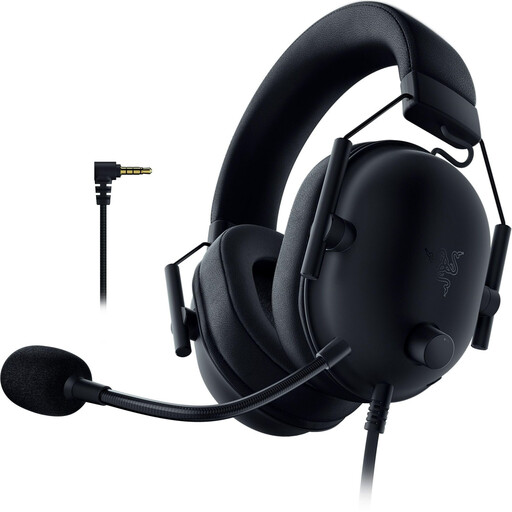 No image available
A wired option if your gaming device has a compatible 3.5 mm connection.
3.5 mm connection; the product description says it’s compatible with PS5, PS4, PC, Switch and mobile devices. It lists a flexible microphone, mute function and memory foam ear cushions.
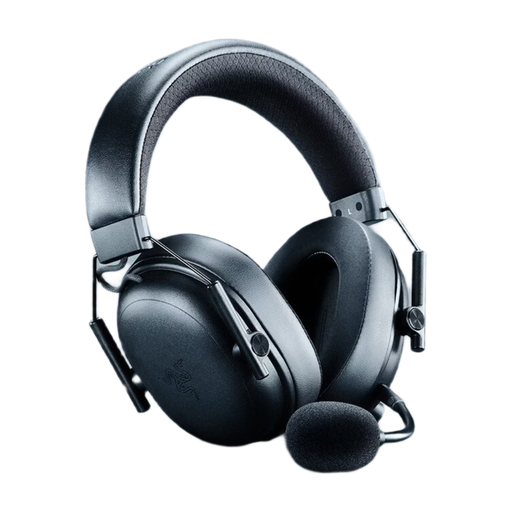 No image available
A wireless option if your device supports the wireless mode you choose and you’re happy to factor in charging.
The product description lists 2.4 GHz wireless, Bluetooth and a USB cable mode, plus up to 70 hours of battery life. It specifies a weight of 270 g, a detachable microphone and simultaneous audio playback.
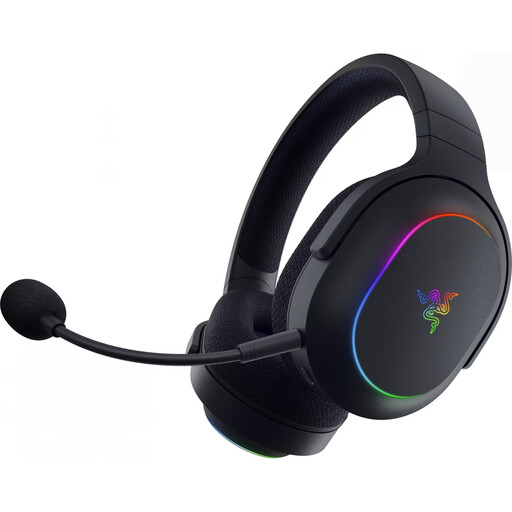 No image available
A wireless option if your gaming device supports the USB-C receiver and you want to move around without an audio cable.
The product title lists 2.4 GHz wireless, Bluetooth 5.3 and 40 mm drivers. It specifies up to 70 hours of battery life and a weight of 285 g; the description lists a USB-C receiver and compatibility with PC, PS4, PS5 and Switch.
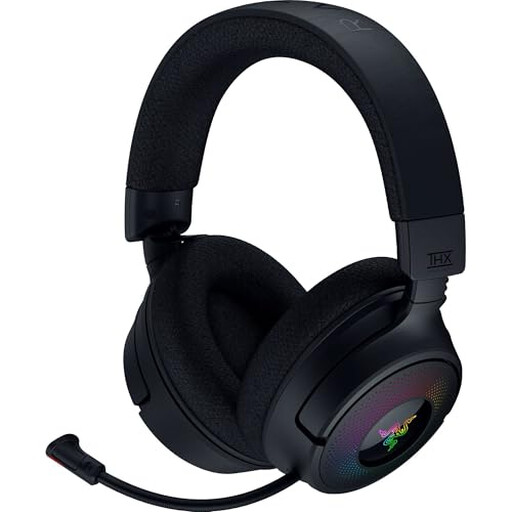 No image available
An option if you want to switch between a wireless receiver and wired mode, depending on the device you’re using.
The product description lists 2.4 GHz wireless, Bluetooth and USB cable mode, and a weight of 250 g. It also features a retractable microphone with a mute function and is listed as compatible with PC, PlayStation and Nintendo Switch.
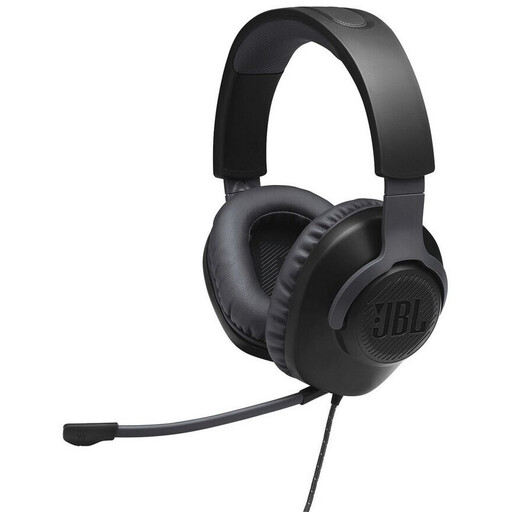 No image available
A wired option if your device has a compatible 3.5 mm output.
The product description lists a 3.5 mm connection, a detachable microphone with a mute function, 40 mm drivers and memory foam ear cushions. It specifies a weight of 216 g and compatibility with PS5, PS4, Xbox, PC, mobile devices and Nintendo Switch.
Start with the device you’re actually playing on and its audio output. For example, Xbox Support explains how to use 3.5 mm audio through a connected controller; PlayStation Support explains how to connect the PULSE Elite to PS5 using the included USB adapter. Connecting to a TV depends on the specific TV and headset.
Check the system version and battery level, move closer and, if possible, remove anything that could interfere between the console and audio device. Nintendo warns that some Bluetooth devices may still have audio delay; its support team suggests wired headphones as an alternative.
A microphone is mainly needed if you want to use voice chat or other voice input. If you do, check the microphone connection and mute function on the device you’re using. HP lists a mute function for the HyperX Cloud III, but this doesn’t confirm every connection combination individually.
The World Health Organization recommends listening at a moderate volume and taking regular breaks. It warns that higher volume and longer listening times can increase the risk of hearing damage.
As Verbraucherzentrale explains, your statutory rights are against the seller and are separate from any voluntary guarantee. Online orders generally come with a 14-day cancellation period, subject to statutory exceptions.